JPG vs PNG for PDF Conversion
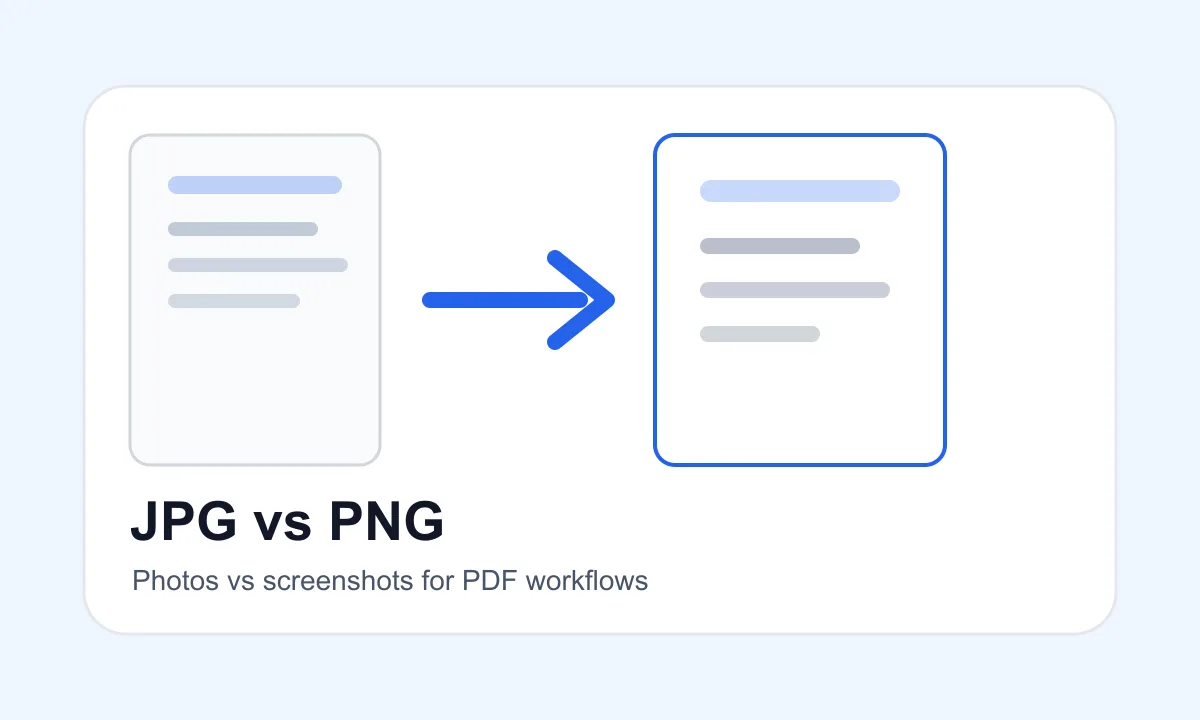
JPG and PNG are both useful, but they solve different problems. Choose JPG for photos and PNG for screenshots, sharp graphics or transparency.
Quick answer
What you need to know first
JPG and PNG are both useful, but they solve different problems. Choose JPG for photos and PNG for screenshots, sharp graphics or transparency.
- 1Use JPG for photos and camera scans.
- 2Use PNG for screenshots, logos and transparent images.
- 3Use Images to PDF when the batch contains both.
- 4Choose layout settings based on the final document.
Visual examples
See the workflow before you use it
When JPG is better
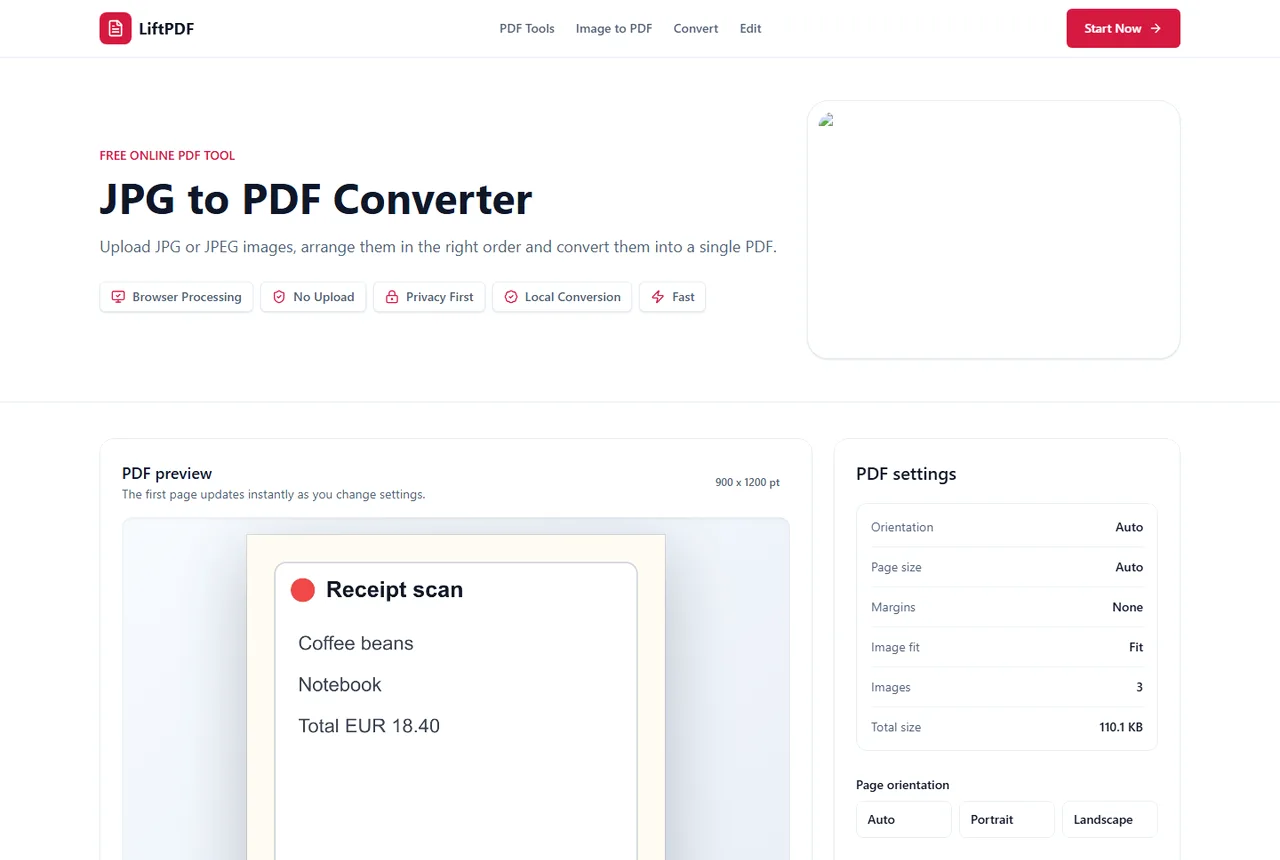
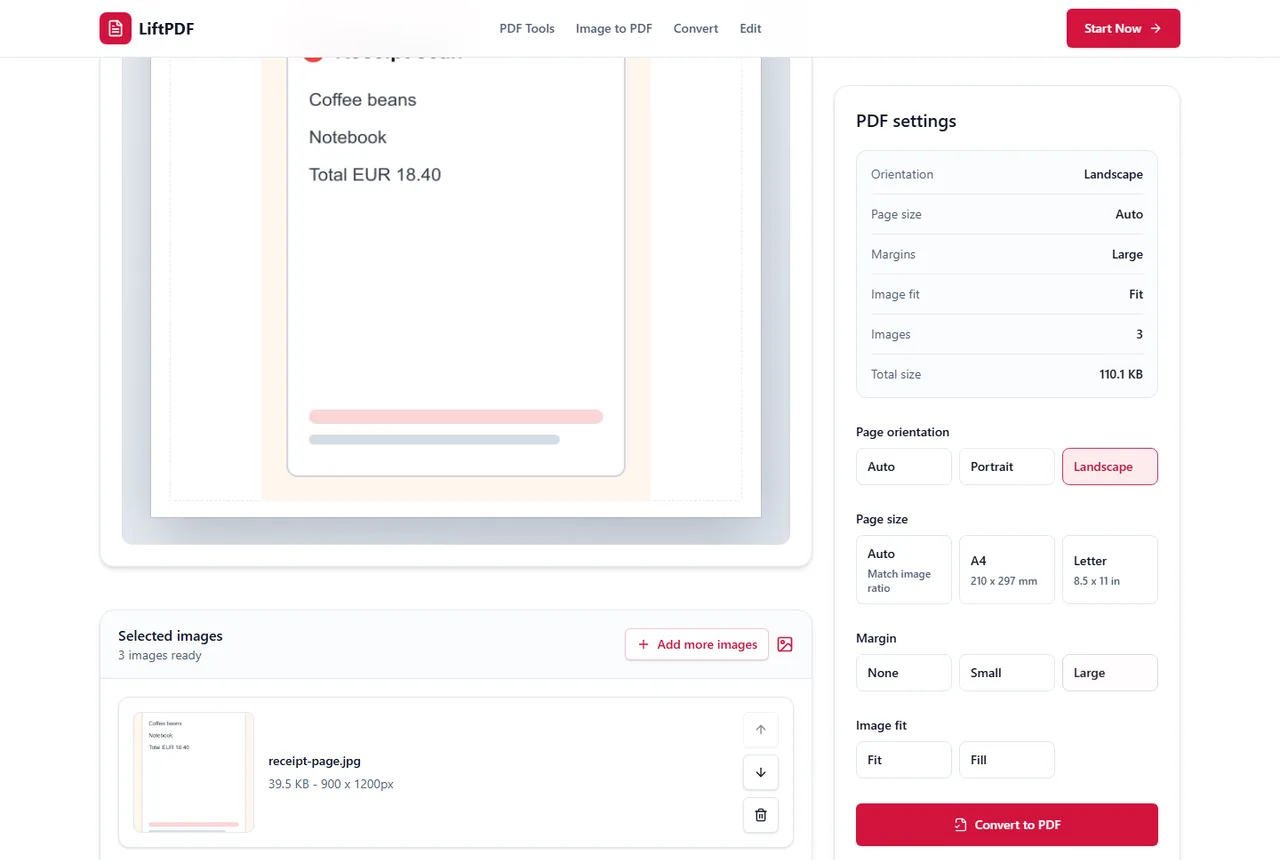
JPG is usually better for photographs because it compresses natural color and gradients efficiently. It is common for camera scans, receipts and document photos.
When PNG is better
PNG is often better for screenshots, UI captures, logos, diagrams and images with transparency. It can preserve sharp edges more cleanly than a heavily compressed JPG.
When to use Images to PDF
If your source folder contains a mix of JPG, PNG and WEBP files, use Images to PDF. It is designed for mixed-format batches.
Privacy and browser processing
LiftPDF creates the PDF in your browser for supported JPG files. The conversion does not need a document upload API, which is useful when photos include IDs, receipts, contracts, class notes or personal records.
This does not replace careful file handling, but it removes a common risk in online converters: sending private images to a remote conversion queue for a simple PDF task.
A practical decision rule
Use JPG for photos and camera scans where smooth tones matter and a smaller file is useful. Use PNG for screenshots, interface captures, logos, transparent graphics and small text that should stay crisp.
When those images become PDF pages, the same rule still applies. A blurry source image will not become sharp simply because it is placed inside a PDF.
FAQ
Questions about JPG to PDF
Can I convert JPG to PDF for free?
Yes. LiftPDF lets you convert JPG and JPEG images into a PDF for free in your browser.
Can I convert multiple JPG files into one PDF?
Yes. Add multiple JPG images, arrange them in the right order and export one PDF with each image on its own page.
Will converting JPG to PDF reduce quality?
LiftPDF places the original image into a PDF page. Quality mainly depends on the source image resolution and the layout choices you make.
Are my JPG files uploaded?
For supported files, the PDF is generated locally in your browser. Your images do not need to be uploaded to a server for conversion.
Can one PDF contain both JPG and PNG pages?
Yes. Use Images to PDF when you want mixed image formats in one PDF.
Editorial note
LiftPDF Editorial Team
LiftPDF articles are written against the behavior of the public LiftPDF tools. We avoid fake expert bylines, invented claims and workflows that the product cannot actually perform.
Published Jul 12, 2026. Last updated Jul 16, 2026.