Can I convert images to PDF?
Yes. JPG to PDF, PNG to PDF and Images to PDF are available now.
Free online PDF tool
Convert images to PDF and export PDF pages as JPG or PNG directly in your browser.
PDF image hub
Image and PDF workflows are often confused. A photo scan may need to become a PDF for submission, while a PDF page may need to become a JPG or PNG for a website, message or design workflow.
LiftPDF separates these jobs by source and output format. That makes quality decisions clearer: JPG for photos, PNG for screenshots, Images to PDF for mixed batches and PDF to image tools for rendered pages.
Tool selection
Start with the file you have and the format you need. JPG, PNG and PDF are not interchangeable; each format has a better use case.
Check whether your files are JPG photos, PNG screenshots, mixed images or PDF pages.
Use PDF for documents, JPG for lightweight visual pages and PNG for sharper graphics.
Open the output once, then compress or convert again only if the file does not meet the use case.
Real LiftPDF workflow
LiftPDF image tools include live previews so users can see page layout before export.
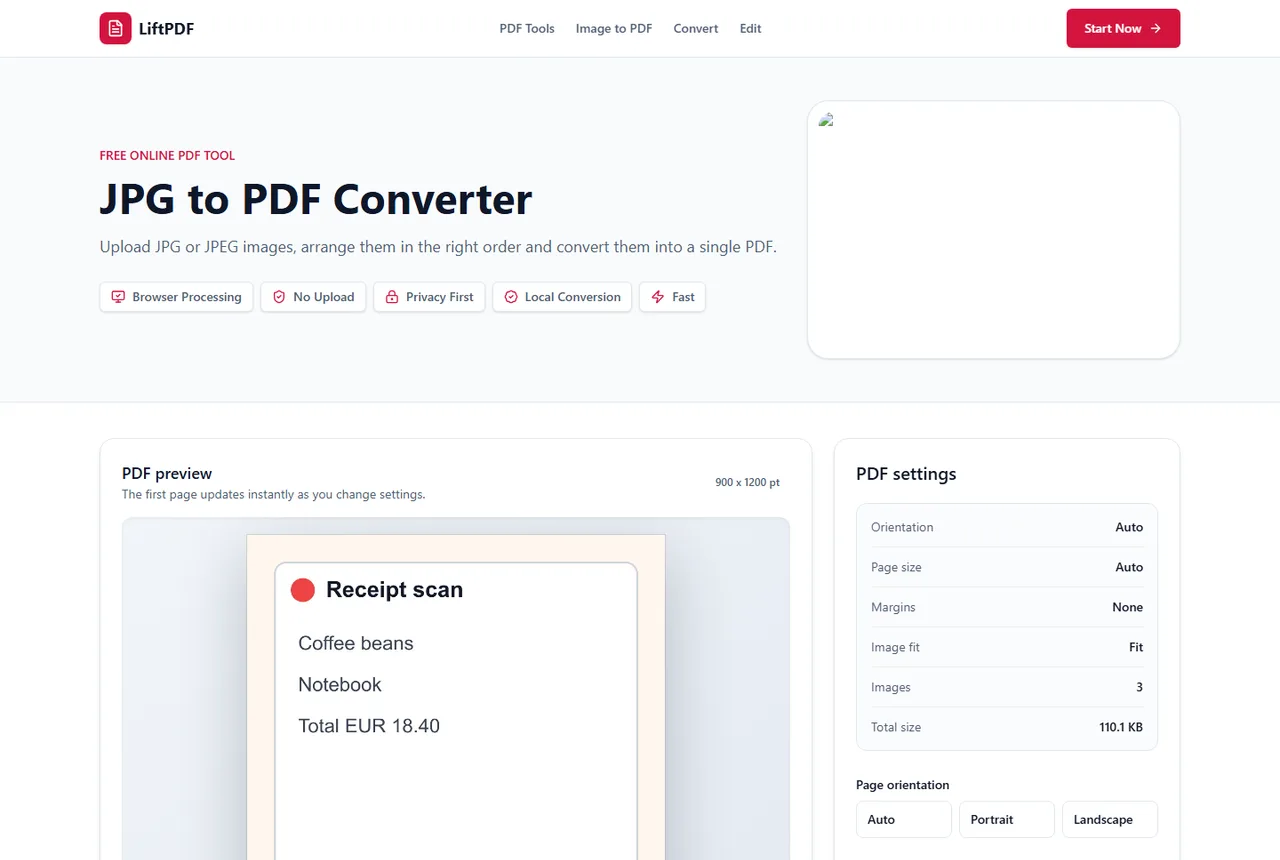
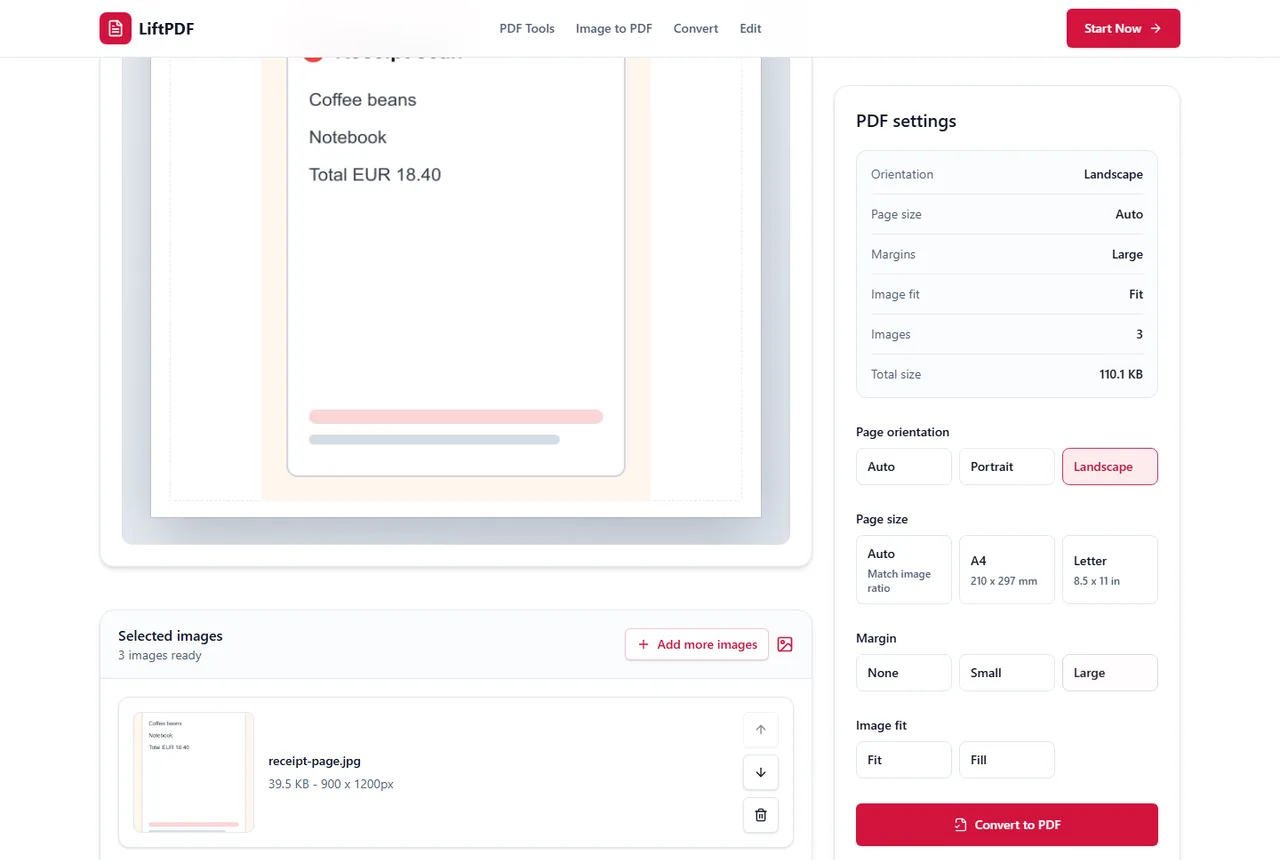
LiftPDF image tools connect the most common visual document workflows: create PDFs from JPG, PNG and WEBP images, or export PDF pages as JPG and PNG files. This hub explains which format to choose.
Yes. JPG to PDF, PNG to PDF and Images to PDF are available now.
Yes. PDF to JPG and PDF to PNG are available from the converter category.
Use JPG to PDF for JPG-only batches. Use Images to PDF when your files include PNG, WEBP or mixed image formats.
Use JPG for smaller photo-like previews. Use PNG for screenshots, diagrams or pages with small text.
Available LiftPDF image tools are designed to process supported files locally in the browser.