Can I merge and split PDFs?
Yes. Merge PDF and Split PDF are available now and process files in your browser.
Free online PDF tool
Organize PDF pages online with browser-based tools to merge, split, delete, extract and reorder PDF files.
Combine multiple PDF files into one document.
Extract selected pages or split every page.
Remove unwanted pages from a PDF.
Save selected PDF pages into a new document.
Rearrange PDF pages before downloading.
Organize PDF hub
Organizing a PDF is not one task. Sometimes you need to combine several files, sometimes you need to remove extra pages, and sometimes you only need to save a few selected pages from a larger document.
LiftPDF keeps these workflows separate so each tool stays simple. Choose the action that matches the document problem, preview the pages and export a clean PDF directly in your browser.
Tool selection
Start with the document problem, not the tool name. The right organizer preserves the PDF content while changing only the structure you need.
Check page thumbnails, file names and page counts before changing anything.
Merge, split, delete, extract or reorder depending on the problem you are solving.
Open the exported PDF once to confirm page order, page count and content.
Real LiftPDF workflow
Real workflow screenshots help show how files and pages are reviewed before export.
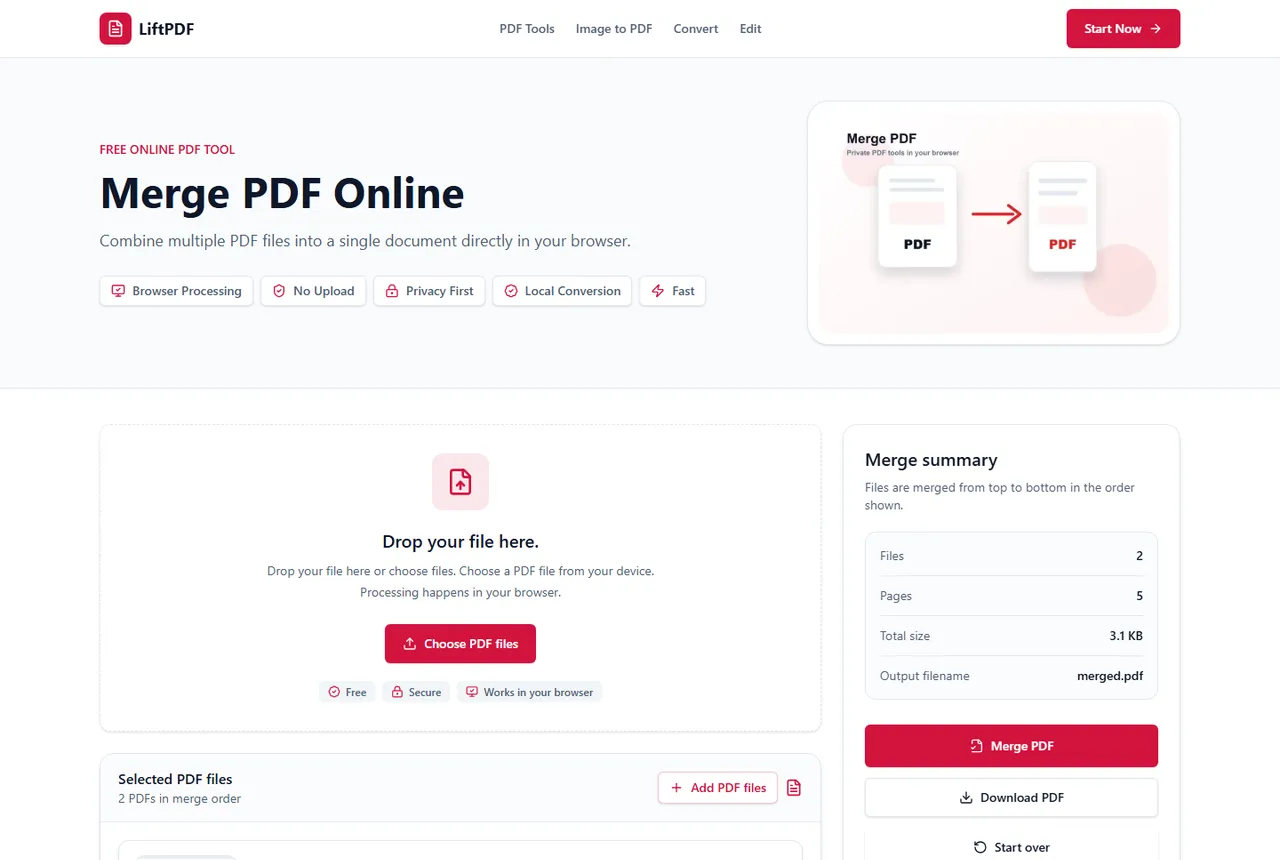
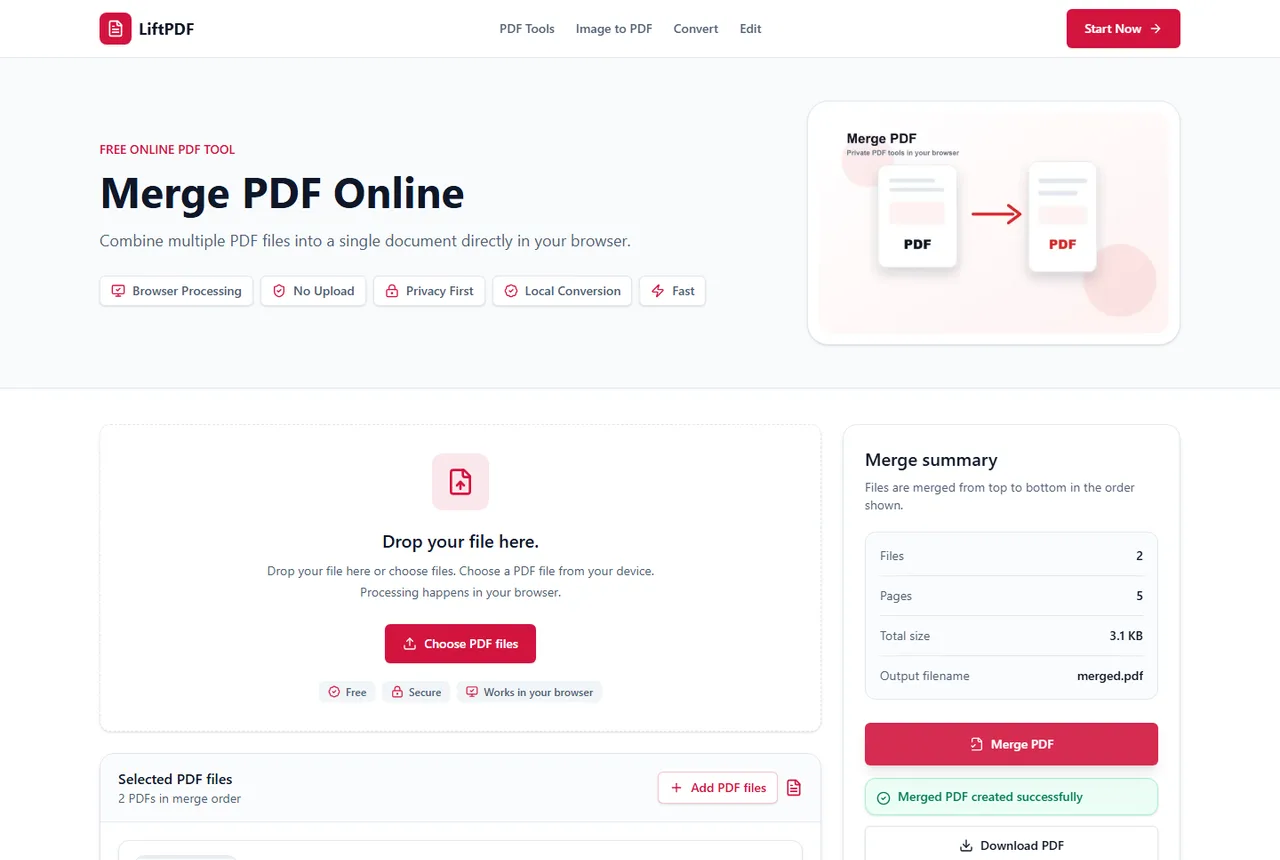
LiftPDF organizer tools help you combine files, split documents, remove pages, save selected pages and rearrange page order. Use this hub to choose the right workflow before changing a document.
Yes. Merge PDF and Split PDF are available now and process files in your browser.
Yes. Delete Pages, Extract Pages and Reorder Pages are available now alongside Merge PDF and Split PDF.
Use Split PDF when you want to divide a document into ranges or separate files. Use Extract Pages when selected pages should become one new PDF.
Yes, if a source PDF contains blank, duplicate or unrelated pages. Cleaning files before merging usually creates a better final document.
Available LiftPDF organize tools are designed to process supported PDFs locally in your browser.