Which PDF converters are available?
PDF to JPG, PDF to PNG, PDF to Text, JPG to PDF, PNG to PDF and Images to PDF are available now. Office converters are listed as coming soon until a real conversion engine is ready.
Free online PDF tool
Convert PDF files to images and documents directly in your browser with free LiftPDF converter tools.
Export every PDF page as a high-quality JPG image.
Convert PDF pages into sharp PNG images.
Convert PDF documents into editable Word files.
Create PDF files from Word documents.
Convert spreadsheets into PDF files.
Convert presentations into PDF documents.
Extract readable text from PDF files.
PDF converter hub
PDF conversion can mean several different things: exporting PDF pages as images, turning images into a document, or extracting selectable text. Each workflow has different output quality, privacy and file-size tradeoffs.
LiftPDF keeps conversion tools focused and honest. Available converters run in the browser for supported files, while unavailable Office conversions stay marked as coming soon instead of pretending to work.
Tool selection
Pick the converter based on the output format you need. If you need editable Office files, wait for a real DOCX/XLSX/PPTX converter instead of using a fake text-only export.
Decide whether the result should be JPG, PNG, TXT or PDF before uploading.
Use page ranges, image order or layout settings to control the final result.
Open the converted file once to confirm quality, page count and format.
Real LiftPDF workflow
LiftPDF conversion tools show the file and output settings before generating the result.
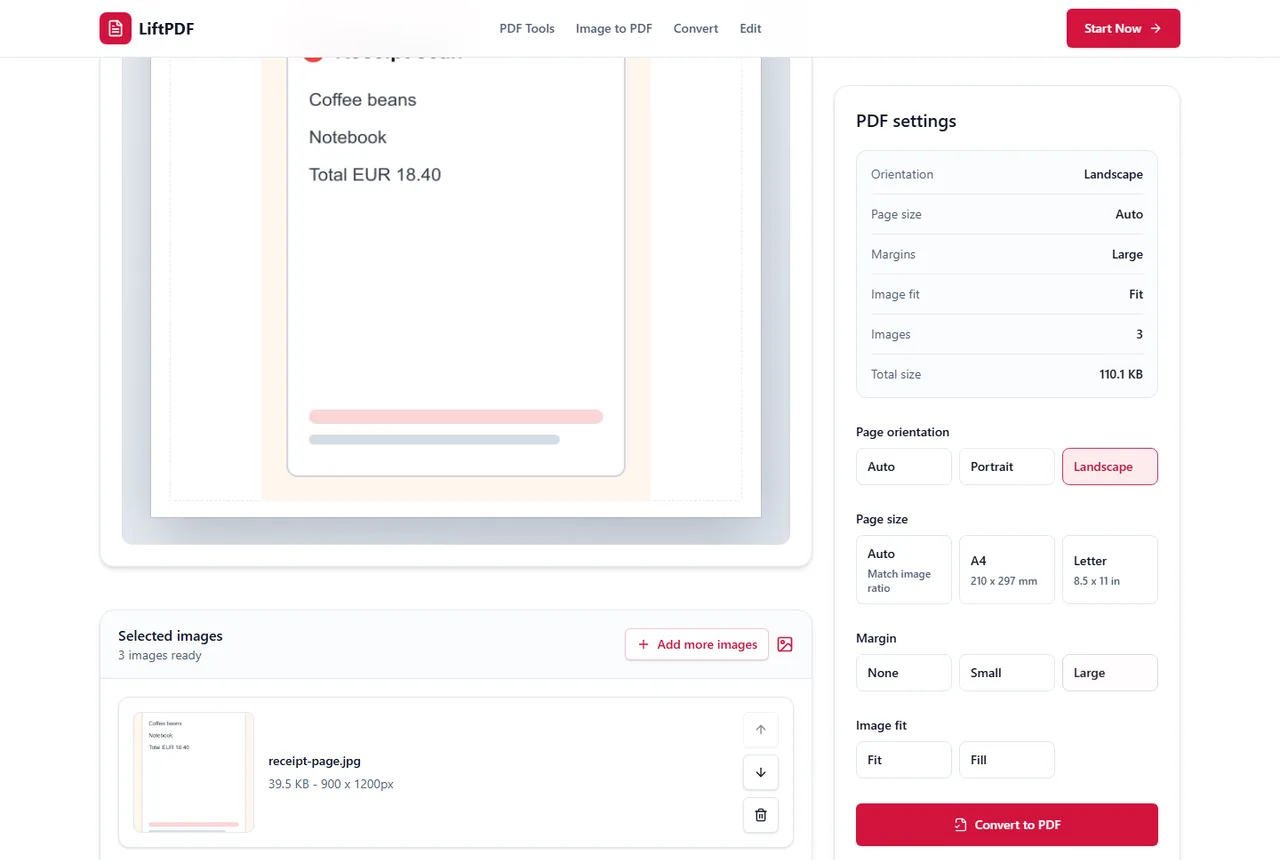
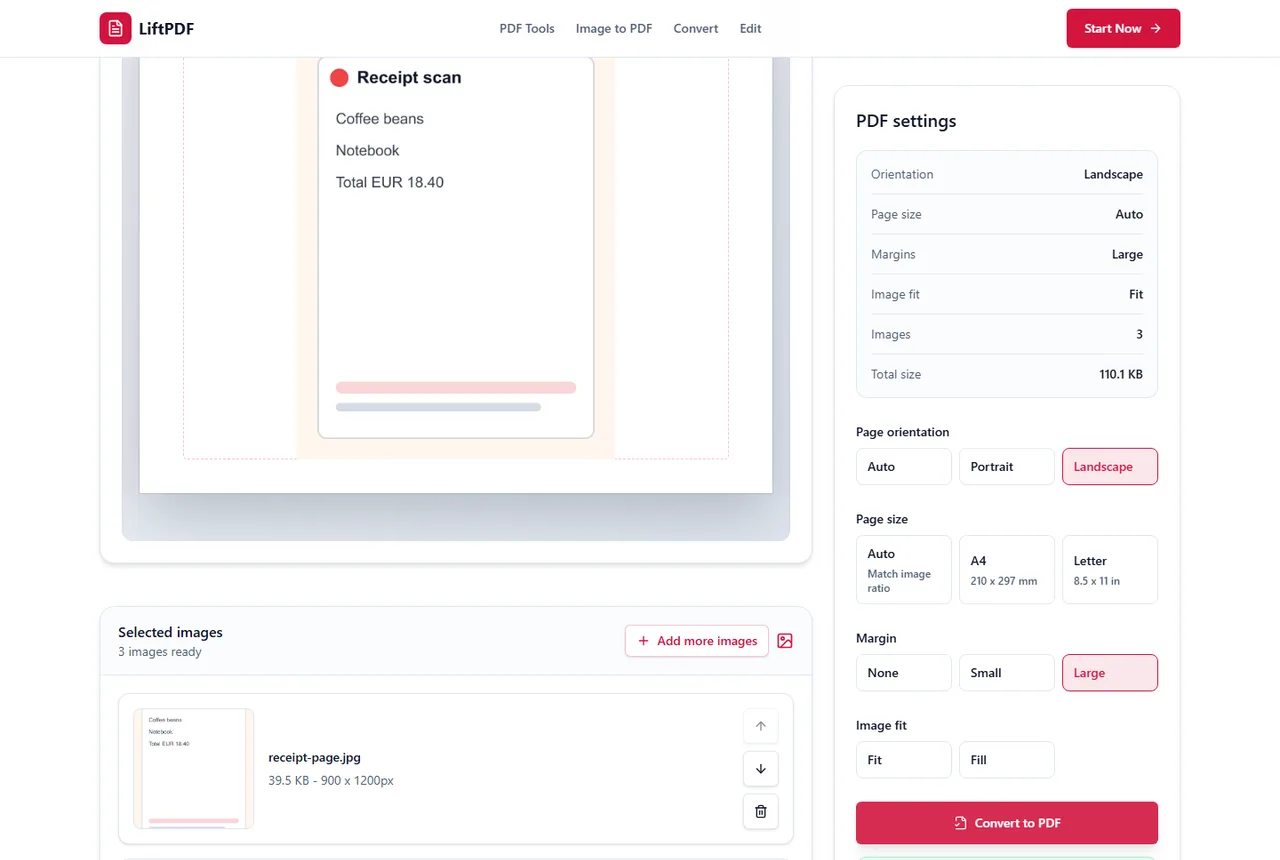
LiftPDF converter tools focus on the formats available today: PDF pages to images, image files to PDF and readable PDF text extraction. The hub separates live tools from future Office converters so users can choose an honest workflow.
PDF to JPG, PDF to PNG, PDF to Text, JPG to PDF, PNG to PDF and Images to PDF are available now. Office converters are listed as coming soon until a real conversion engine is ready.
No. Available LiftPDF converters process files locally in the browser.
Not yet. LiftPDF does not publish a PDF to Word tool until it can create a real DOCX file instead of a renamed text export.
Use JPG for photo-like pages and smaller visual previews. Use PNG for screenshots, diagrams or pages with small text that should stay sharp.
No. PDF to Text extracts selectable text already present in the PDF. Scanned image-only PDFs require OCR.