Can I edit PDFs for free?
Yes. Available LiftPDF editor tools are free and run in your browser.
Free online PDF tool
Edit PDF files online for free with browser-based tools for compression, rotation, page numbers and watermarks.
Rebuild PDFs with safe browser-side compression.
Rotate individual pages or all pages at once.
Add custom page numbers with position and style controls.
Add text or image watermarks to every PDF page.
Fill PDF forms directly in your browser.
Crop page margins and visible PDF areas.
PDF editor hub
PDF editing is a broad phrase. Some users need to rewrite text, while others simply need to rotate pages, add numbering, place a watermark or reduce file size before sharing.
LiftPDF focuses on the second group: clear browser-based tools for common PDF finishing tasks. The page is explicit about what the tools do so users do not expect fake text editing or OCR.
Tool selection
Choose the smallest edit that solves the problem. This keeps the workflow easier and avoids changing parts of the PDF that should stay untouched.
Merge, delete or reorder pages before adding numbers or watermarks.
Use the focused tool that matches the change so the result stays predictable.
Open the downloaded file and confirm rotation, numbering, watermark or size before sending.
Real LiftPDF workflow
LiftPDF edit tools show previews and settings before generating the final PDF.
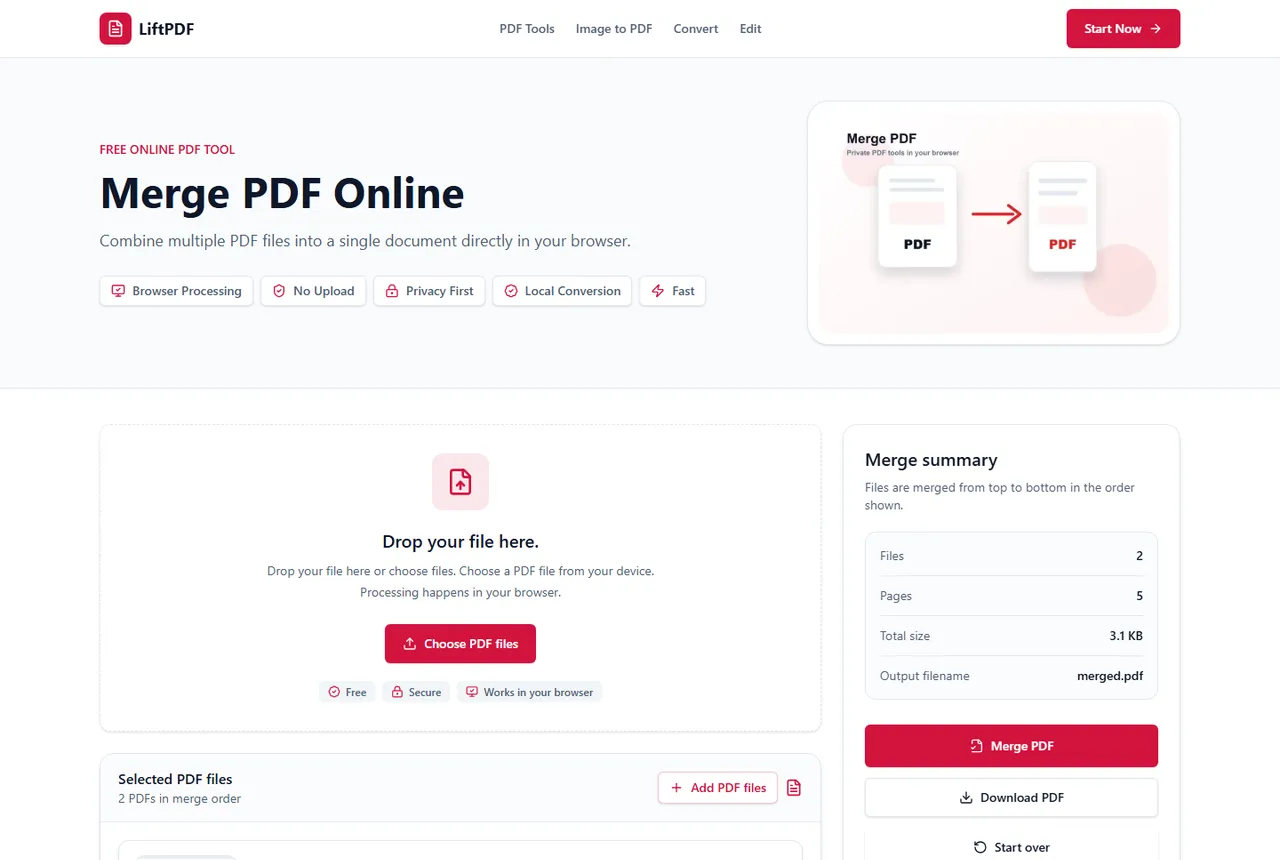
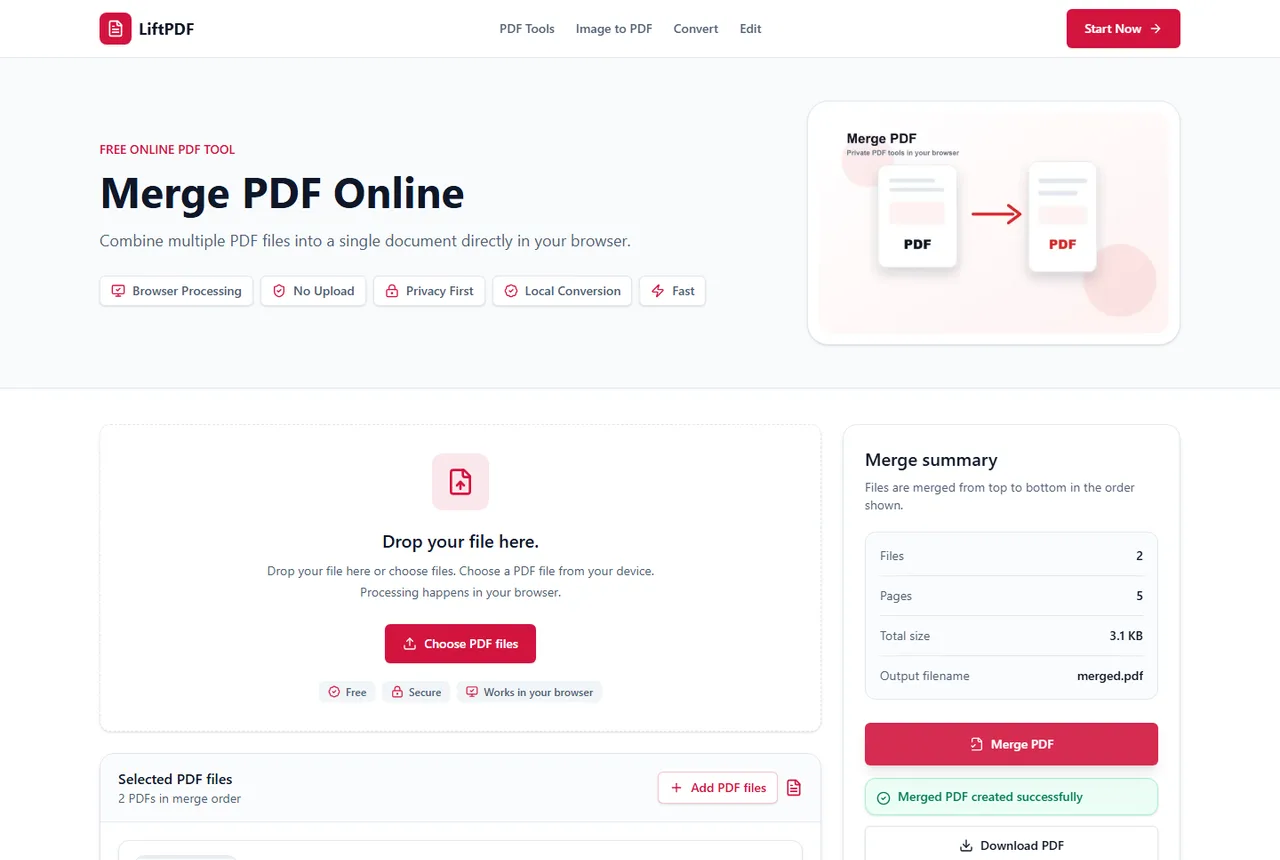
LiftPDF editing tools cover focused PDF changes: rotate pages, add page numbers, apply watermarks and rebuild files with safe compression. The hub explains which edit tool to use and what requires a more advanced PDF editor.
Yes. Available LiftPDF editor tools are free and run in your browser.
The tools are designed to preserve page content and dimensions while applying the selected edit.
Not yet. LiftPDF does not claim full text editing. The current editor hub focuses on rotation, page numbers, watermarks and safe compression.
Usually yes. Merge, delete, extract or reorder pages first, then apply page numbers, watermarks or compression to the final document.
Available LiftPDF editor tools are designed to run in the browser for supported files.