Why Is My Merged PDF Too Large?
A merged PDF is usually large because the source files contain high-resolution scans, photos, embedded images, duplicate pages or already-large PDFs.
Quick answer
What you need to know first
A merged PDF is usually large because the source files contain high-resolution scans, photos, embedded images, duplicate pages or already-large PDFs.
- 1Remove pages that do not belong before merging.
- 2Avoid adding duplicate scans or repeated attachments.
- 3Merge the cleaned PDFs.
- 4Open the merged file once to verify order.
- 5Use Compress PDF if the final file is too large.
Why merging increases file size
Merging does not magically shrink the source documents. If you combine five large PDFs, the final PDF will usually be close to the total size of those files.
Image-heavy scans, photos and high-resolution exports are the most common reason a merged PDF becomes too large for email or upload portals.
Best fixes before compression
Delete blank pages, remove duplicates and extract only needed pages before merging. This reduces the amount of content that needs to be carried into the final PDF.
If your source files are image PDFs made from photos, consider whether every image page is necessary.
What compression can and cannot do
LiftPDF's compression is safe and browser-side. It can rebuild a PDF and remove metadata where possible, but it does not promise extreme server-side image recompression.
If the file is already optimized, the final size may not shrink much. Honest compression messaging is better than fake levels that do not change the result.
Privacy and browser processing
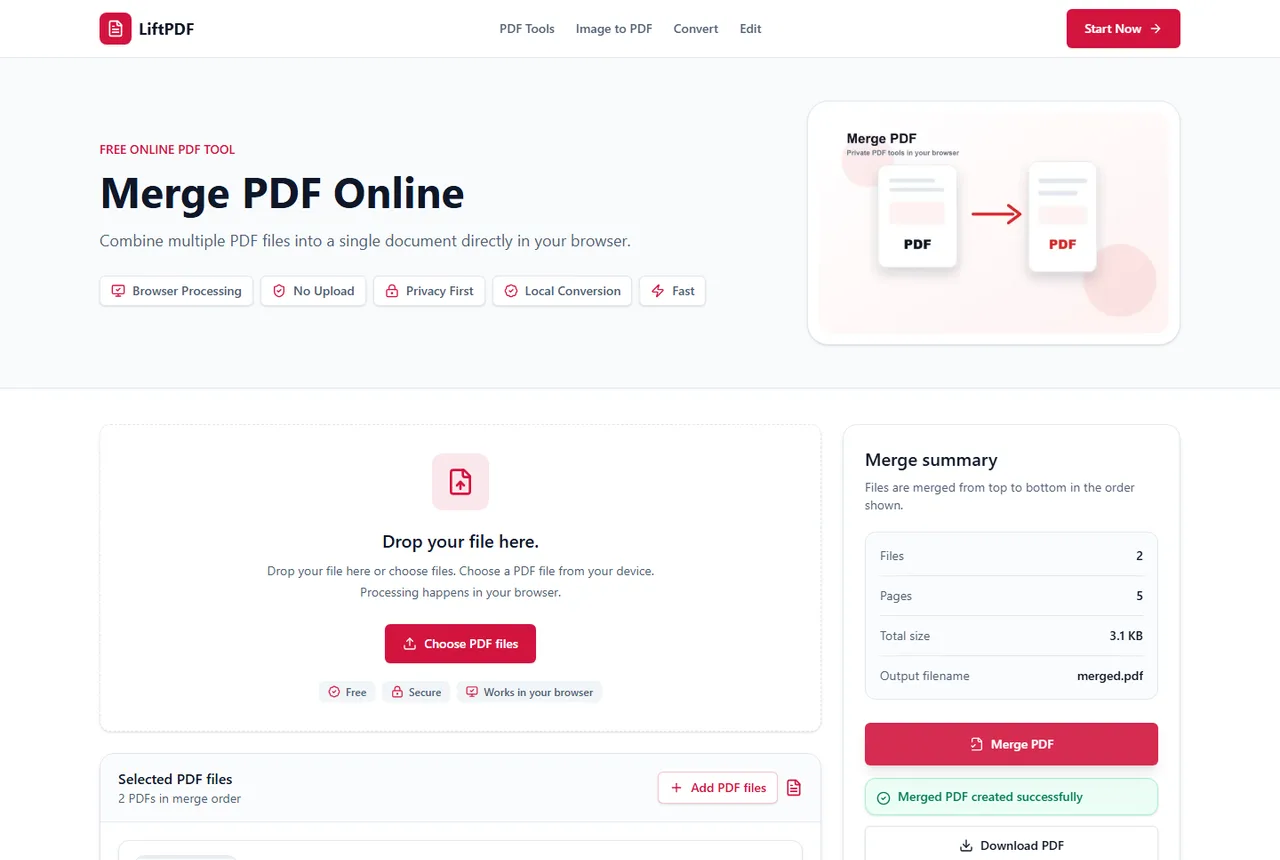
LiftPDF merges PDFs in your browser for supported files. The pages are copied locally into a new document, so the workflow does not require a document upload API.
That matters for contracts, invoices, reports and personal records. You still need to use good judgment with sensitive files, but avoiding a server upload is a practical privacy advantage.
FAQ
Questions about merging PDFs
Why did my merged PDF become huge?
The merged file includes the content of every source PDF. Large scans and images make the final PDF large.
Can I compress a merged PDF?
Yes. Use Compress PDF after merging if the final document is too large.
Should I delete pages before merging?
Yes. Removing unnecessary pages before merging is often the cleanest file-size fix.
Can every PDF be made much smaller?
No. Some PDFs are already optimized or contain content that cannot shrink safely in a browser workflow.
Editorial note
LiftPDF Editorial Team
LiftPDF articles are written against the behavior of the public LiftPDF tools. We avoid fake expert bylines, invented claims and workflows that the product cannot actually perform.
Published Jul 15, 2026. Last updated Jul 16, 2026.