PDF knowledge base

LiftPDF Learning Center

Practical PDF guides, troubleshooting help and plain-English explanations for people who want to finish a document task without guessing.

LiftPDF Learning Center visual with guides, tools and PDF workflow cards

Guided paths

Follow a path instead of guessing the next article

New to PDF

Start with the format, then learn how scans, images and tools fit together.

  1. 1What Is a PDF?
  2. 2Scanned vs Searchable PDF
  3. 3JPG vs PNG
  4. 4PDF Glossary

Working with documents

Prepare files for sending, submission or review without changing more than needed.

  1. 1How to Merge PDF Files
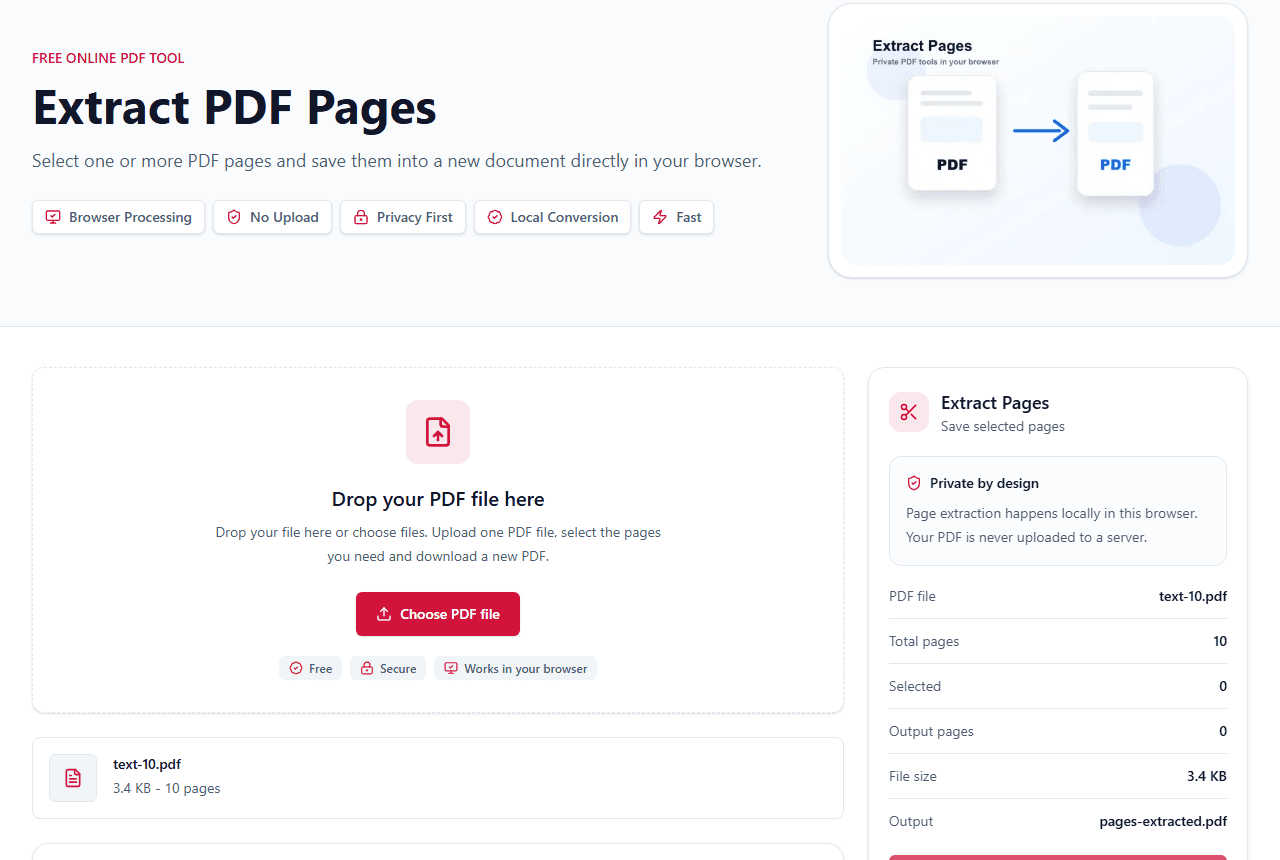
  2. 2Extract Pages From a PDF
  3. 3Reduce PDF Size for Email
  4. 4Organize Pages Before Sending

Sensitive files

Understand browser processing, passwords and what LiftPDF can honestly do.

  1. 1Browser-Based Processing
  2. 2Password-Protected PDFs
  3. 3Why a PDF Is Password Protected
  4. 4PDF Security Hub

Popular how-to guides

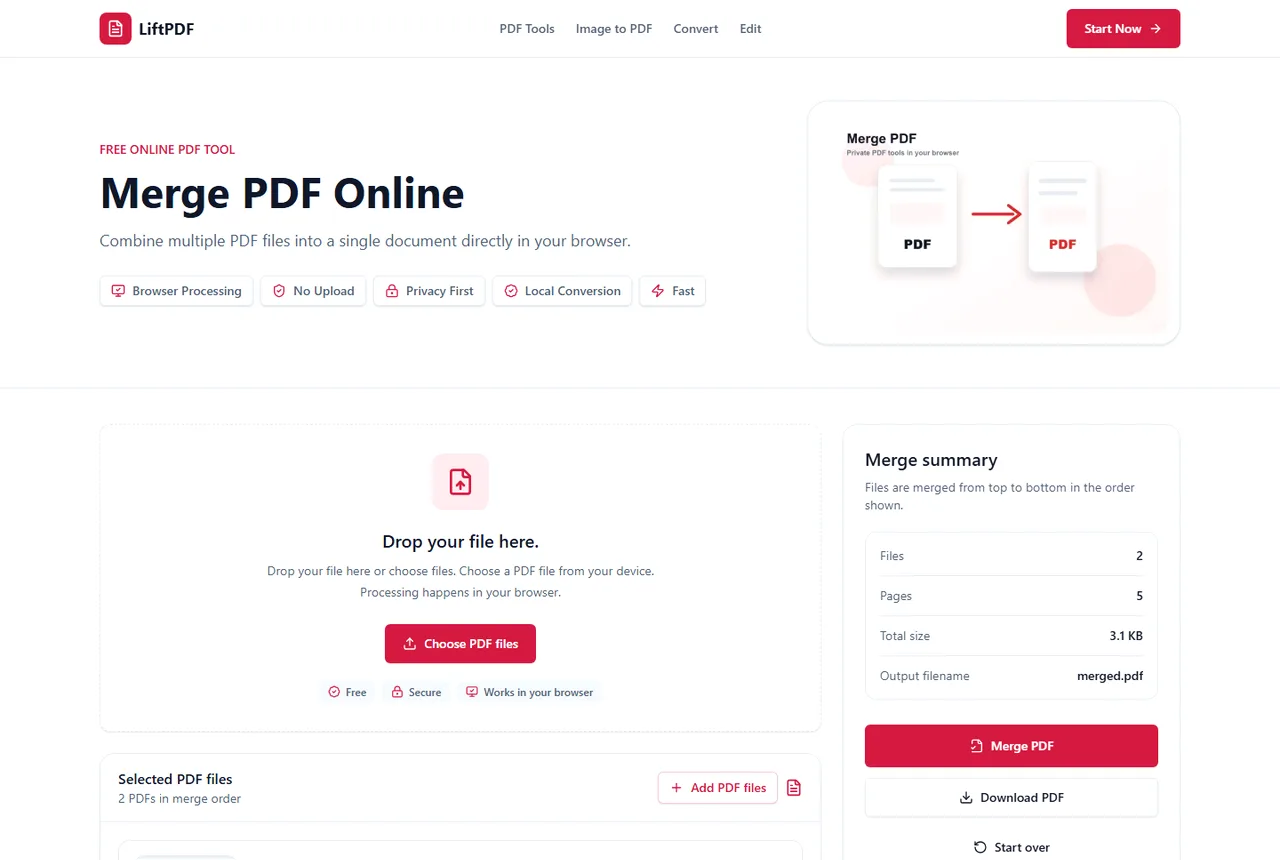
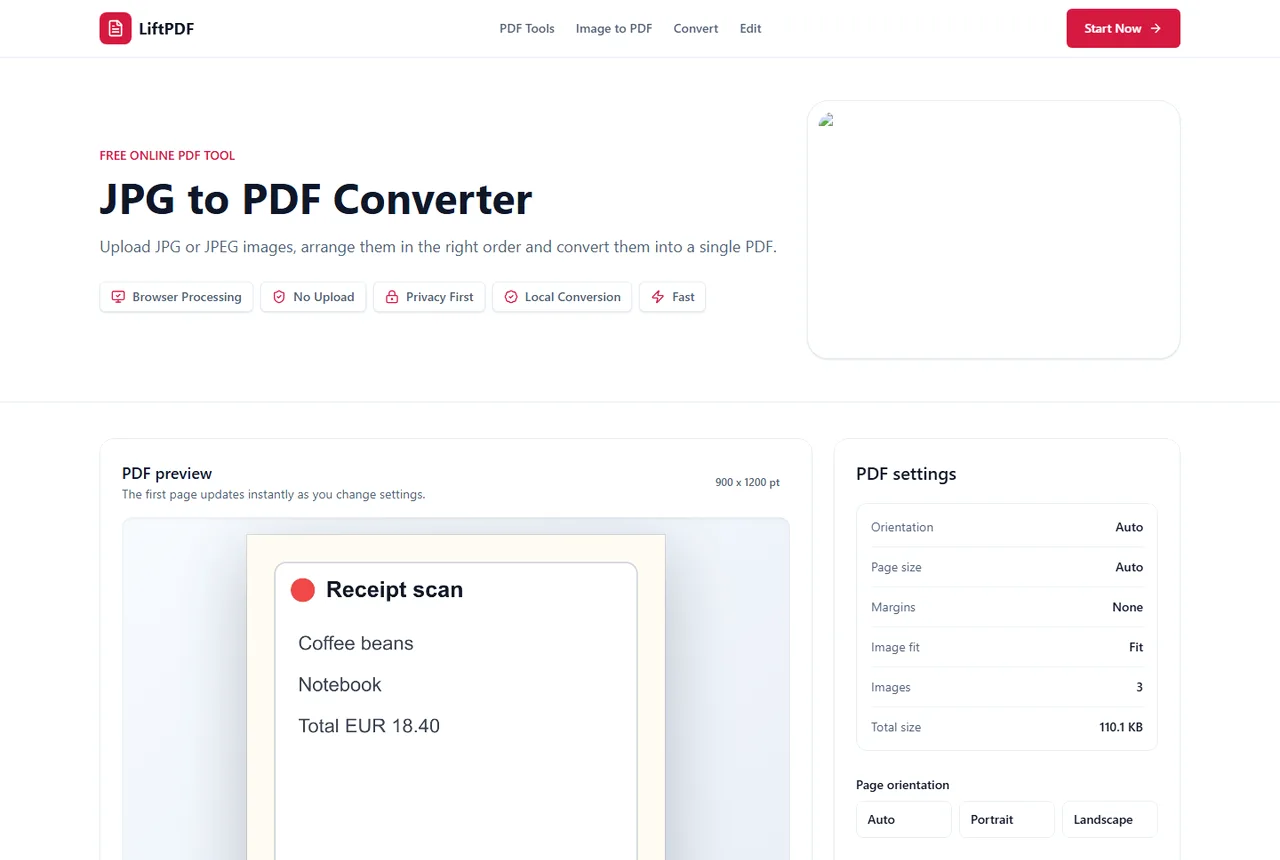
How to Merge PDF FilesMerging PDFs means combining two or more PDF documents into one file. The key is to upload the files, check their order, merge them, and download a single PDF that keeps every page in sequence.How to Merge Multiple PDF FilesWhen merging several PDFs, the challenge is not the button. The challenge is keeping the final document organized. Use file order, page counts and previews to confirm the sequence before export.How to Prepare a PDF for Online SubmissionA submission-ready PDF should have the right pages, readable quality, acceptable file size and no password unless the portal asks for one.How to Prepare a PDF for EmailA good email PDF is the right file, small enough to attach, readable and not password-protected unless the recipient expects it.How to Split a PDF Into Separate PagesSplit every page when each page needs to become its own PDF. Use Extract Pages when selected pages should stay together in one file.How to Save Selected Pages From a PDFUse Extract Pages when the selected pages should become one clean PDF copy and the original file should remain unchanged.How to Compress a PDF Without Losing QualityThe safest compression workflow is to remove unnecessary pages first, compress once, then check readability instead of repeatedly shrinking the same file.How to Convert PDF to JPGUse PDF to JPG when you need page previews, photo-friendly images or shareable page snapshots rather than editable PDF pages.How to Make a PDF Smaller for UploadUpload portals usually reject PDFs because of size, password protection, missing pages or unreadable scans. Fix the structure first, then compress.How to Convert Receipts to PDFReceipt PDFs are easiest to review when photos are clear, cropped, ordered and exported as one document instead of loose images.How to Remove Blank Pages From a PDFBlank pages make PDFs look unfinished and increase file size. Remove them before merging, compressing or sending the file.Delete Pages From a PDF Before Sending ItBefore sending a PDF, remove pages the recipient should not see, then review the cleaned output from first page to last.How to Copy Text From a PDFIf a PDF contains selectable text, you can extract and copy it. If it is image-only, OCR is required before text can be copied.How to Convert Multiple JPG Files to One PDFWhen several images belong together, convert them into one PDF instead of sending a loose batch of attachments.How to Turn Phone Photos Into a PDFUse the original phone photos, put them in order, choose a page layout and export one PDF instead of sending loose images.How to Extract Multiple Pages From a PDFTo extract multiple pages, select each thumbnail you want to keep and export them together. LiftPDF keeps the selected pages in their original order.What Is a Password-Protected PDF?A password-protected PDF is encrypted so the document requires a password before it can be opened or changed.

Common PDF problems

Why Can't I Merge PDF Files?PDF merging usually fails for a practical reason: the file is protected, damaged, too large for the device, not really a PDF, or blocked by browser limits.Why Can't I Merge Protected PDFs?Protected PDFs are encrypted so tools cannot read their pages without the correct password. To merge them, unlock the file first if you are authorized.Why Is My PDF Too Large?PDFs usually become large because of scans, high-resolution photos, embedded fonts, attachments or unnecessary pages.Why Can't I Copy Text From a PDF?You may not be able to copy text because the PDF is scanned, image-based, protected, damaged or does not contain a usable text layer.Password-Protected PDF Not OpeningA protected PDF may fail to open because the password is wrong, the file is damaged, the download is incomplete or the viewer does not support the file correctly.Why PDF Text Extraction FailsText extraction can fail when a PDF has no selectable text, is protected, is damaged or stores text in an unusual visual order.Why Is My JPG Blurry After PDF Conversion?Blurry PDF output usually comes from low source resolution, over-compression, excessive scaling or viewer zoom behavior.Why Are My PDF to JPG Images Blurry?Blurry PDF to JPG exports usually come from low render quality, small source scans, JPG compression or enlarging the output after export.Why a PDF Opens Blank and How to Fix ItA blank-looking PDF can be damaged, encrypted, partially downloaded, image-only with rendering issues or created by an app with unusual layers.Why Is My PDF Too Large After Converting JPG?Large image PDFs are usually caused by many high-resolution photos. The PDF has to carry the pixels you put into it.Scanned PDF vs Searchable PDFA scanned PDF is usually made of page images. A searchable PDF contains selectable text that can be copied or extracted.

Glossary preview

Look up the terms that appear in PDF tools, from encryption to OCR and selectable text.

Open PDF Glossary

Privacy and browser processing

LiftPDF tools are designed around local browser processing. The Learning Center explains where that helps, where browser limits still matter and when password-protected files need special handling.