ComparisonsComparison
JPG vs PNG for PDF Conversion
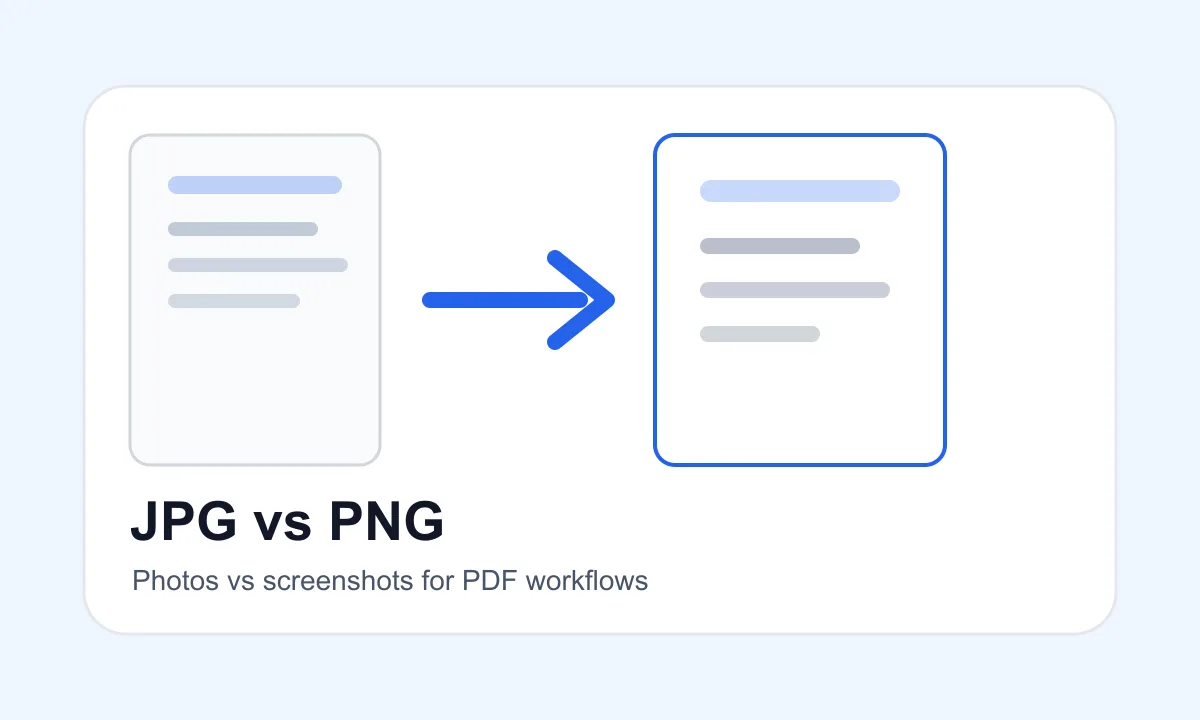
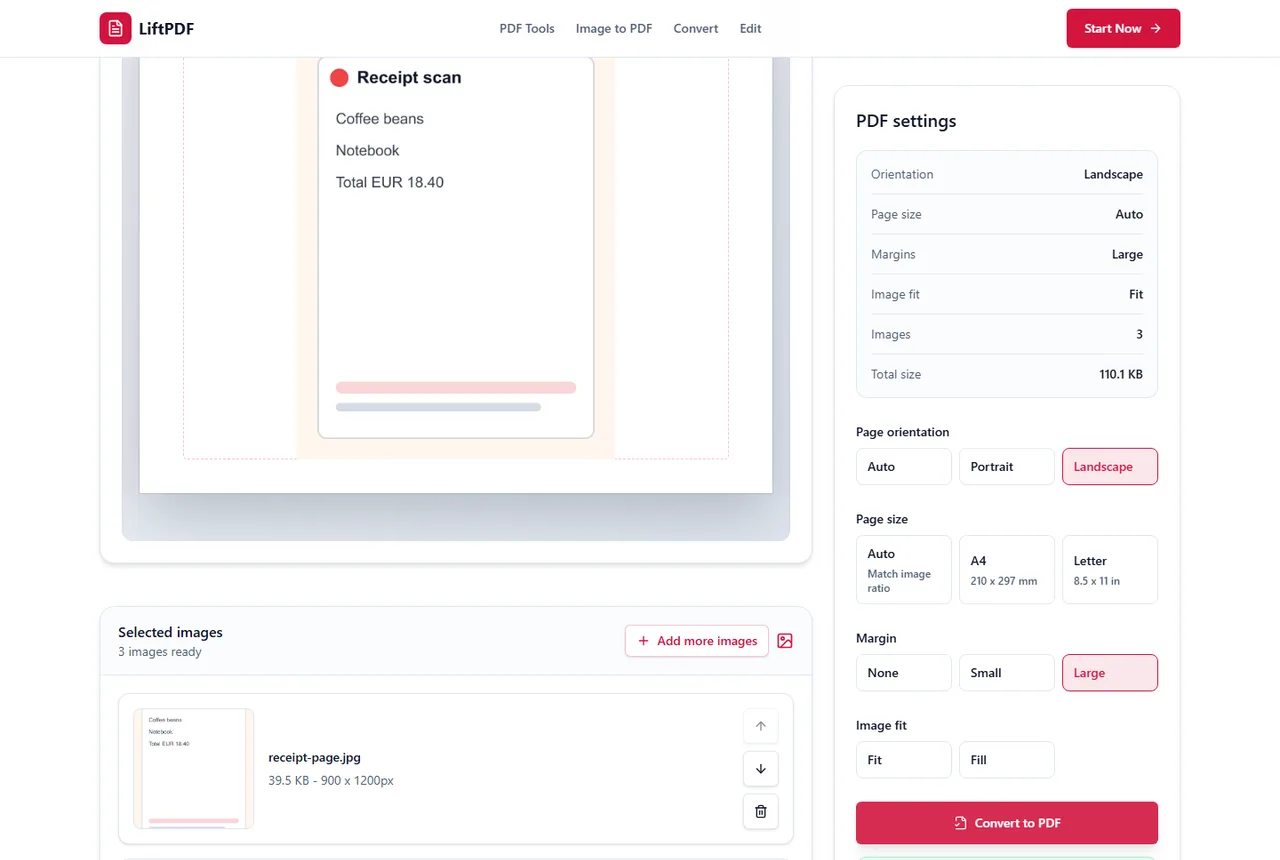
JPG and PNG are both useful, but they solve different problems. Choose JPG for photos and PNG for screenshots, sharp graphics or transparency.
4 min readRead guide
Choose the right format or workflow
Compare formats, tools and workflows so you do not convert or edit more than necessary.
The best PDF workflow is often the one that changes the least. Comparisons help you decide between similar options before you process a file.
Recommended path
JPG and PNG are both useful, but they solve different problems. Choose JPG for photos and PNG for screenshots, sharp graphics or transparency.
JPG and JPEG usually mean the same image format. The shorter .jpg extension became common because older systems used three-letter file extensions.
PNG is an image format. PDF is a document format. Use PNG for a single visual image and PDF when pages should behave like a document.
Use JPG for individual photos and PDF for documents, submissions and multi-page page-based workflows.
Use PNG for screenshots and transparent graphics. Use PDF when pages need to be shared, printed or submitted as a document.
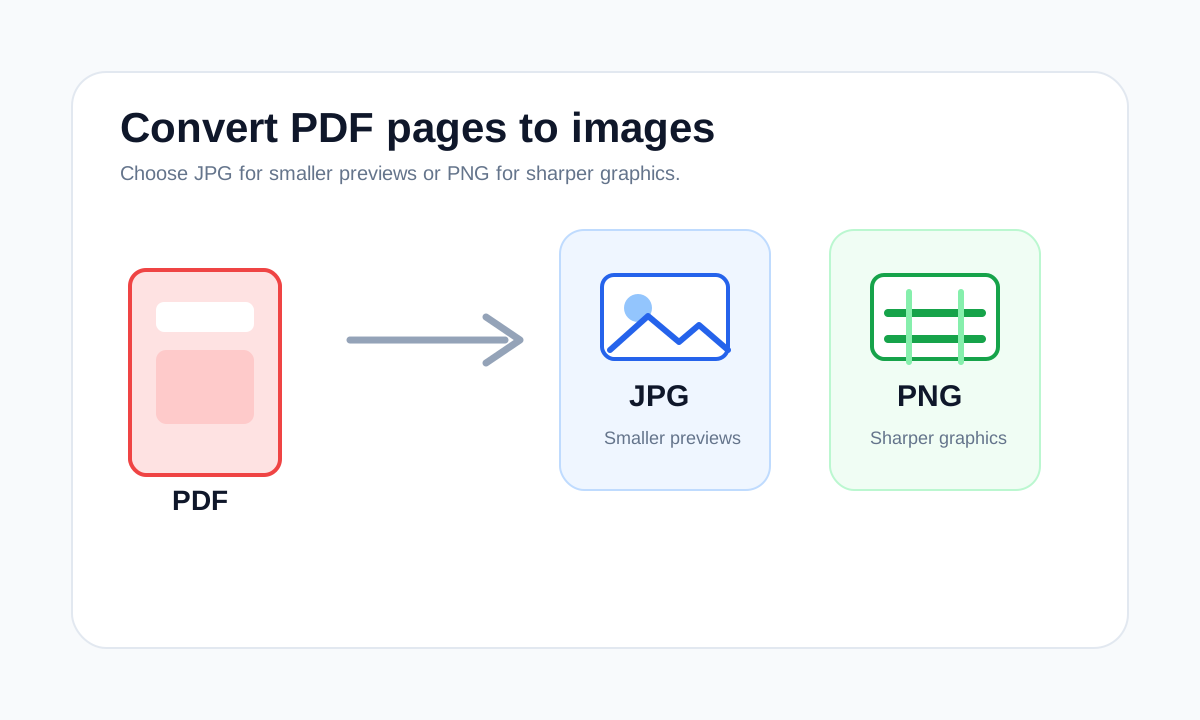
Choose JPG for smaller photo-like exports and PNG for sharper screenshots, text-heavy pages and clean graphics.
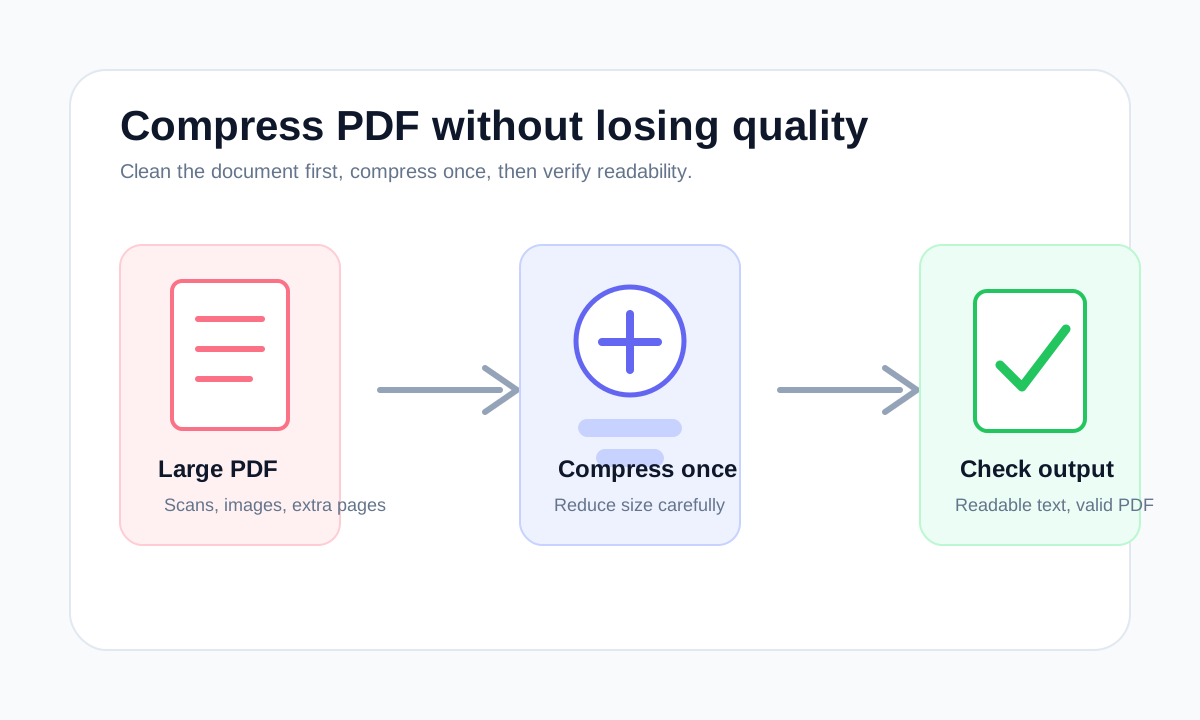
Compression reduces stored data. Optimization can also clean structure, remove waste and prepare the file for a specific use.
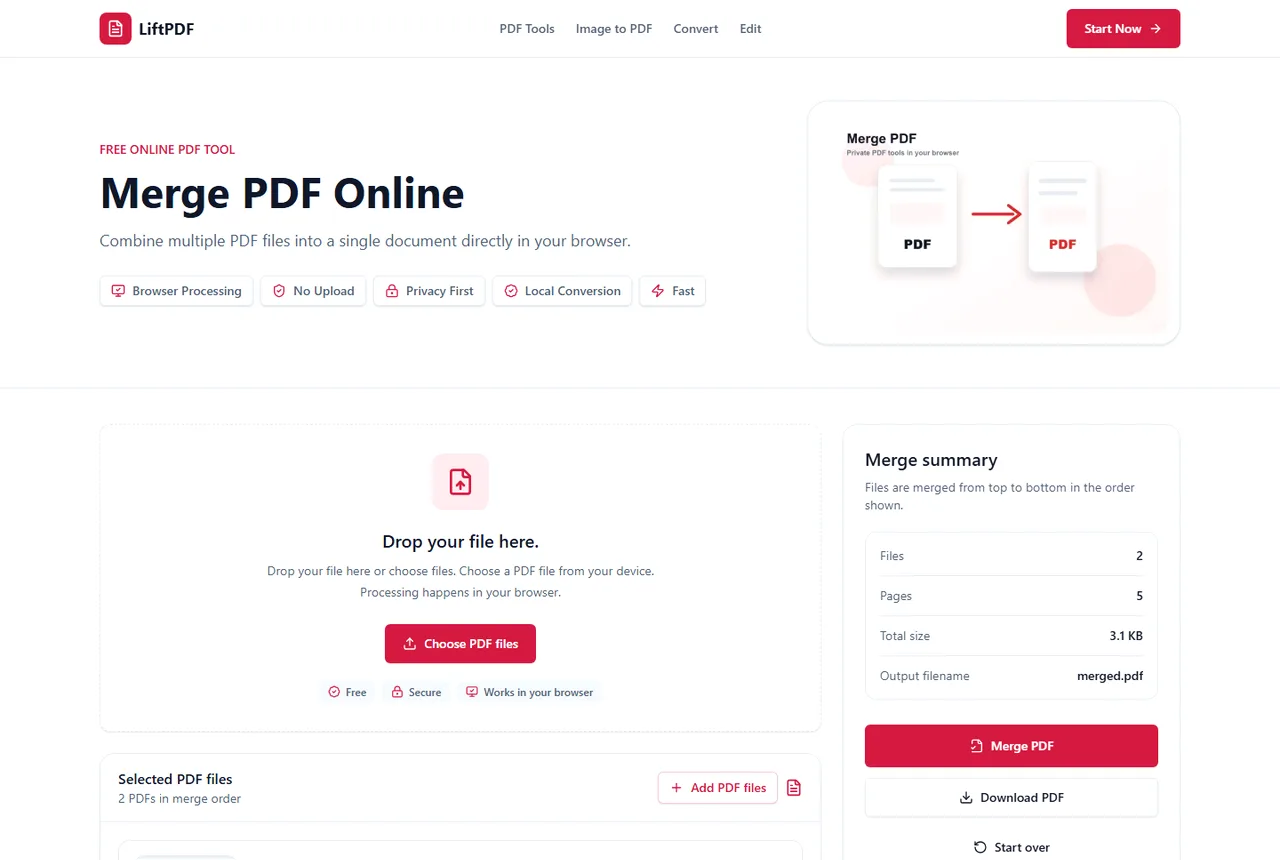
For most users, merge PDF and combine PDF mean the same task: put multiple PDFs into one file. The important decision is file order and whether pages should be removed first.
Use PDF when you need a stable document. Use Word when you need editable text and layout, not just image pages.
How to choose
Common mistakes
FAQ
No. JPG and JPEG usually refer to the same image format; the shorter extension exists for older filename conventions.
In most search and tool contexts, both phrases mean putting multiple PDFs into one ordered PDF.