ComparisonsComparison
JPG vs PNG for PDF Conversion
JPG and PNG are both useful, but they solve different problems. Choose JPG for photos and PNG for screenshots, sharp graphics or transparency.
4 min readRead guide
JPG, PNG and page images
Learn when to use JPG, PNG, PDF pages and image conversion without losing the point of the original file.
Image workflows often look simple until quality, margins, transparency or file size matter. This hub explains the tradeoffs before conversion.
Recommended path
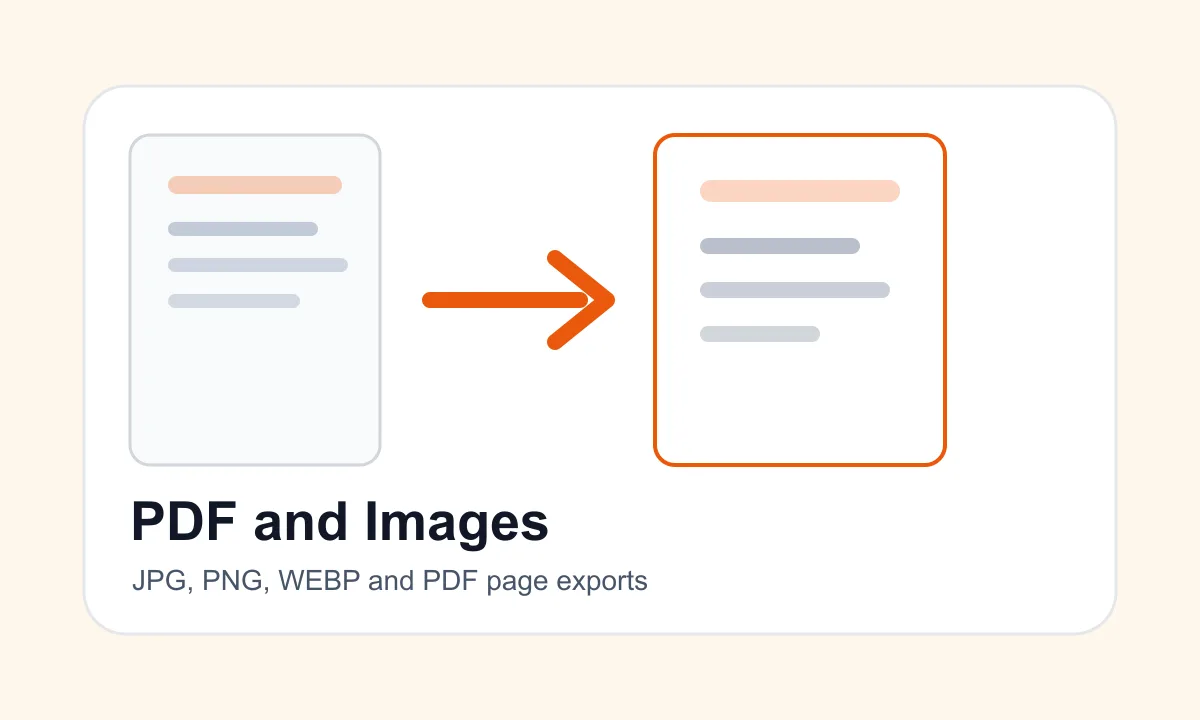
JPG and PNG are both useful, but they solve different problems. Choose JPG for photos and PNG for screenshots, sharp graphics or transparency.
JPG and JPEG usually mean the same image format. The shorter .jpg extension became common because older systems used three-letter file extensions.
PNG is an image format. PDF is a document format. Use PNG for a single visual image and PDF when pages should behave like a document.
Use JPG for individual photos and PDF for documents, submissions and multi-page page-based workflows.
Use PNG for screenshots and transparent graphics. Use PDF when pages need to be shared, printed or submitted as a document.
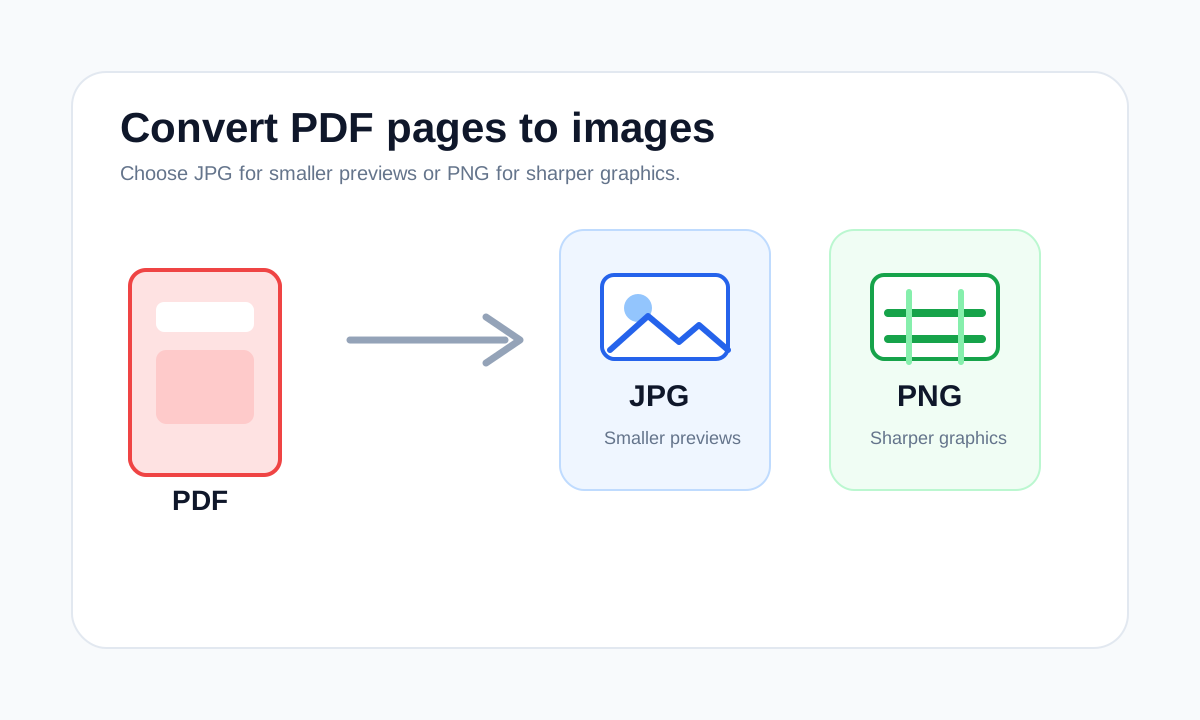
Choose JPG for smaller photo-like exports and PNG for sharper screenshots, text-heavy pages and clean graphics.
Use PDF to JPG when you need page previews, photo-friendly images or shareable page snapshots rather than editable PDF pages.
Use PDF to PNG when sharp edges, screenshots, diagrams or text-heavy page images matter more than the smallest image file size.
Blurry PDF to JPG exports usually come from low render quality, small source scans, JPG compression or enlarging the output after export.
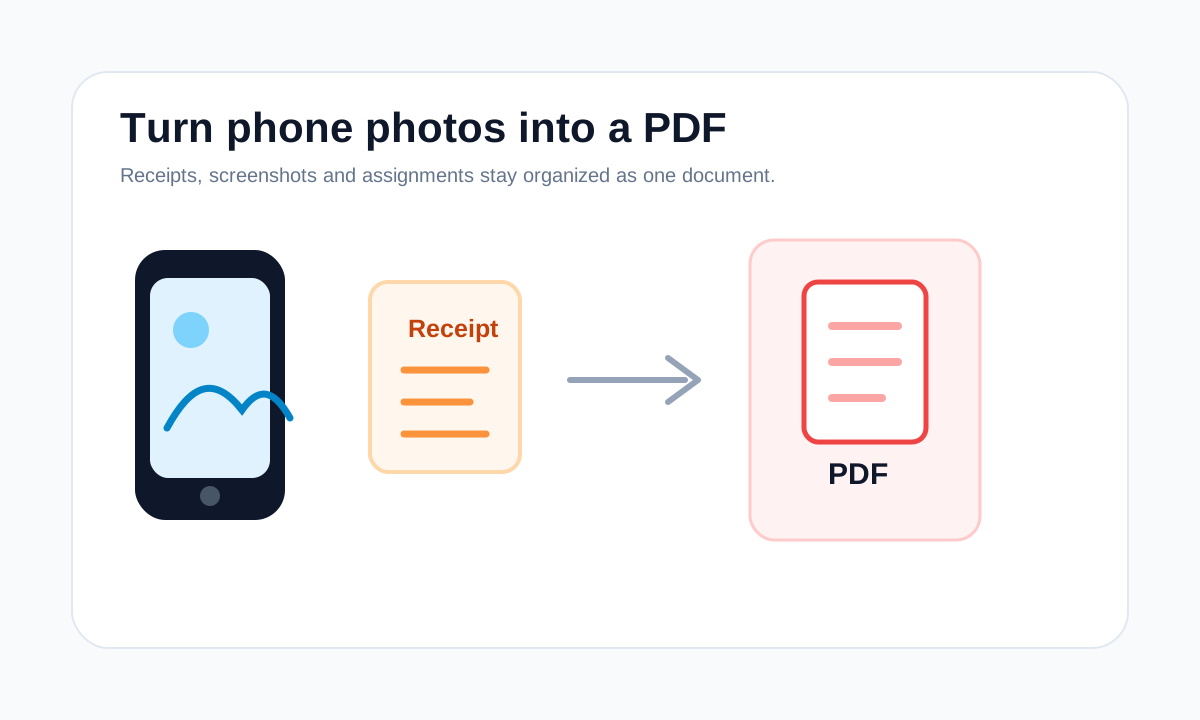
Receipt PDFs are easiest to review when photos are clear, cropped, ordered and exported as one document instead of loose images.
Screenshots become easier to share when they are ordered, converted to PDF and checked for readable text.
Assignment photos should be readable, in page order and exported as one PDF when the school portal asks for PDF submission.
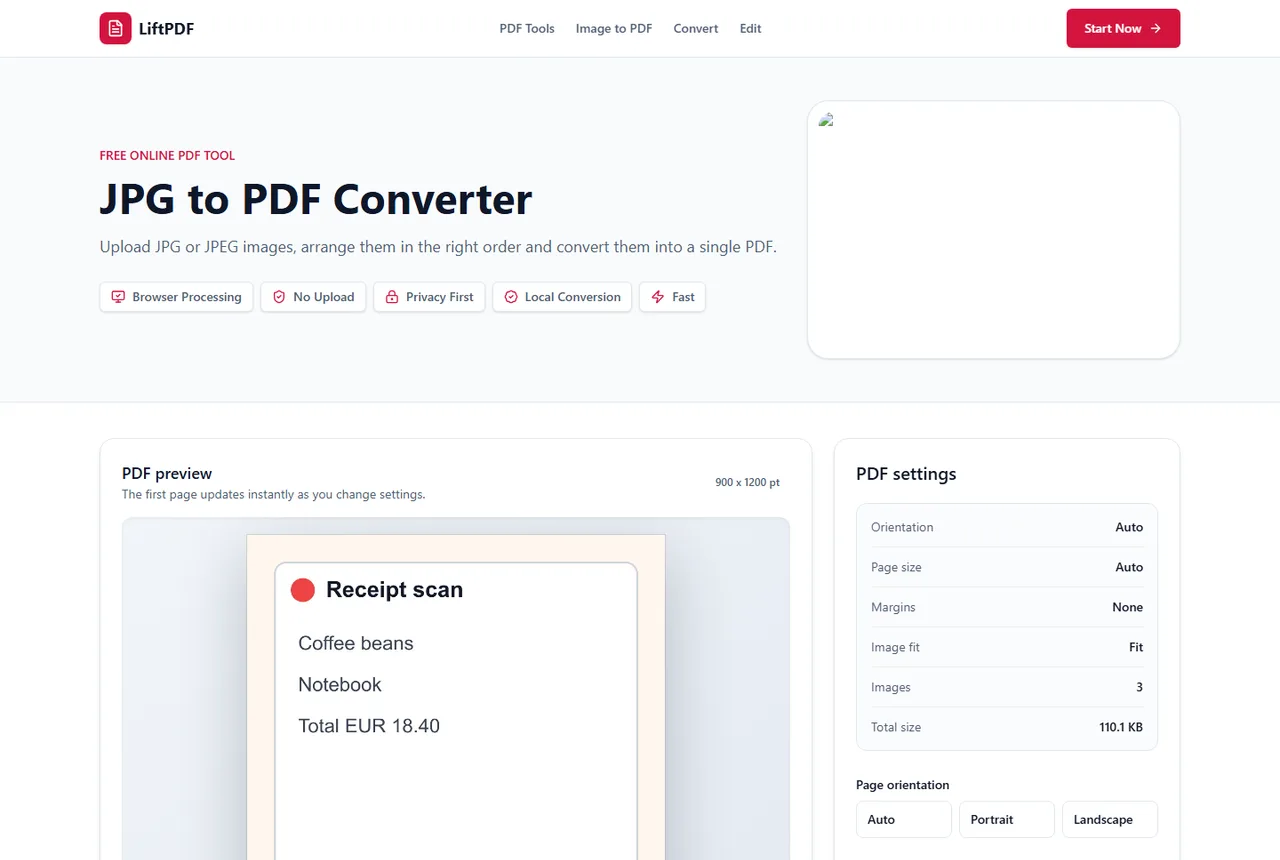
When several images belong together, convert them into one PDF instead of sending a loose batch of attachments.
Sharp PDF images start with high-resolution source files and layout settings that do not stretch or repeatedly recompress them.
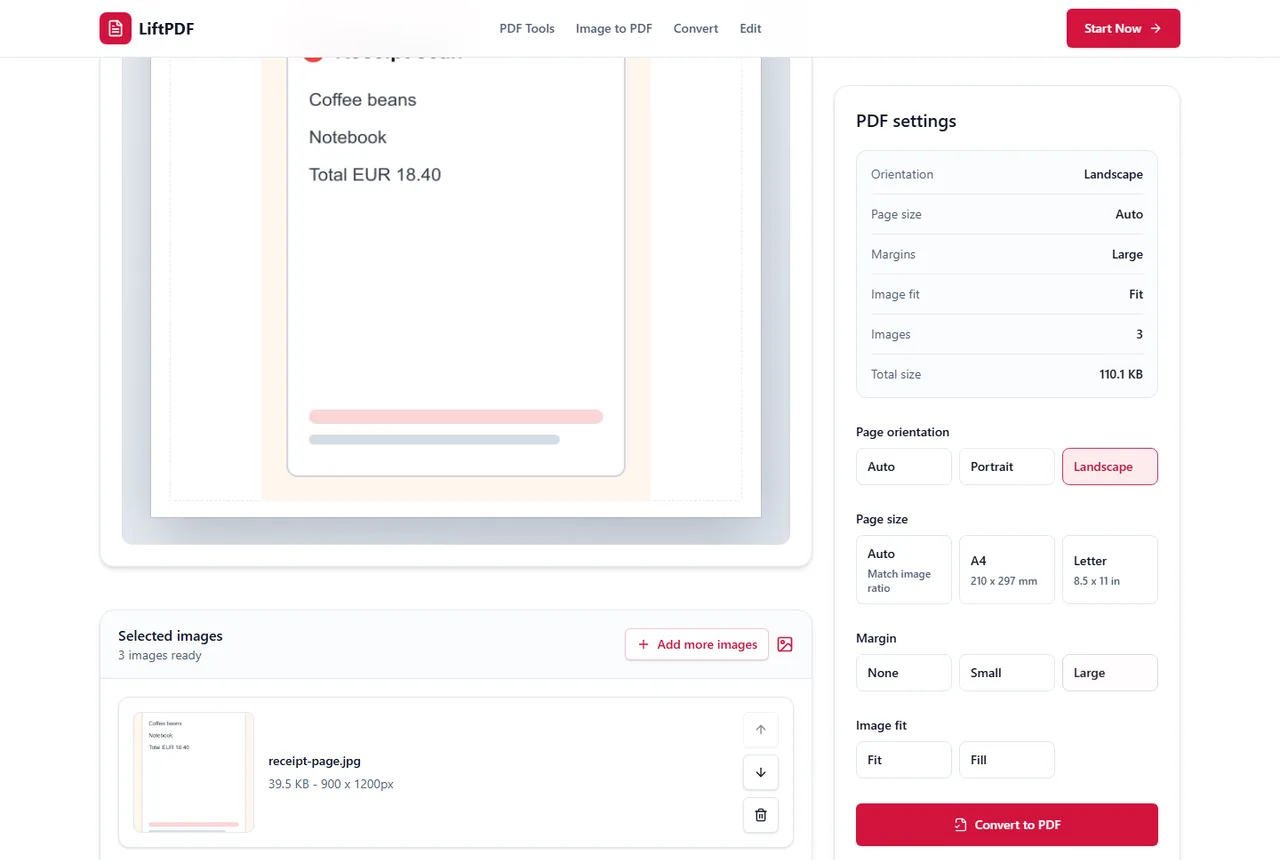
Blurry PDF output usually comes from low source resolution, over-compression, excessive scaling or viewer zoom behavior.
How to choose
Common mistakes
FAQ
JPG is usually better for photos. PNG is better for screenshots, transparent graphics and sharp interface images.
Yes. Use Images to PDF when you want to combine multiple image formats into one PDF.