PDF BasicsFoundation
What Is a PDF?
A PDF is a document format designed to keep pages looking consistent across devices, apps and operating systems.
4 min readRead guide
Start here
Understand how PDF files work, what they preserve and when a PDF task needs conversion, compression or OCR.
PDFs are designed to keep documents consistent across devices, but that also means some tasks require the right workflow. This hub explains the core terms before you choose a tool.
Recommended path
A PDF is a document format designed to keep pages looking consistent across devices, apps and operating systems.
PDF compression reduces file size by optimizing how document data is stored. The result depends on what the PDF contains.
PDFs usually become large because of scans, high-resolution photos, embedded fonts, attachments or unnecessary pages.
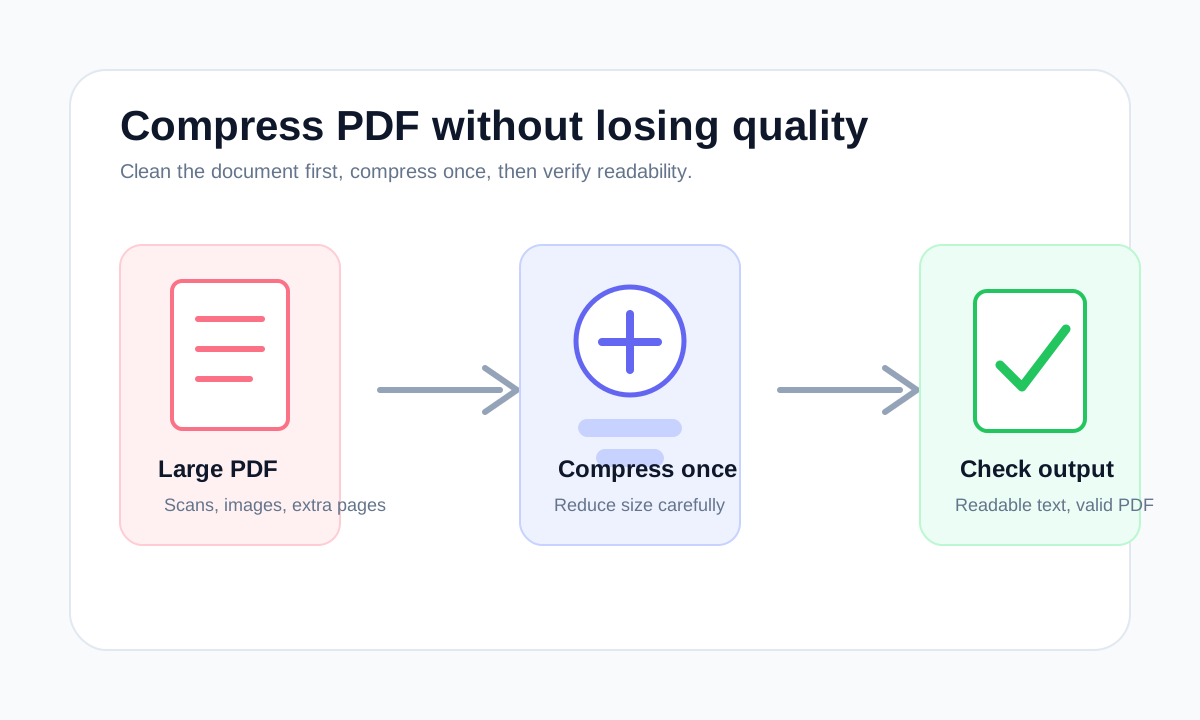
The safest compression workflow is to remove unnecessary pages first, compress once, then check readability instead of repeatedly shrinking the same file.
Email-friendly PDFs should be small enough to attach, readable enough to review and not password-protected unless the recipient expects it.
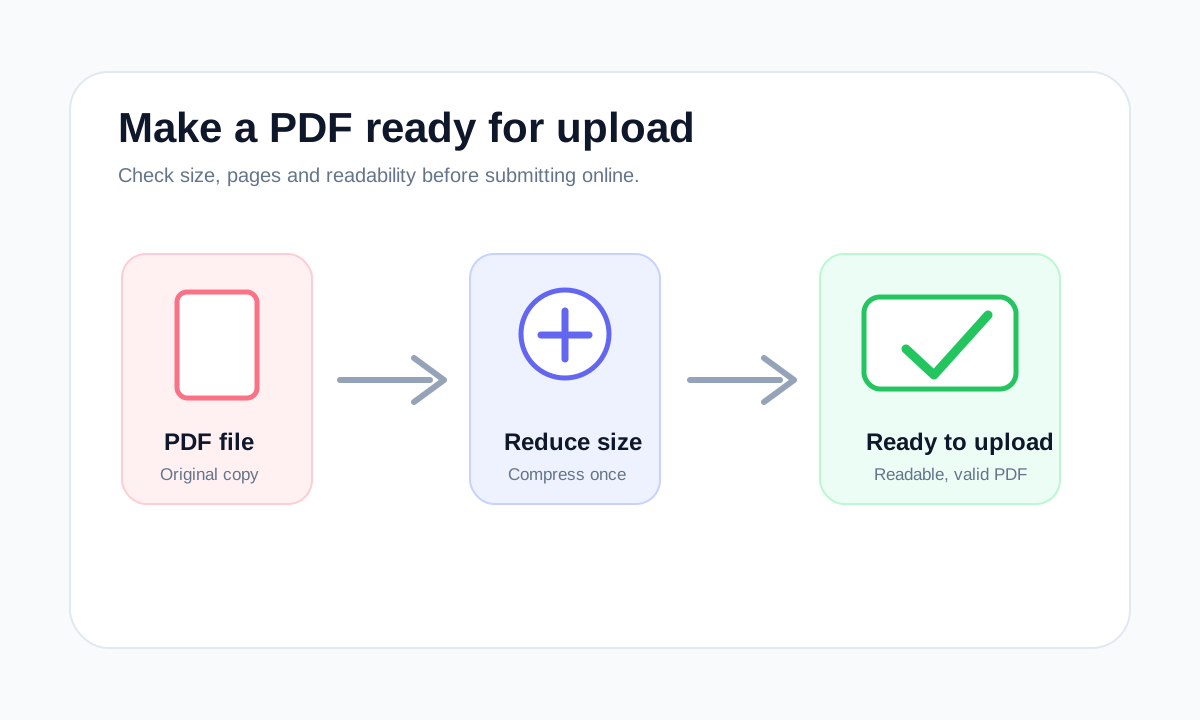
Upload portals usually reject PDFs because of size, password protection, missing pages or unreadable scans. Fix the structure first, then compress.
PDF size limits are set by email providers, forms and portals. The best fix depends on whether the PDF is too large because of pages, scans or images.
Compression reduces stored data. Optimization can also clean structure, remove waste and prepare the file for a specific use.
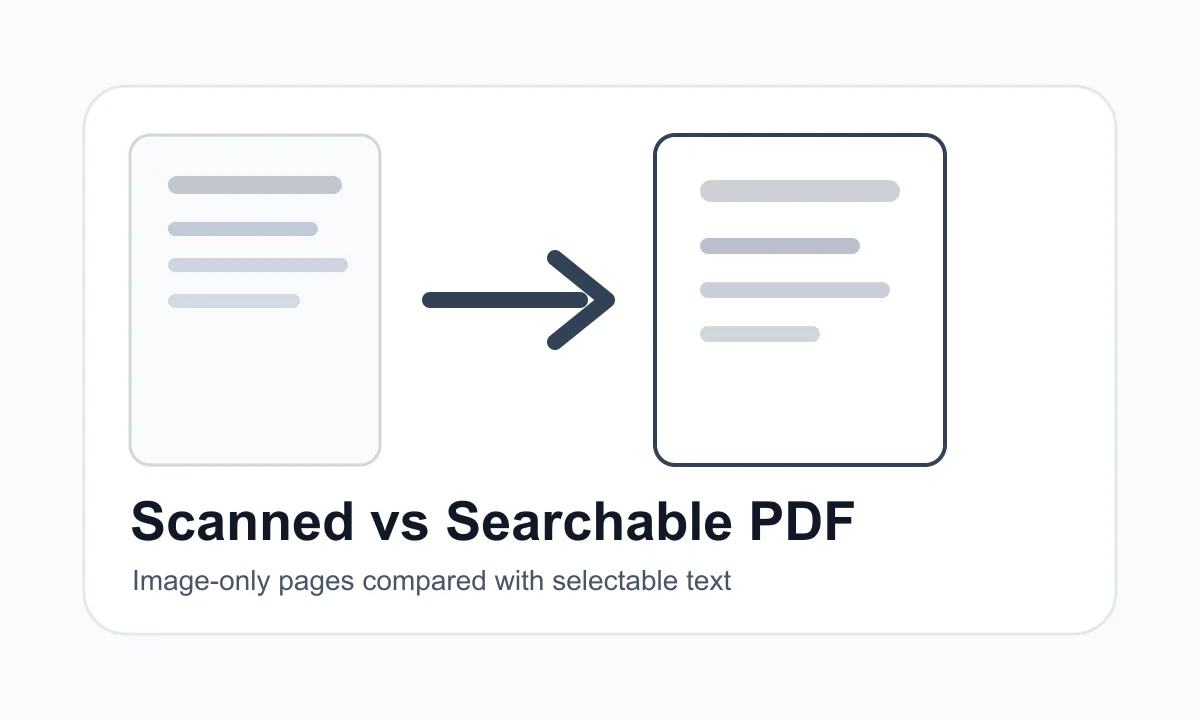
A scanned PDF is usually made of page images. A searchable PDF contains selectable text that can be copied or extracted.
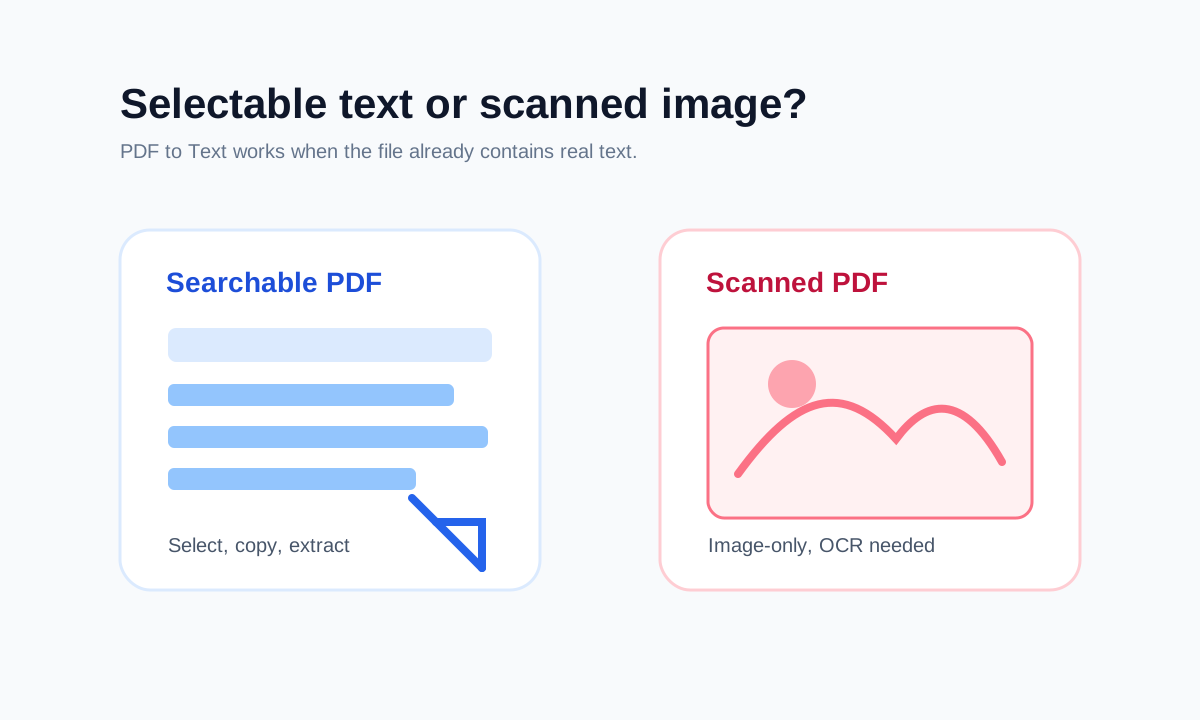
A scanned PDF usually behaves like a picture of a page. A searchable PDF lets you select and copy words.
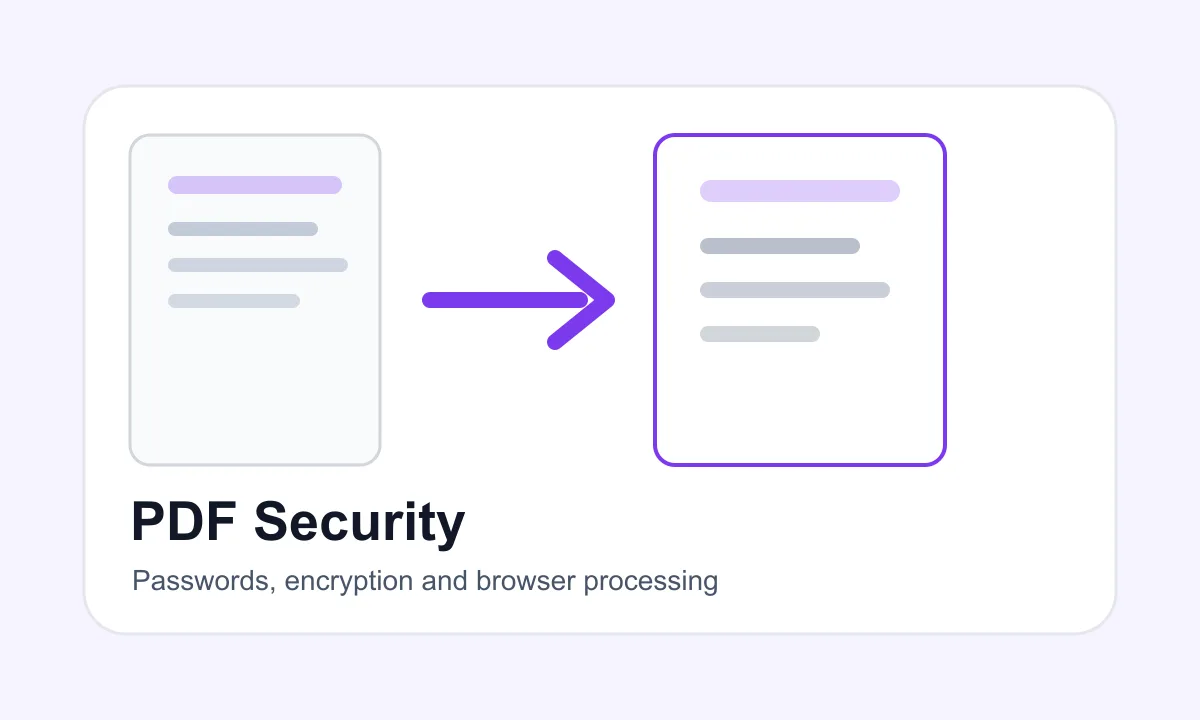
Browser-based PDF processing means the browser performs the PDF task on your device instead of sending the file to a backend upload queue.
A submission-ready PDF should have the right pages, readable quality, acceptable file size and no password unless the portal asks for one.
How to choose
Common mistakes
FAQ
PDF is a document format. A PDF can contain text, vector graphics, images, forms and metadata.
Start with What is a PDF?, then use the glossary when a tool mentions compression, encryption, OCR or page ranges.