PDF Compression vs Optimization
Compression reduces stored data. Optimization can also clean structure, remove waste and prepare the file for a specific use.
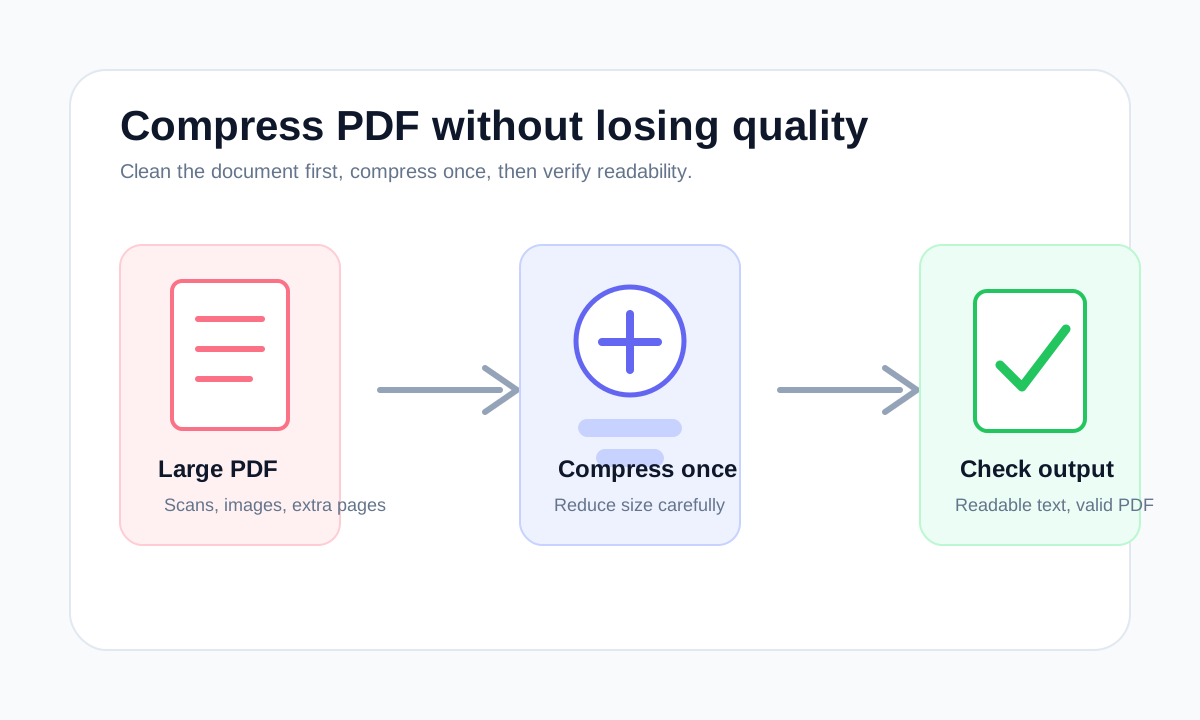
Quick answer
What you need to know first
Compression is about reducing file size. Optimization is broader: it can include cleanup, structure rebuilding and removing unnecessary data.
- 1Use compression when file size is the main problem.
- 2Use page organization when the PDF contains unnecessary pages.
- 3Use format conversion only when the output format must change.
Why the terms get mixed
Many tools use compression and optimization as if they mean the same thing. In practice, optimization can include compression, but it can also mean rebuilding the document structure or removing unnecessary objects.
For a user, the important question is not the label. It is whether the output becomes smaller while staying readable and valid.
What LiftPDF does honestly
LiftPDF avoids fake compression levels when the browser-side engine cannot guarantee meaningfully different outputs. The interface should describe what the tool can actually do, not what sounds better for marketing.
Decision table
Compression or optimization?
| Goal | Use | Reason |
|---|---|---|
| Smaller attachment | Compression | The main target is file size. |
| Cleaner file structure | Optimization | The file may contain unused data or inefficient objects. |
| Fewer pages | Organize tools | Page removal is not a compression problem. |
FAQ
Common questions
Is optimization always better than compression?
No. Optimization is broader, but the right workflow depends on the PDF and the goal.
Can optimization damage quality?
It can if image data is aggressively recompressed or important content is removed.
Editorial note
LiftPDF Editorial Team
LiftPDF articles are written against the behavior of the public LiftPDF tools. We avoid fake expert bylines, invented claims and workflows that the product cannot actually perform.
Published Jul 17, 2026. Last updated Jul 17, 2026.