TroubleshootingProblem
Why Can't I Merge PDF Files?
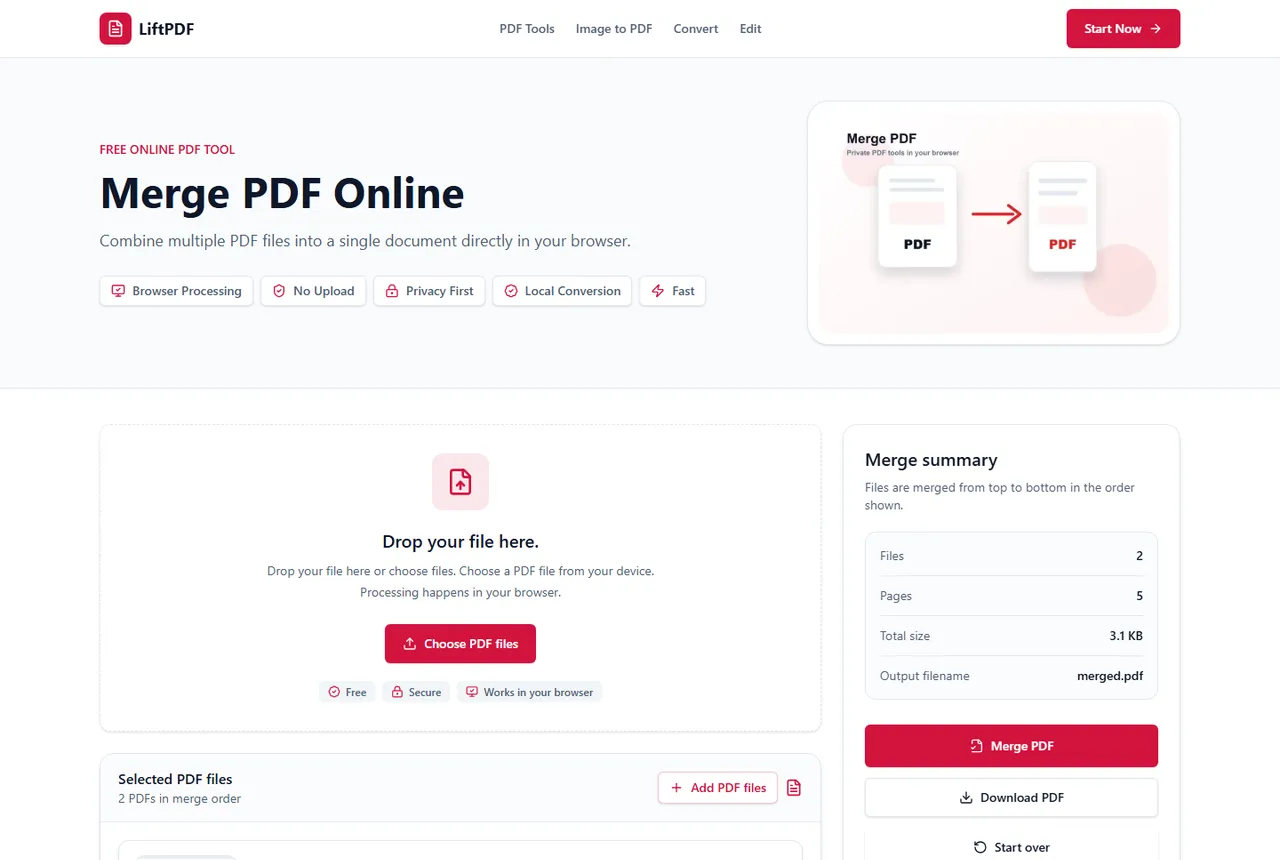
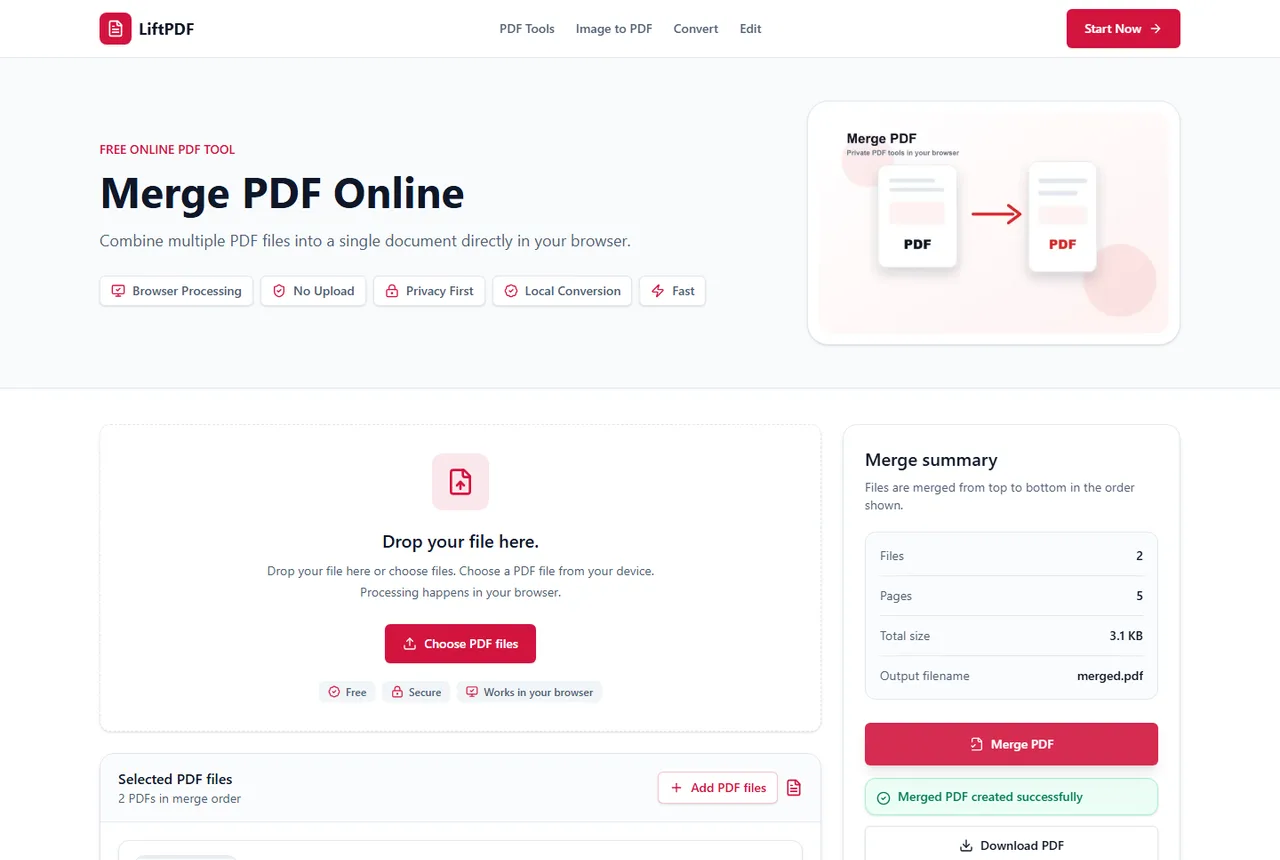
PDF merging usually fails for a practical reason: the file is protected, damaged, too large for the device, not really a PDF, or blocked by browser limits.
4 min readRead guide
Fix common PDF issues
Find practical explanations for failed conversions, protected PDFs, blank pages, huge files and scanned documents.
Most PDF failures have a concrete cause: encryption, damaged files, browser memory, scanned pages or the wrong output format. Start here when a workflow does not behave as expected.
Recommended path
PDF merging usually fails for a practical reason: the file is protected, damaged, too large for the device, not really a PDF, or blocked by browser limits.
A merge failure is usually a file-read problem, not a mystery. The safest fix is to identify the file that cannot be read and replace, unlock or simplify it.
Protected PDFs are encrypted so tools cannot read their pages without the correct password. To merge them, unlock the file first if you are authorized.
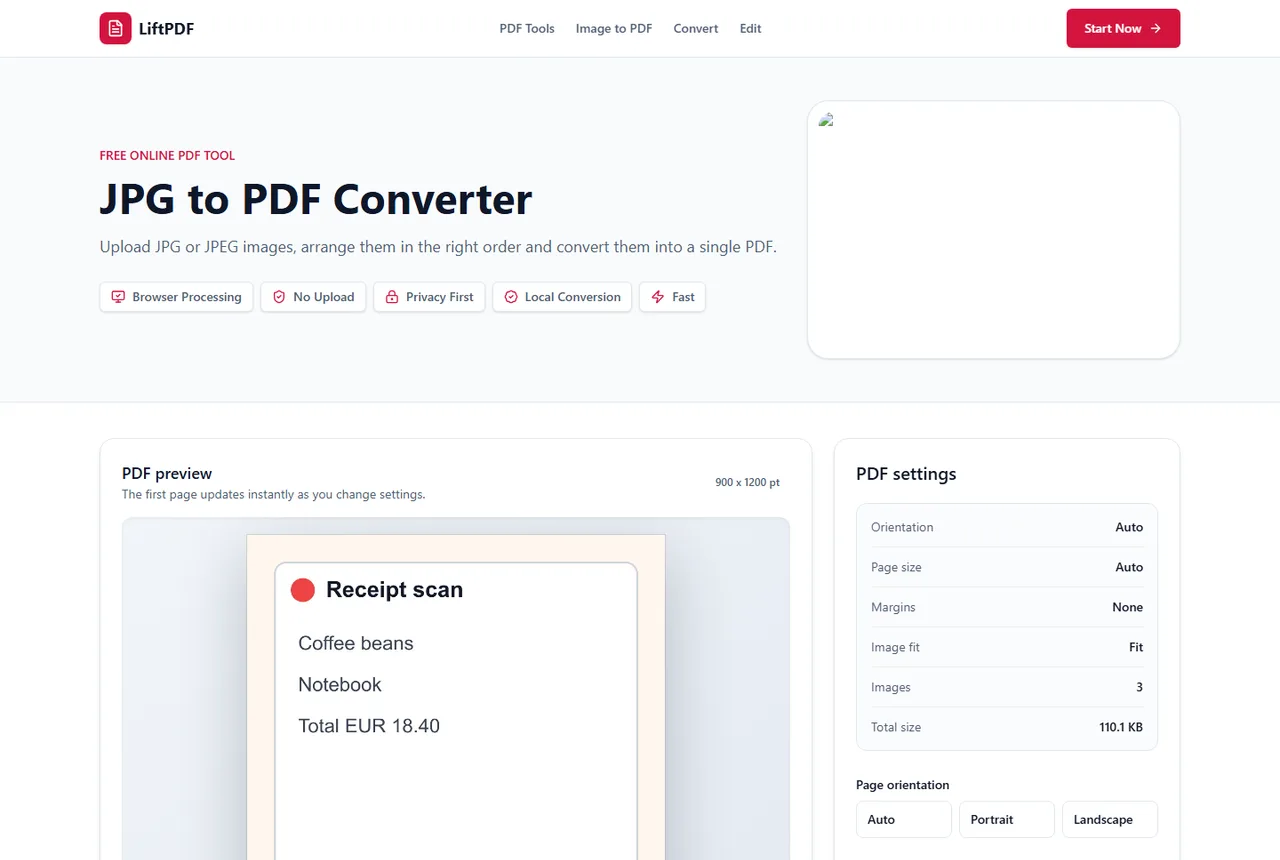
Most JPG conversion failures come from unsupported file types, damaged images, very large files or browser memory limits.
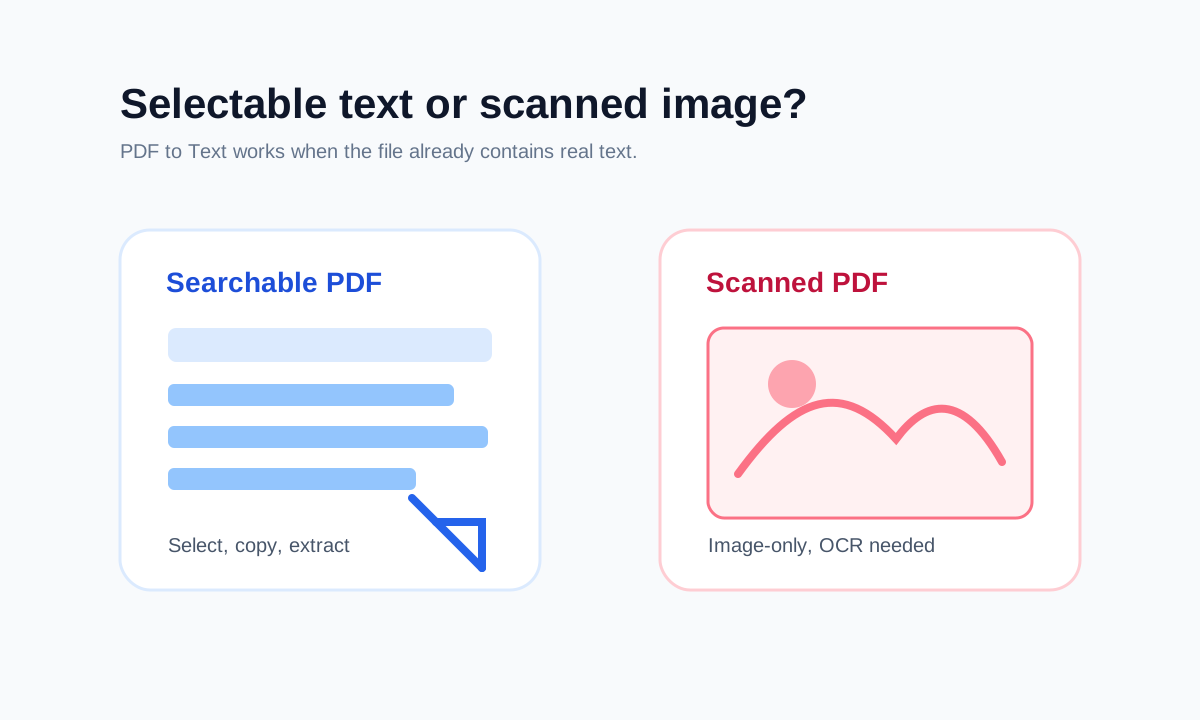
You may not be able to copy text because the PDF is scanned, image-based, protected, damaged or does not contain a usable text layer.
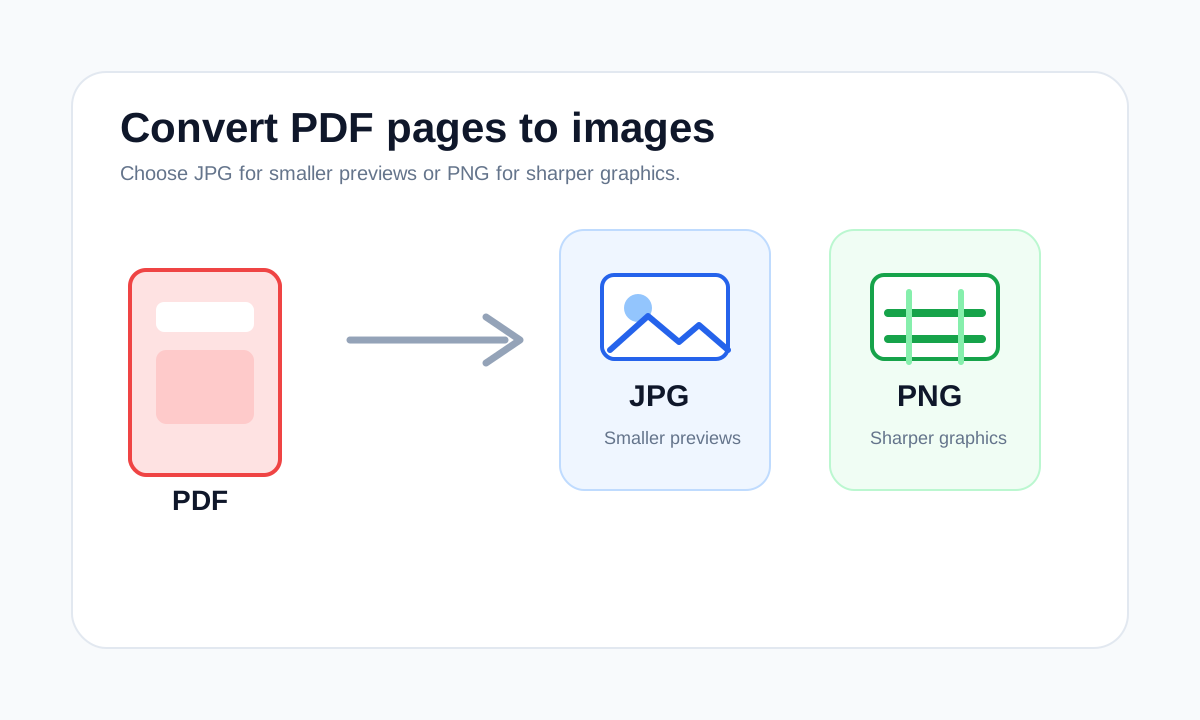
Blurry PDF to JPG exports usually come from low render quality, small source scans, JPG compression or enlarging the output after export.
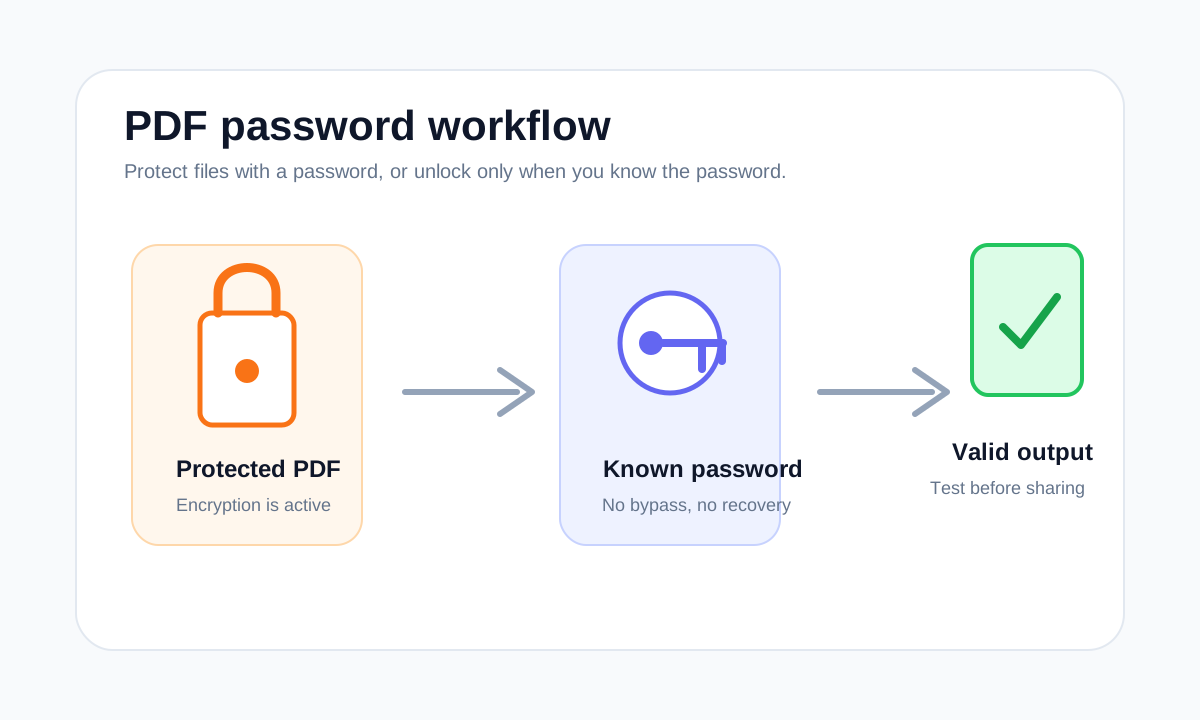
A protected PDF may fail to open because the password is wrong, the file is damaged, the download is incomplete or the viewer does not support the file correctly.
A blank-looking PDF can be damaged, encrypted, partially downloaded, image-only with rendering issues or created by an app with unusual layers.
Text extraction can fail when a PDF has no selectable text, is protected, is damaged or stores text in an unusual visual order.
PDFs usually become large because of scans, high-resolution photos, embedded fonts, attachments or unnecessary pages.
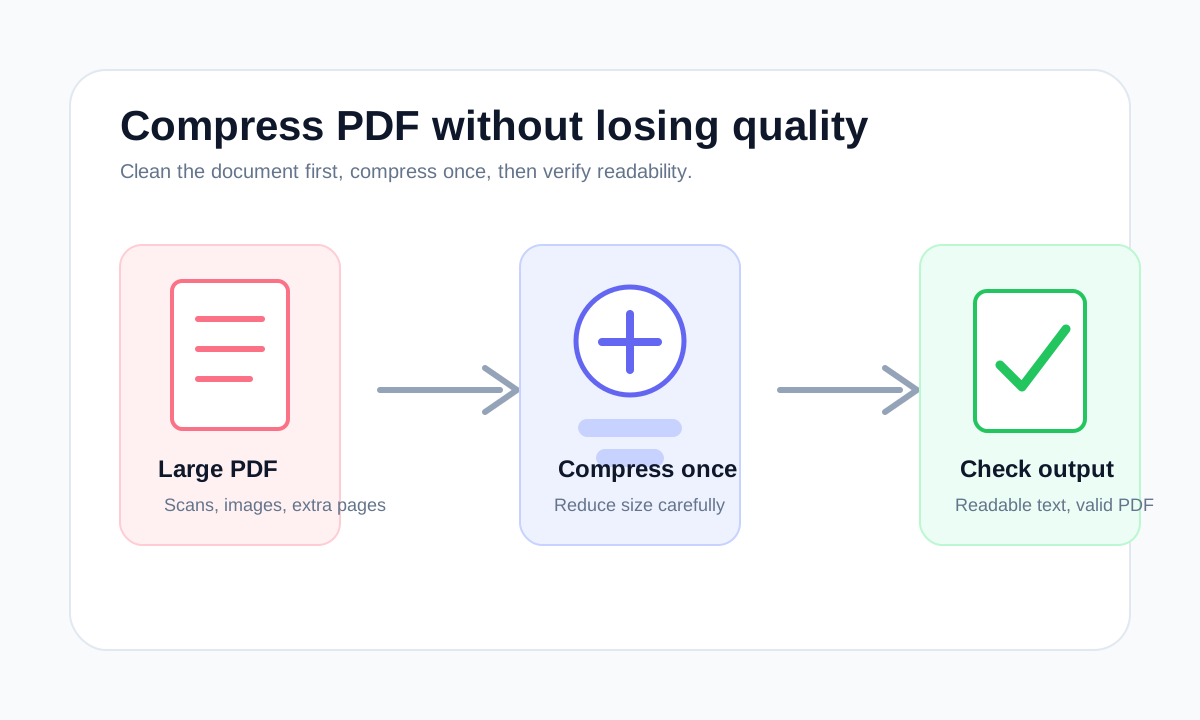
Scanned PDFs are often large because every page is stored as an image. Reduce size carefully and check whether the scan remains readable.
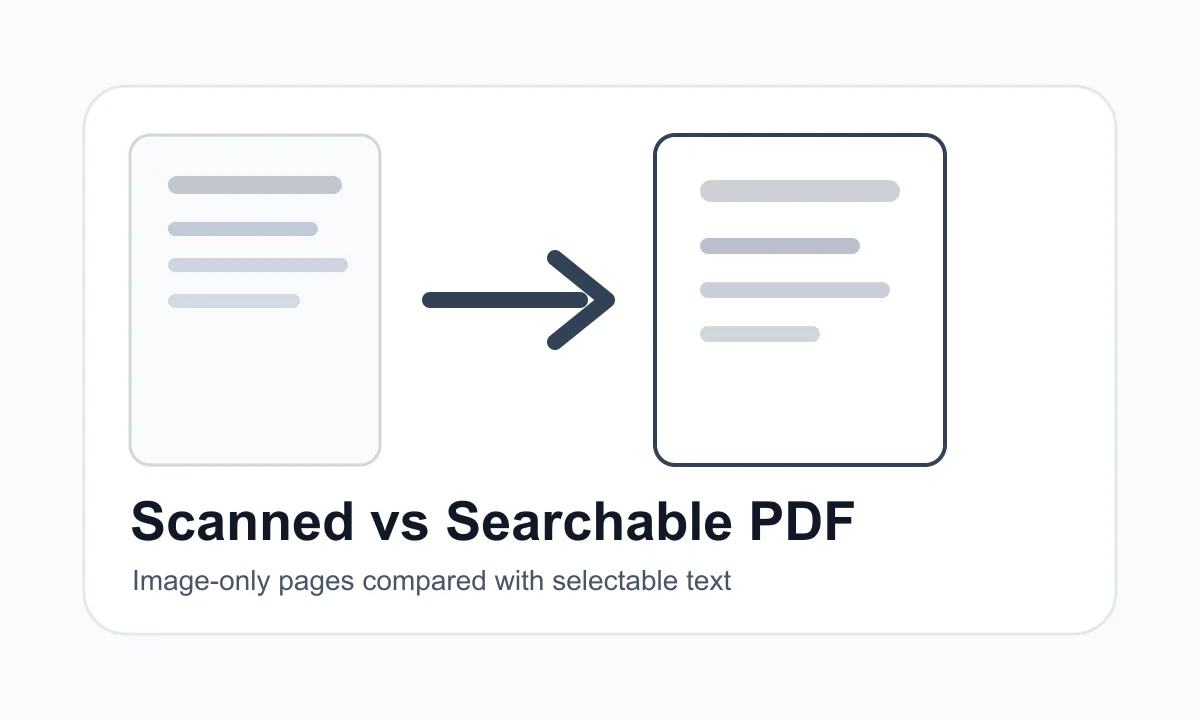
A scanned PDF is usually made of page images. A searchable PDF contains selectable text that can be copied or extracted.
How to choose
Common mistakes
FAQ
The PDF may be damaged, encrypted, empty or built in a way the browser parser cannot read safely.
Open the file locally, confirm whether it is password-protected, then choose the smallest workflow that matches your goal.