Why Does Merge PDF Fail?
A merge failure is usually a file-read problem, not a mystery. The safest fix is to identify the file that cannot be read and replace, unlock or simplify it.
Quick answer
What you need to know first
A merge failure is usually a file-read problem, not a mystery. The safest fix is to identify the file that cannot be read and replace, unlock or simplify it.
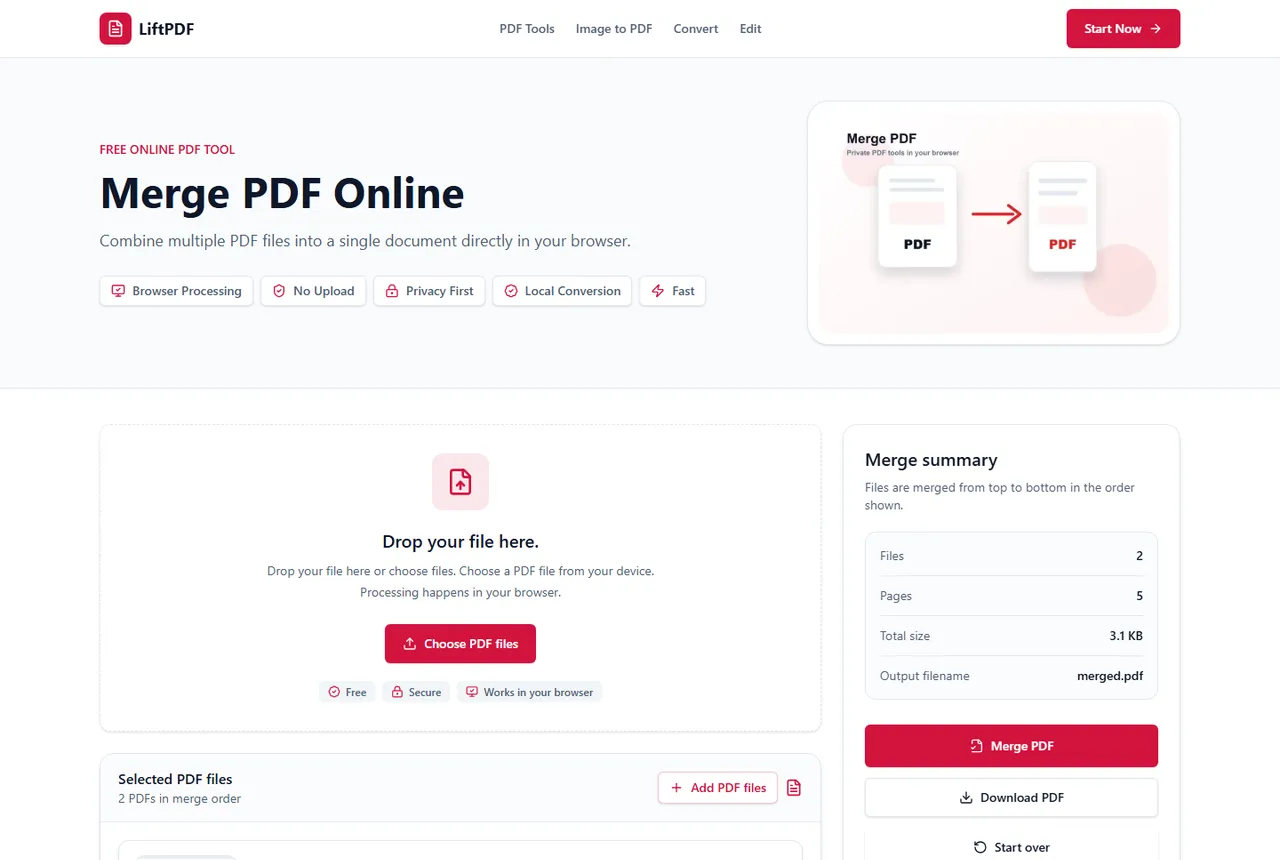
- 1Check whether every file opens normally.
- 2Remove any file that shows an error in LiftPDF.
- 3Unlock encrypted PDFs with the correct password.
- 4Try a smaller batch.
- 5Merge again and confirm the downloaded result.
Failed merge vs bad output
A failed merge means the tool could not safely create the output. A bad output means the PDF was created but the order or content is not what you expected.
LiftPDF tries to fail clearly when a file cannot be read, because downloading a broken PDF would be worse than showing an error.
Check the source files
Open each source file in a normal PDF viewer. If one file fails there, it will probably fail during merging too.
If a file asks for a password, use Unlock PDF first if you have the correct password and permission to unlock it.
Check size and device limits
Very large PDFs may require more memory than a mobile browser can comfortably provide. Try the same files in a desktop browser or merge fewer files at once.
Privacy and browser processing
LiftPDF merges PDFs in your browser for supported files. The pages are copied locally into a new document, so the workflow does not require a document upload API.
That matters for contracts, invoices, reports and personal records. You still need to use good judgment with sensitive files, but avoiding a server upload is a practical privacy advantage.
FAQ
Questions about merging PDFs
What is the fastest way to find the file causing failure?
Merge files in smaller groups. When one group fails, test the files in that group individually.
Can damaged PDFs be repaired by merging?
Not reliably. Replace the damaged PDF with a clean export before merging.
Can browser extensions affect merging?
Rarely, but if a tool behaves unexpectedly, try a private window or another browser.
Does LiftPDF upload files to fix merge errors?
No. The workflow is designed to process supported files locally in your browser.
Editorial note
LiftPDF Editorial Team
LiftPDF articles are written against the behavior of the public LiftPDF tools. We avoid fake expert bylines, invented claims and workflows that the product cannot actually perform.
Published Jul 15, 2026. Last updated Jul 16, 2026.