PDF SecurityFoundation
What Is a Password-Protected PDF?
A password-protected PDF is encrypted so the document requires a password before it can be opened or changed.
5 min readRead guide
Passwords and privacy
Understand password-protected PDFs, encryption, unlocking with a known password and browser-based privacy.
Security tools must be honest. LiftPDF protects PDFs with real encryption and unlocks only when the correct password is provided.
Recommended path
A password-protected PDF is encrypted so the document requires a password before it can be opened or changed.
A PDF is usually password protected to limit opening, sharing or editing. Real protection means encryption, not just a warning label.
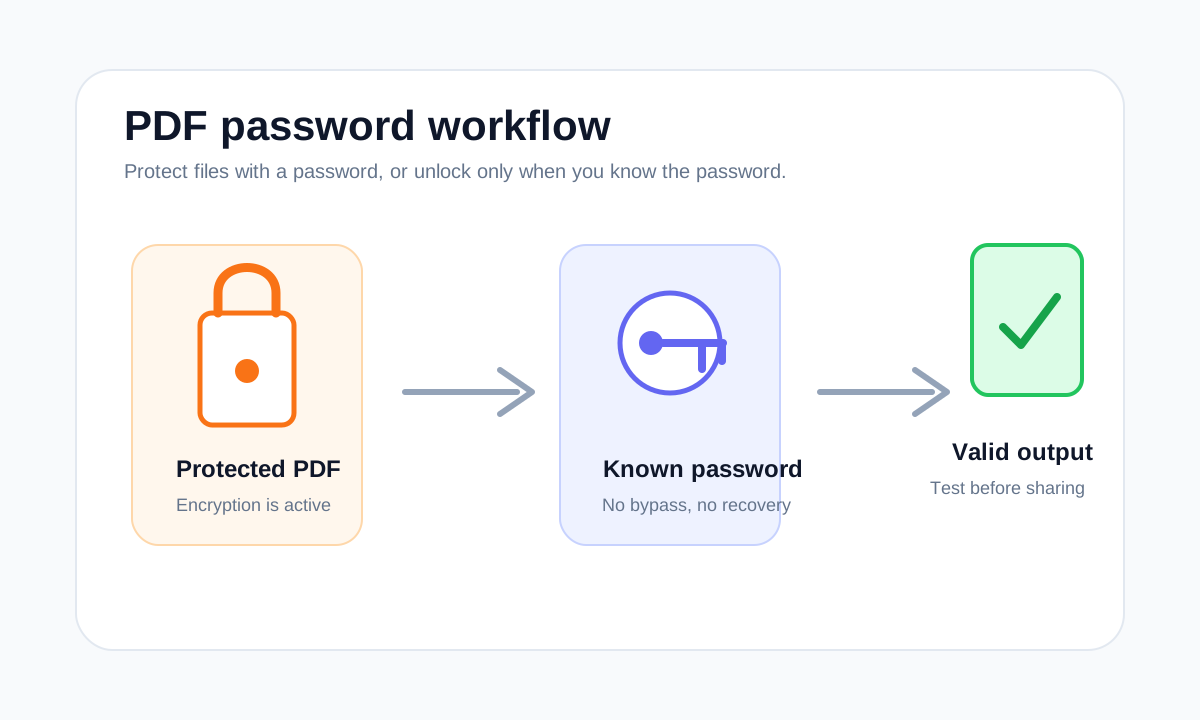
Protect a PDF when the recipient needs a password to open it, then send the password through a separate trusted channel.
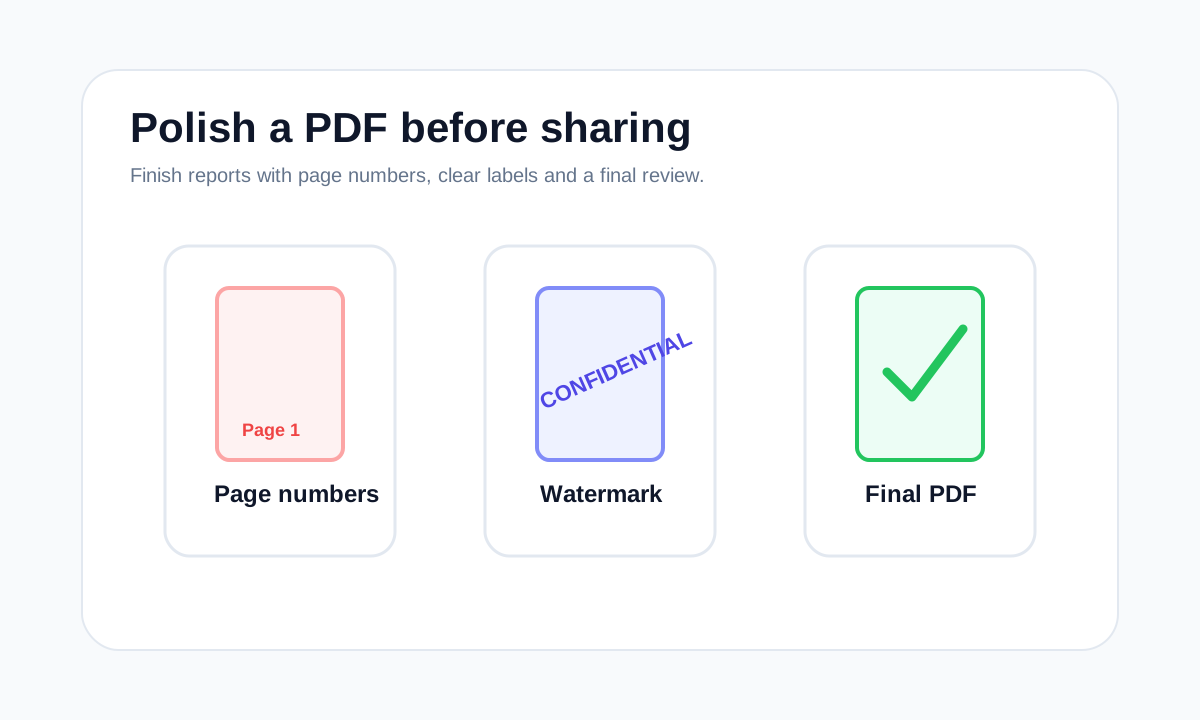
A watermark labels a document visually. It is useful for drafts and confidential copies, but it is not the same as password protection.
Unlocking a PDF is only possible when you provide the correct password. LiftPDF does not bypass unknown passwords.
A protected PDF may fail to open because the password is wrong, the file is damaged, the download is incomplete or the viewer does not support the file correctly.
Browser-based PDF processing means the browser performs the PDF task on your device instead of sending the file to a backend upload queue.
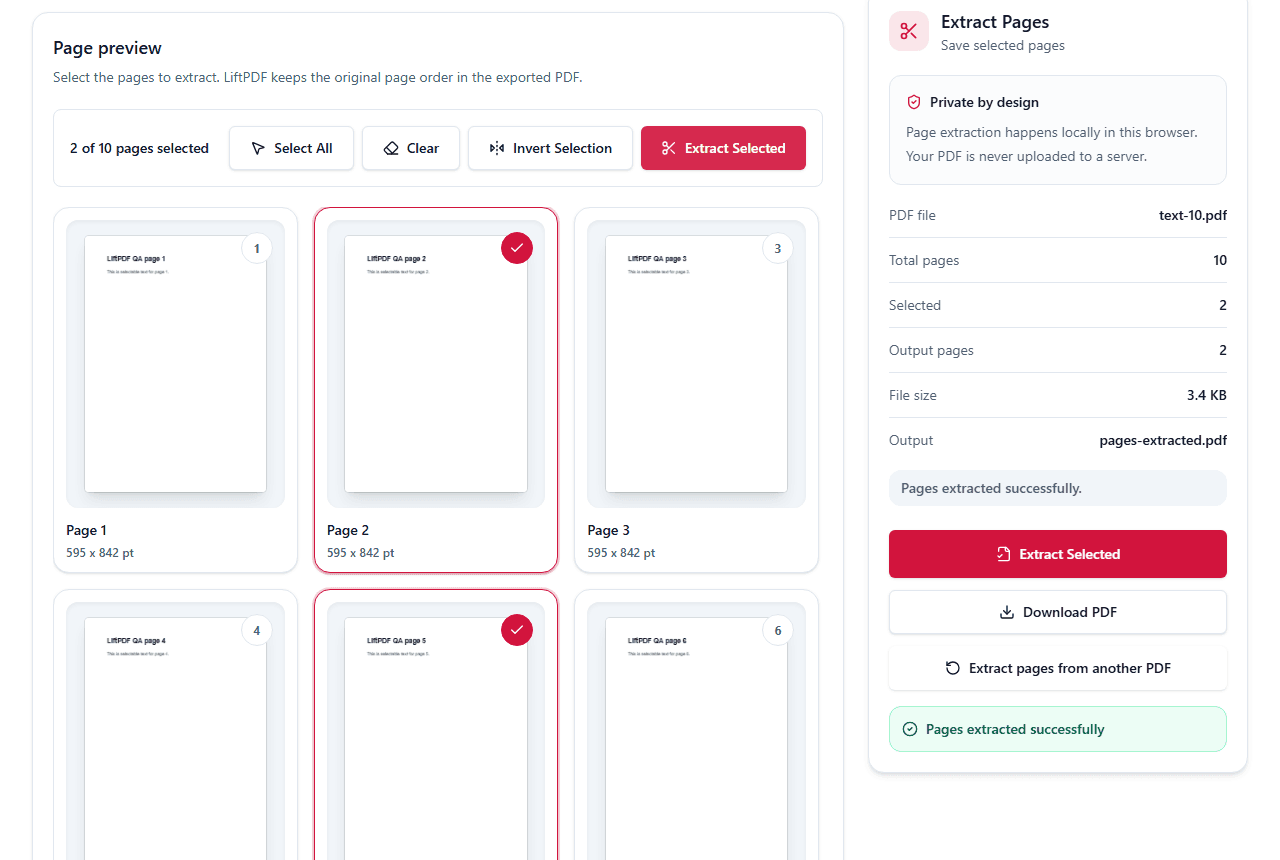
If a PDF is encrypted, you need the correct password before extracting pages. LiftPDF does not bypass passwords; it only works with files you can legally open.
How to choose
Common mistakes
FAQ
No. Unlock PDF requires the correct password. It does not bypass or recover unknown passwords.
Yes. The Protect PDF tool uses QPDF WebAssembly for real PDF encryption rather than a visual lock.