How to Unlock a PDF With a Known Password
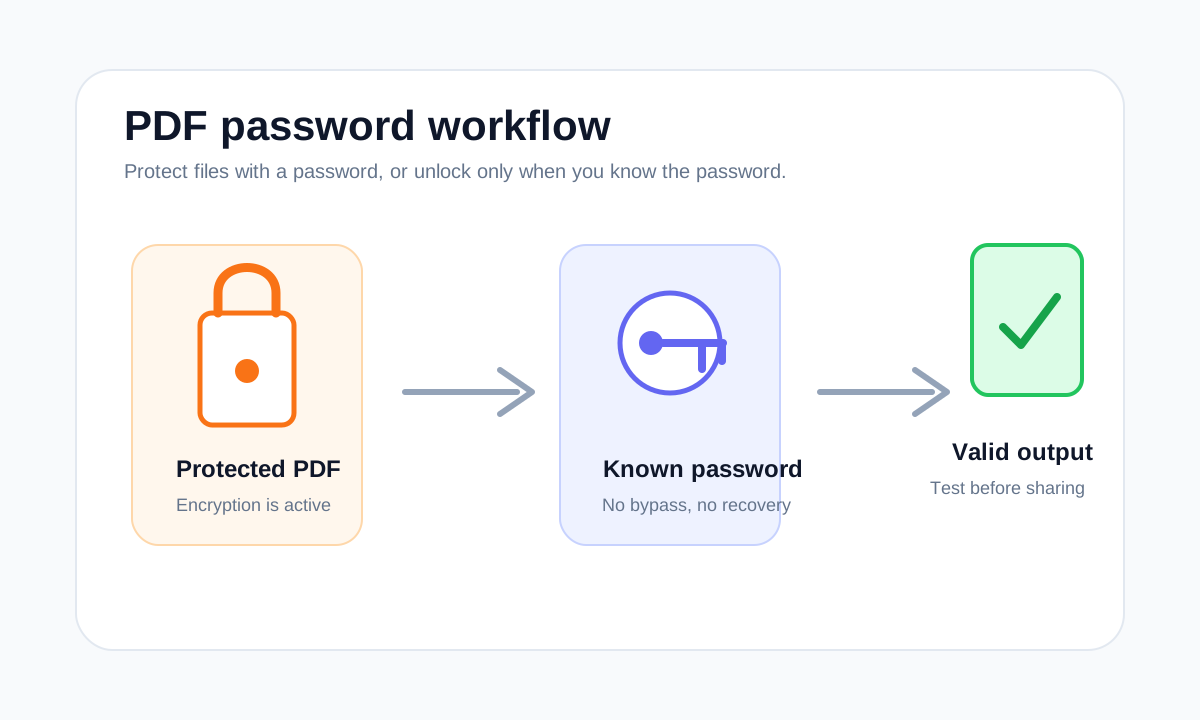
Unlocking a PDF is only possible when you provide the correct password. LiftPDF does not bypass unknown passwords.
Quick answer
What you need to know first
Upload the protected PDF, enter the known password, generate an unlocked copy and confirm that the new PDF opens without asking for a password.
- 1Open Unlock PDF.
- 2Upload the protected file.
- 3Enter the correct password.
- 4Download and test the unlocked copy.
Visual examples
See the workflow before you use it
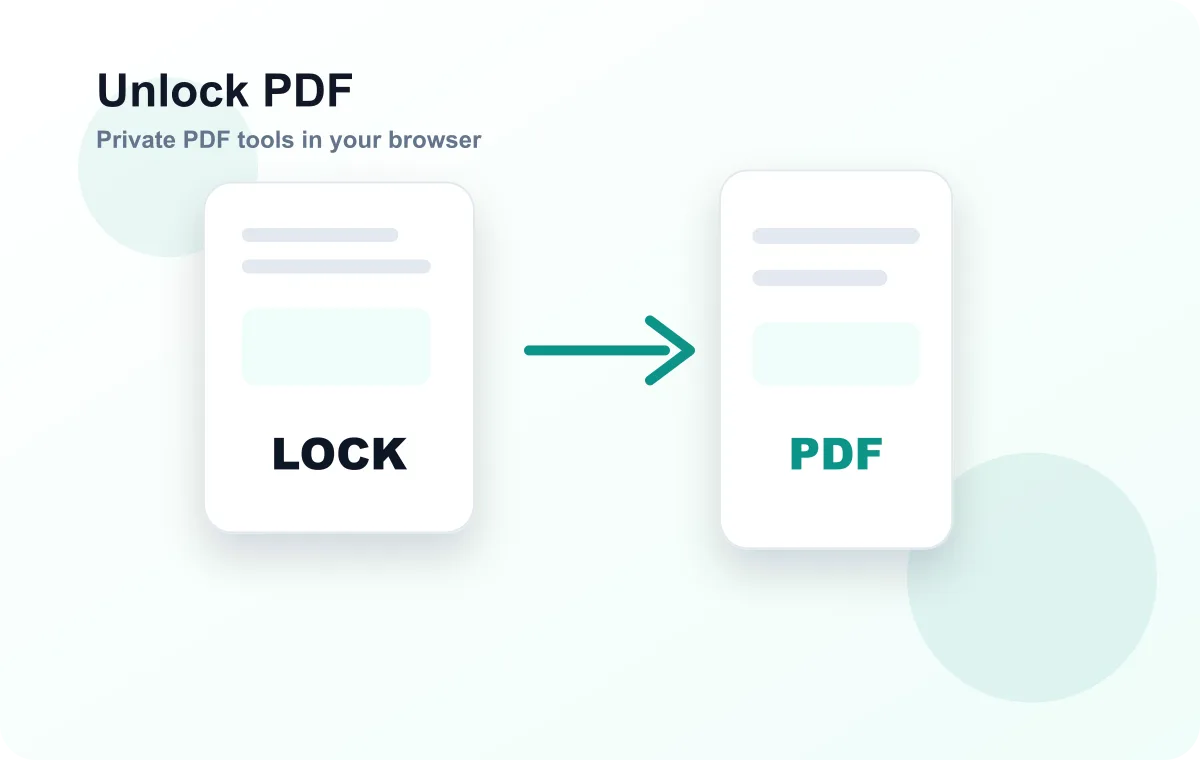
Unlocking is not password recovery
A legitimate unlock workflow removes encryption from a file you can already open. It does not guess, crack or recover a forgotten password.
If the password is wrong, the PDF should remain protected. That is the expected behavior for real encryption.
When unlocking helps
Unlocking can help before merging, compressing, extracting or converting a PDF, because many tools need to read the file structure before processing it.
Open PDF security tools
Protect PDFs with real encryption or unlock files when you know the password.
Unlock PDFFAQ
Common questions
Can LiftPDF unlock without the password?
No. The correct password is required.
Is the original PDF changed?
No. LiftPDF creates a new unlocked download and leaves the original file unchanged.
Editorial note
LiftPDF Editorial Team
LiftPDF articles are written against the behavior of the public LiftPDF tools. We avoid fake expert bylines, invented claims and workflows that the product cannot actually perform.
Published Jul 17, 2026. Last updated Jul 17, 2026.