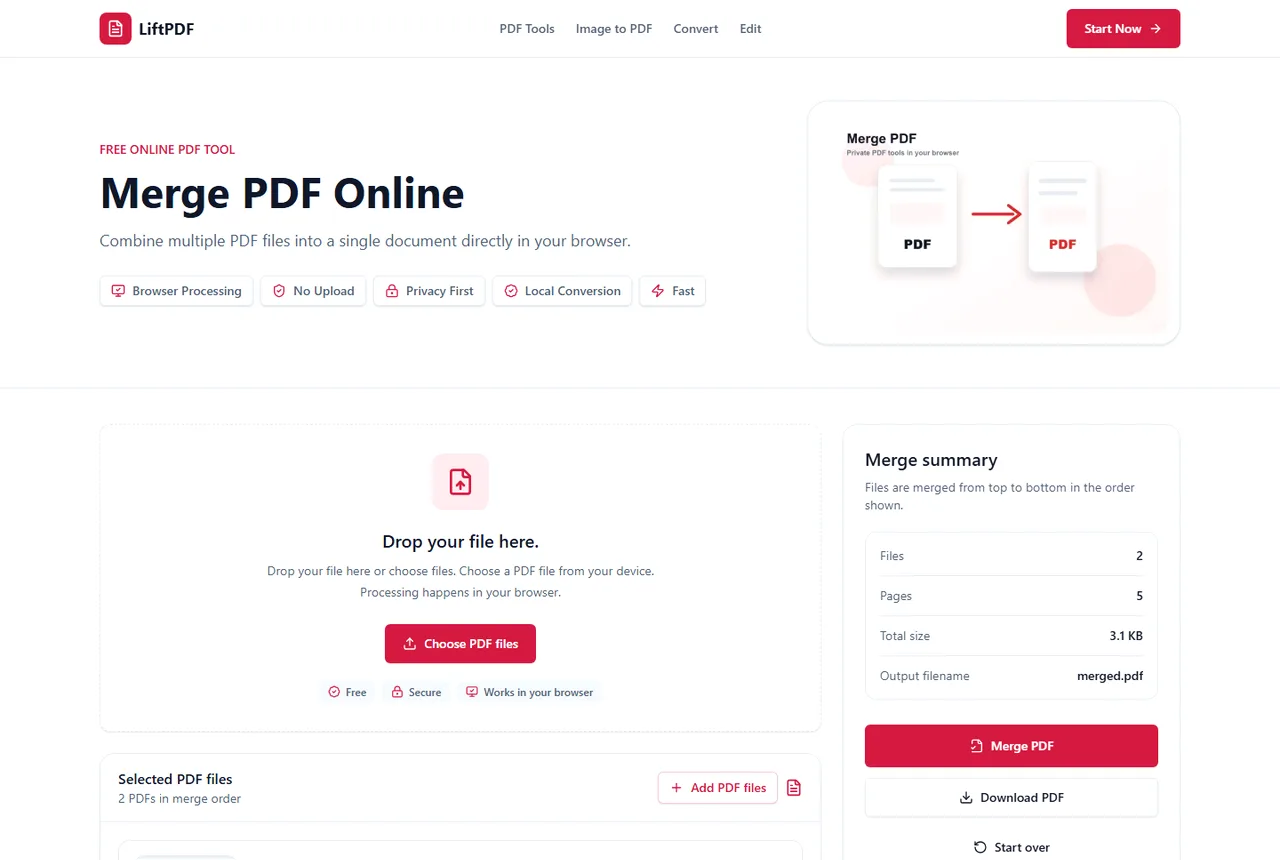
How to Merge PDF Files
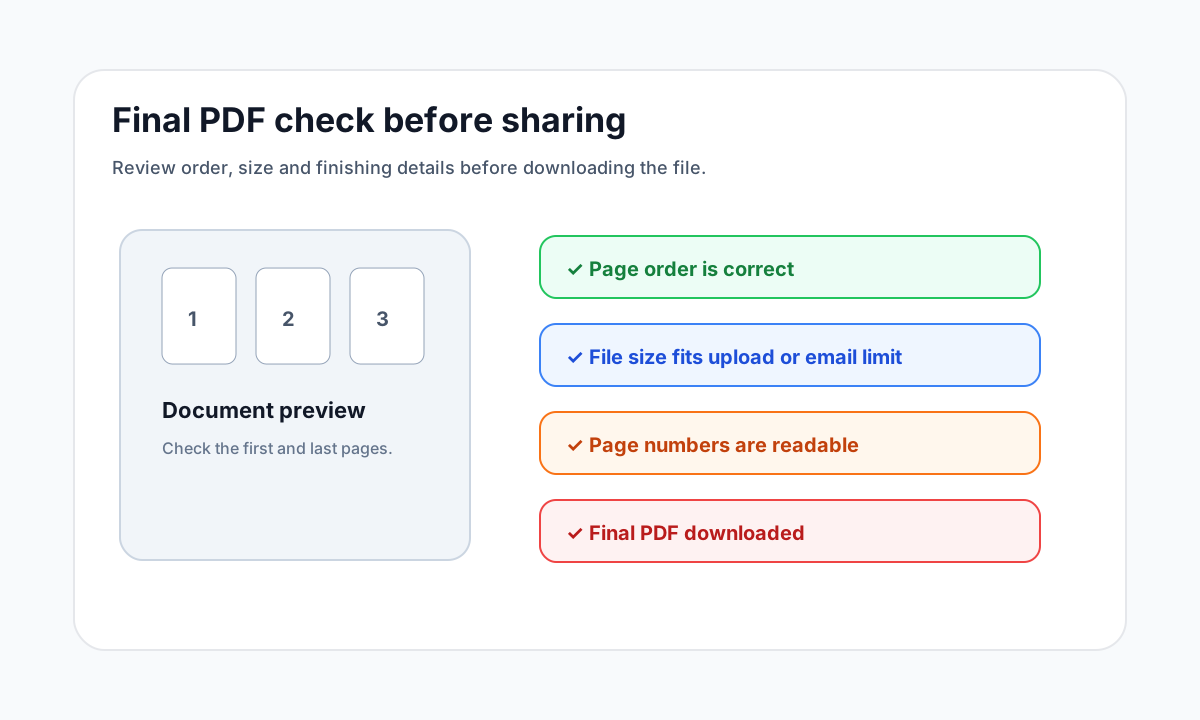
Merging PDFs means combining two or more PDF documents into one file. The key is to upload the files, check their order, merge them, and download a single PDF that keeps every page in sequence.
Pages and structure
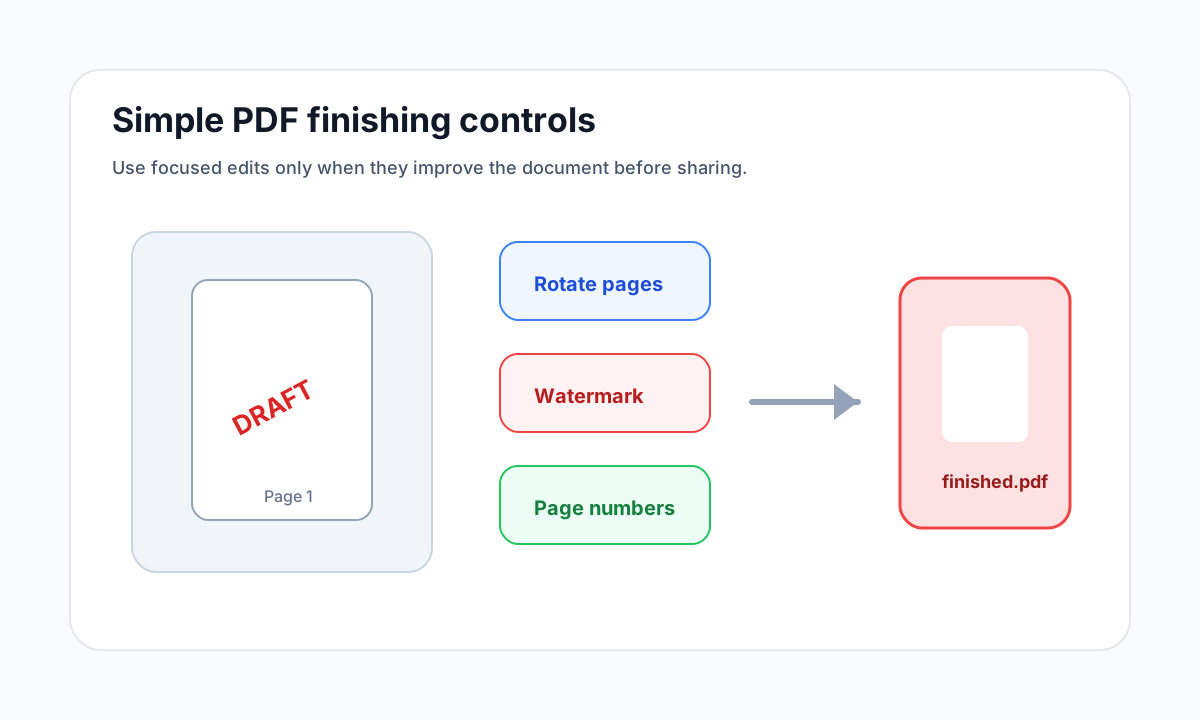
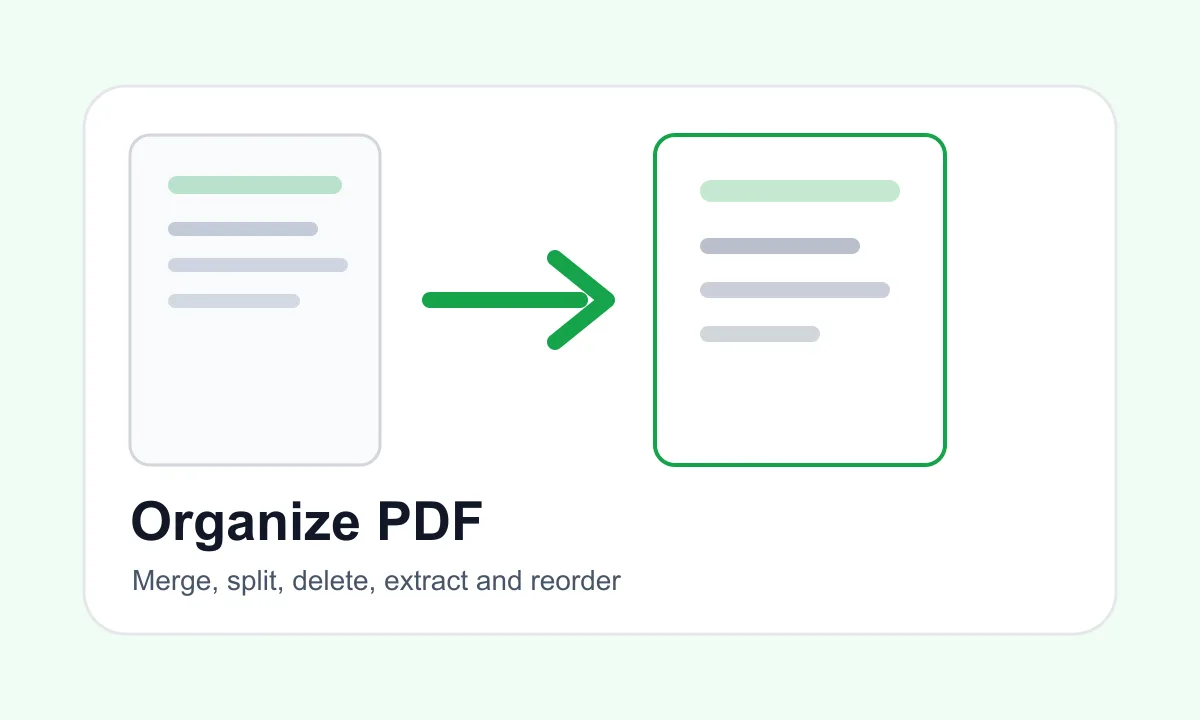
Merge, split, delete, extract and reorder PDF pages without changing the document more than necessary.
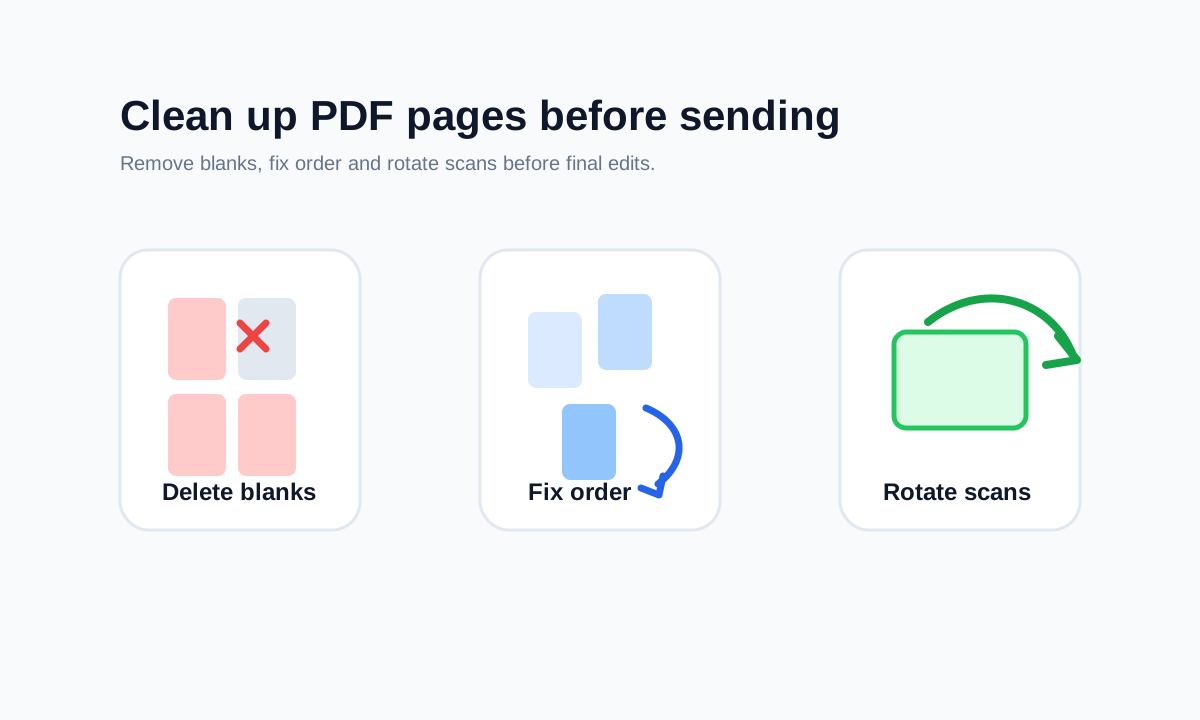
Organizing a PDF is usually about page structure. This hub explains when to combine files, when to extract a clean copy and when deleting or reordering pages is the safer choice.

Recommended path

Merging PDFs means combining two or more PDF documents into one file. The key is to upload the files, check their order, merge them, and download a single PDF that keeps every page in sequence.

When merging several PDFs, the challenge is not the button. The challenge is keeping the final document organized. Use file order, page counts and previews to confirm the sequence before export.

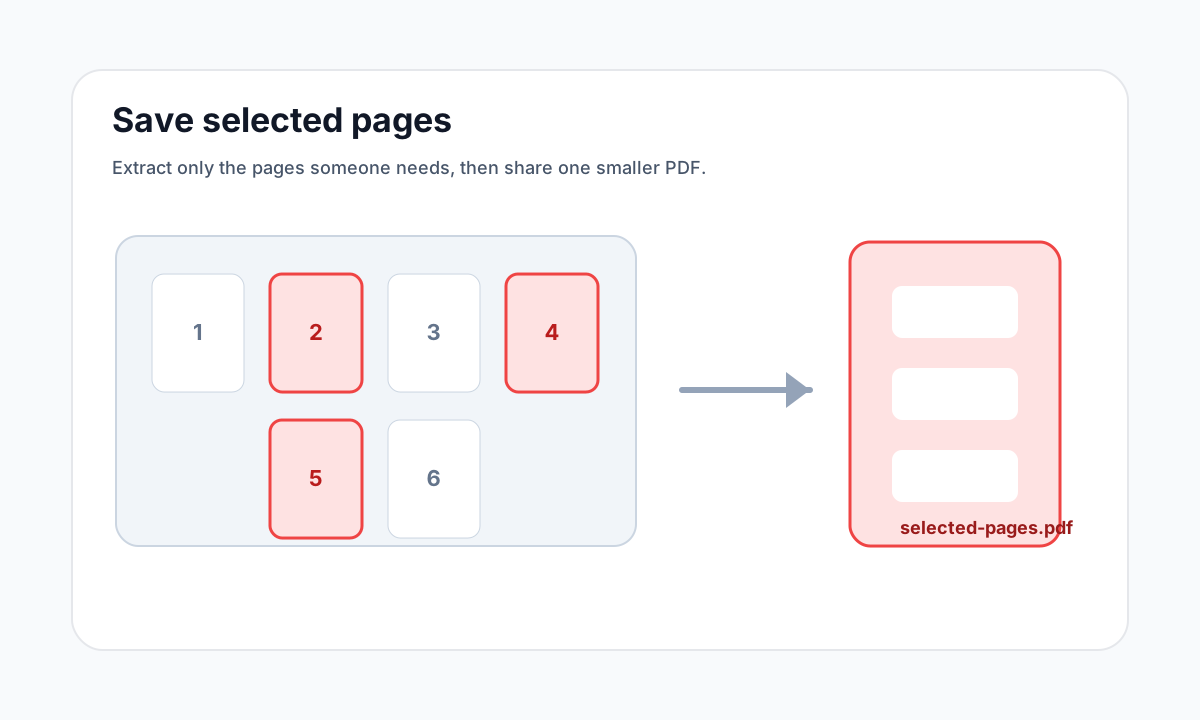
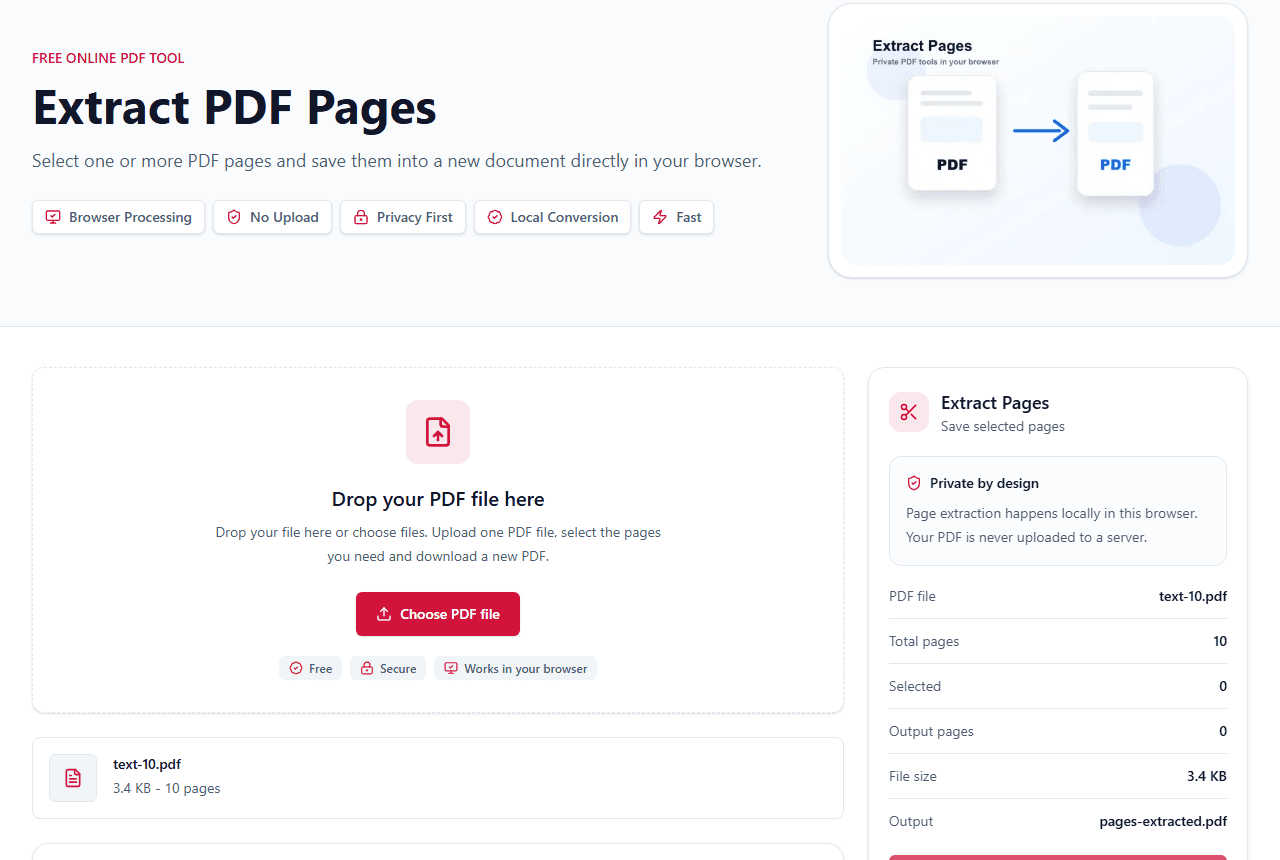
The fastest way to extract PDF pages is to preview the document, select the pages you need, and export those pages into a new PDF. LiftPDF does this in your browser, so the file does not need to be uploaded to a server.

To extract multiple pages, select each thumbnail you want to keep and export them together. LiftPDF keeps the selected pages in their original order.

For most users, merge PDF and combine PDF mean the same task: put multiple PDFs into one file. The important decision is file order and whether pages should be removed first.
How to choose
Common mistakes
FAQ
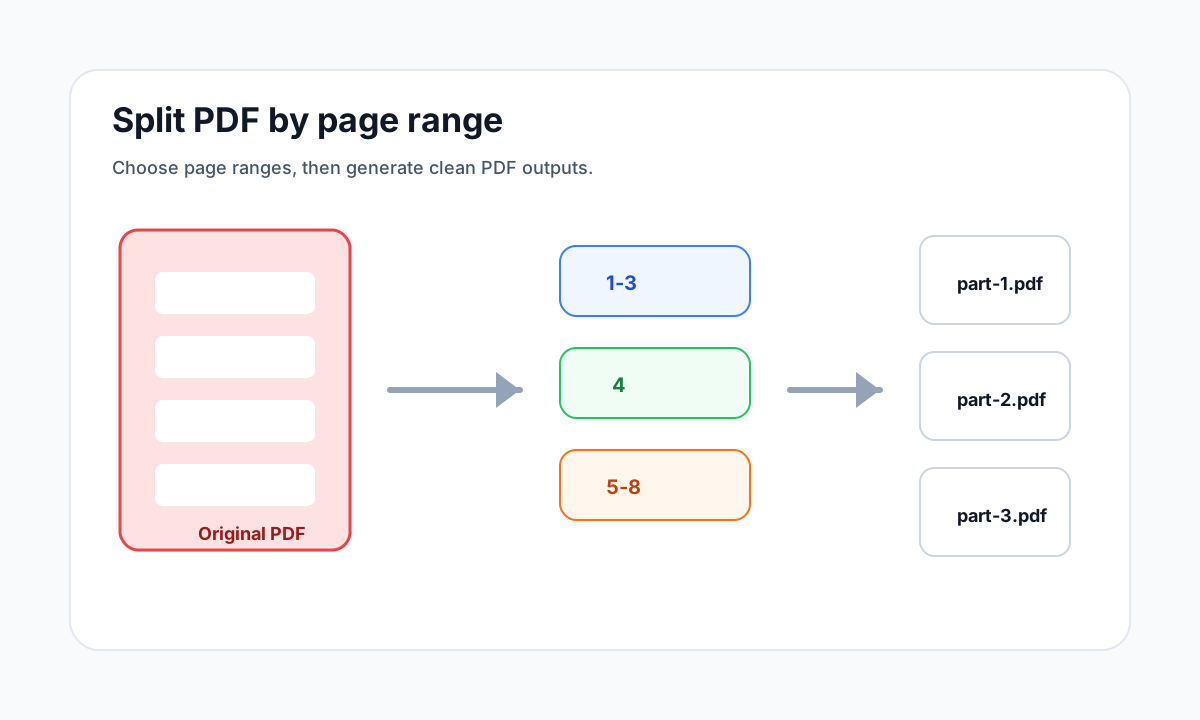
Use Extract Pages when you want selected pages in one new PDF. Use Split PDF when you need ranges or separate files.
LiftPDF organize tools are designed to work locally in your browser for supported files.