Rotate PDF Before Upload
Rotate sideways pages before upload so reviewers do not have to turn pages manually or reject the file.
Quick answer
What you need to know first
Upload the PDF to Rotate PDF, rotate affected pages, download the corrected copy and open it once before uploading.
- 1Open Rotate PDF.
- 2Upload the document.
- 3Rotate sideways pages.
- 4Download and verify before upload.
Sideways pages can cause review problems
Many portals and reviewers expect documents to open in normal reading orientation. Sideways scans look careless and can slow down review.
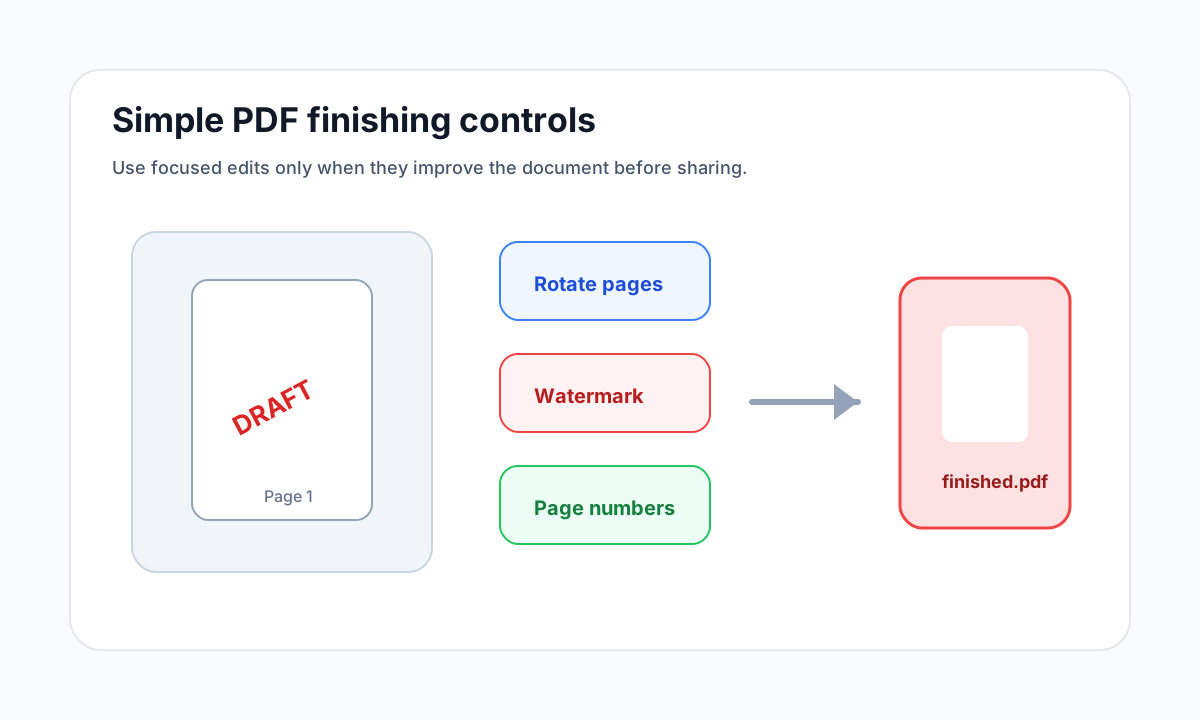
Fix rotation before adding page numbers, watermarks or final compression.
Rotate only what needs rotation
If only one page is sideways, rotate that page rather than all pages. If every scan came from the same orientation mistake, rotate all pages together.
Open organize tools
Merge, split, delete, extract and reorder PDF pages with focused tools.
Rotate PDFFAQ
Common questions
Does rotating a PDF change its content?
It changes page orientation, not the document text or scan itself.
Can I rotate password-protected PDFs?
Protected PDFs may need to be unlocked with the correct password before processing.
Editorial note
LiftPDF Editorial Team
LiftPDF articles are written against the behavior of the public LiftPDF tools. We avoid fake expert bylines, invented claims and workflows that the product cannot actually perform.
Published Jul 17, 2026. Last updated Jul 17, 2026.