Password-Protected PDF Not Opening
A protected PDF may fail to open because the password is wrong, the file is damaged, the download is incomplete or the viewer does not support the file correctly.
Quick answer
What you need to know first
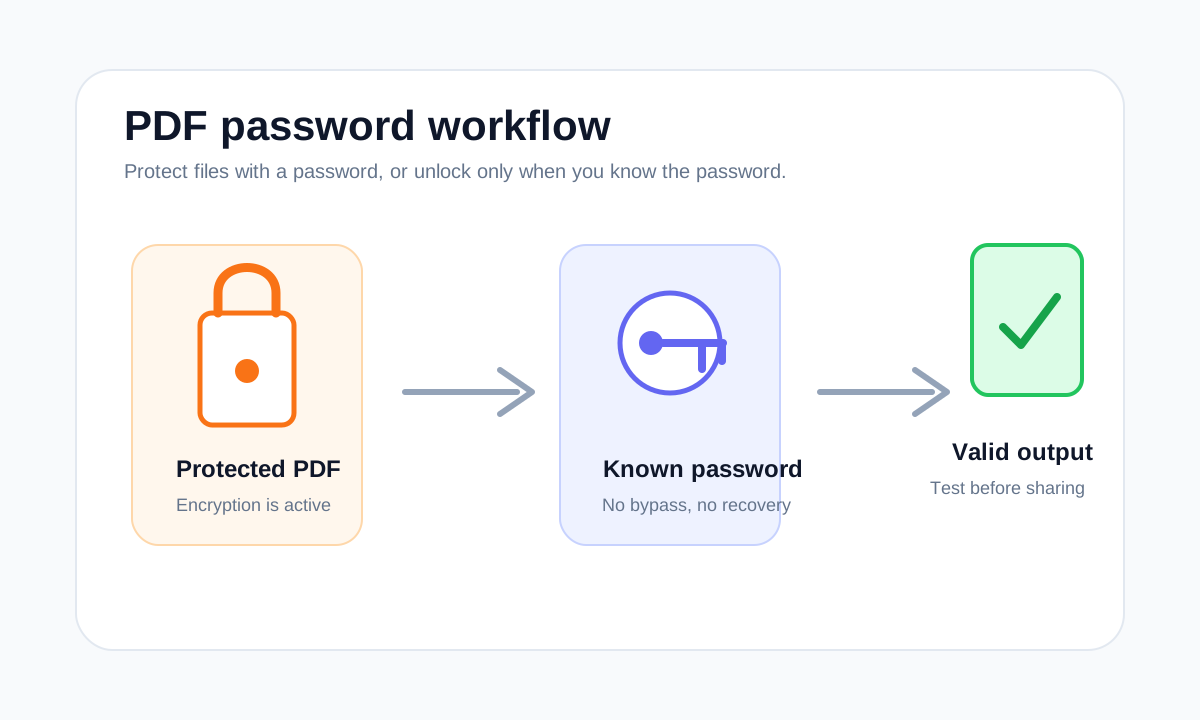
Confirm the password, re-download the file, try another viewer and only then use Unlock PDF if you have permission and the correct password.
- 1Check for typing mistakes in the password.
- 2Re-download the PDF if it came from email or a portal.
- 3Open it in another PDF viewer.
- 4Unlock only after confirming the file is valid.
Start with the simplest causes
Password fields are exact. Extra spaces, wrong capitalization or copied hidden characters can make a correct-looking password fail.
If the PDF still fails, the file may be incomplete or damaged. Re-downloading is often faster than trying to process a broken copy.
Do not bypass protection
If you do not know the password, the right next step is to ask the file owner. LiftPDF does not bypass unknown passwords or recover them.
FAQ
Common questions
Why does the password work in one viewer but not another?
Some PDFs use features that are handled differently by viewers. Try a current browser or PDF reader before assuming the password is wrong.
Can a protected PDF also be damaged?
Yes. Encryption and file damage are separate issues, so a correct password cannot fix an incomplete PDF.
Editorial note
LiftPDF Editorial Team
LiftPDF articles are written against the behavior of the public LiftPDF tools. We avoid fake expert bylines, invented claims and workflows that the product cannot actually perform.
Published Jul 17, 2026. Last updated Jul 17, 2026.