PDF and ImagesGuide
How to Convert JPG to PDF
The cleanest JPG to PDF workflow is simple: add your images, check the live PDF preview, choose page settings and export one document.
4 min readRead guide
Format workflows
Convert between PDF, images and text while keeping the workflow honest about quality and OCR limits.
Conversion is useful when the destination format matters: images for previews, text for copying, or PDF for sharing. This hub helps you pick the least destructive path.
Recommended path
The cleanest JPG to PDF workflow is simple: add your images, check the live PDF preview, choose page settings and export one document.
An online JPG to PDF tool should be fast, predictable and private. LiftPDF keeps the workflow focused: upload images, preview the PDF and download.
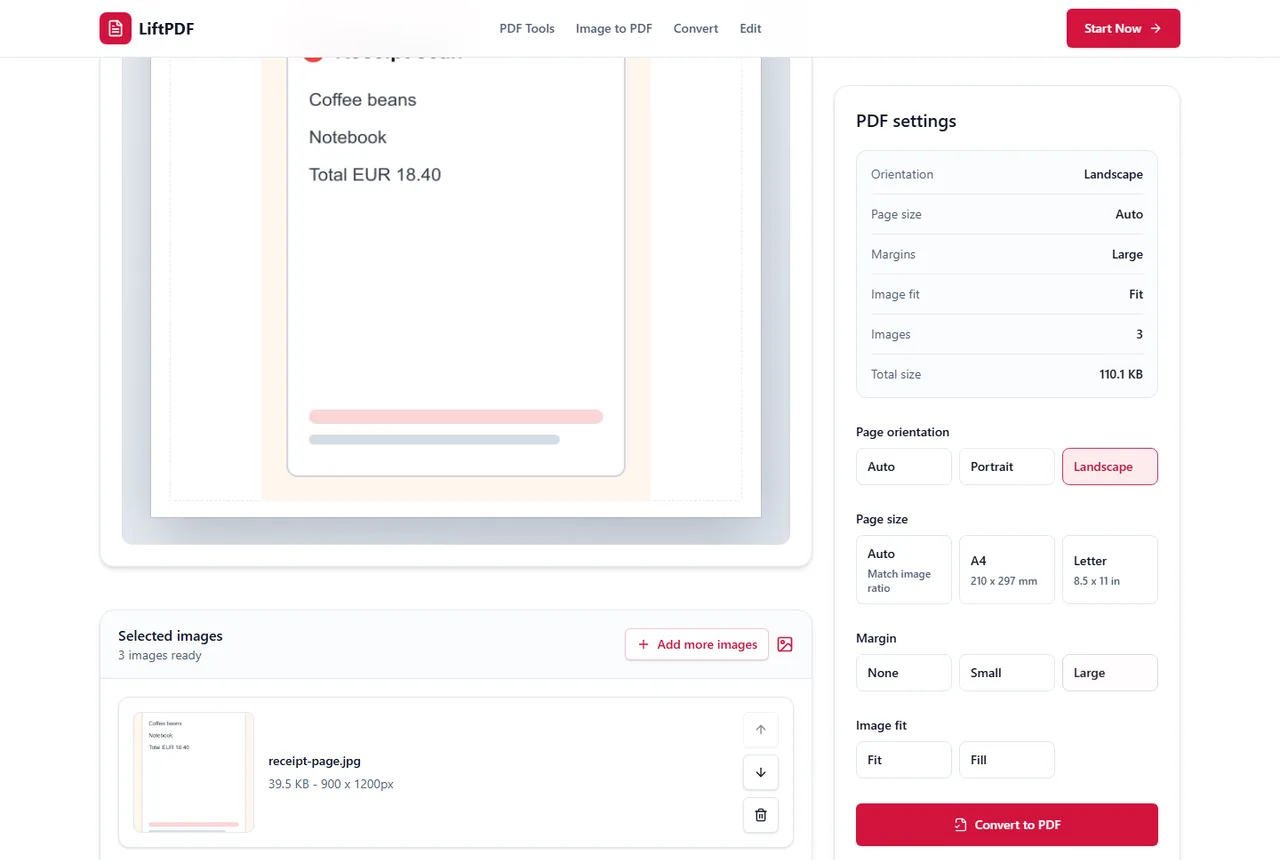
A sharp PDF starts with a sharp JPG. The best settings preserve the full image, avoid unnecessary margins and do not enlarge a low-resolution source.
Use the original phone photos, put them in order, choose a page layout and export one PDF instead of sending loose images.
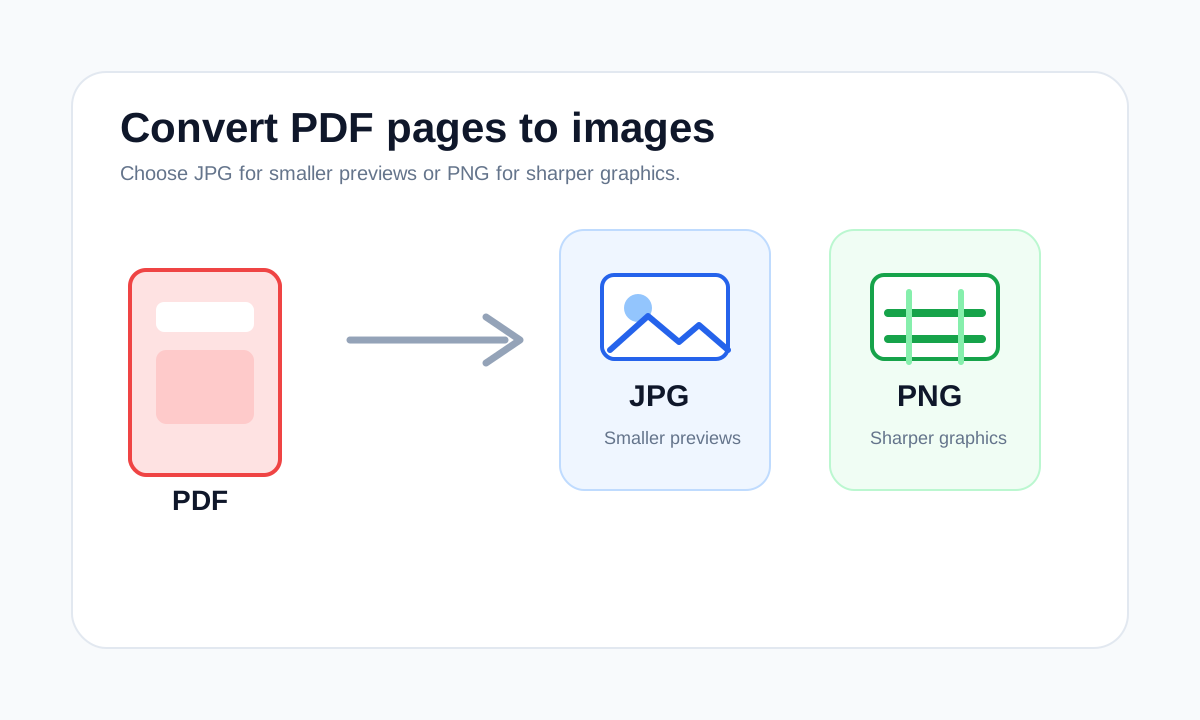
Use PDF to JPG when you need page previews, photo-friendly images or shareable page snapshots rather than editable PDF pages.
Use PDF to PNG when sharp edges, screenshots, diagrams or text-heavy page images matter more than the smallest image file size.
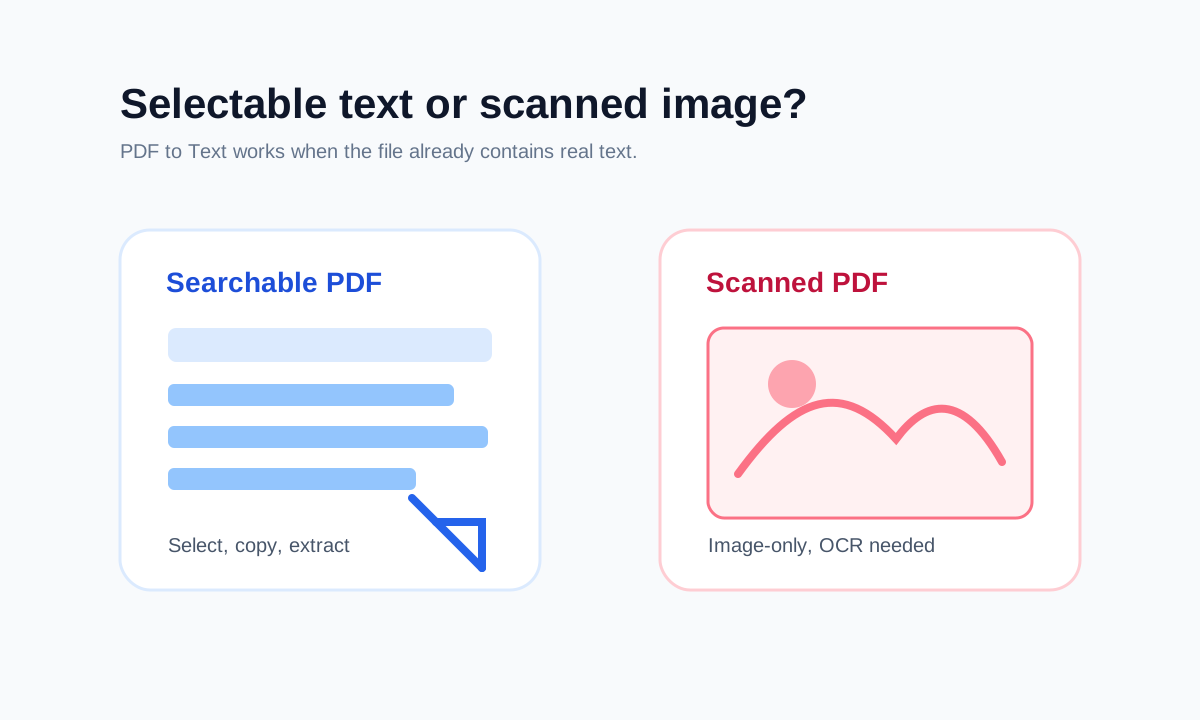
If a PDF contains selectable text, you can extract and copy it. If it is image-only, OCR is required before text can be copied.
You can extract text without OCR only when the PDF already contains selectable text or a text layer.
Browser-based PDF processing means the browser performs the PDF task on your device instead of sending the file to a backend upload queue.
How to choose
Common mistakes
FAQ
Not always. PDF page extraction preserves the PDF page, while image conversion depends on output format and rendering quality.
PDF to Text extracts selectable text only. Scanned PDFs require OCR, which is not part of that tool.