Extract Text From PDF Without OCR
You can extract text without OCR only when the PDF already contains selectable text or a text layer.
Quick answer
What you need to know first
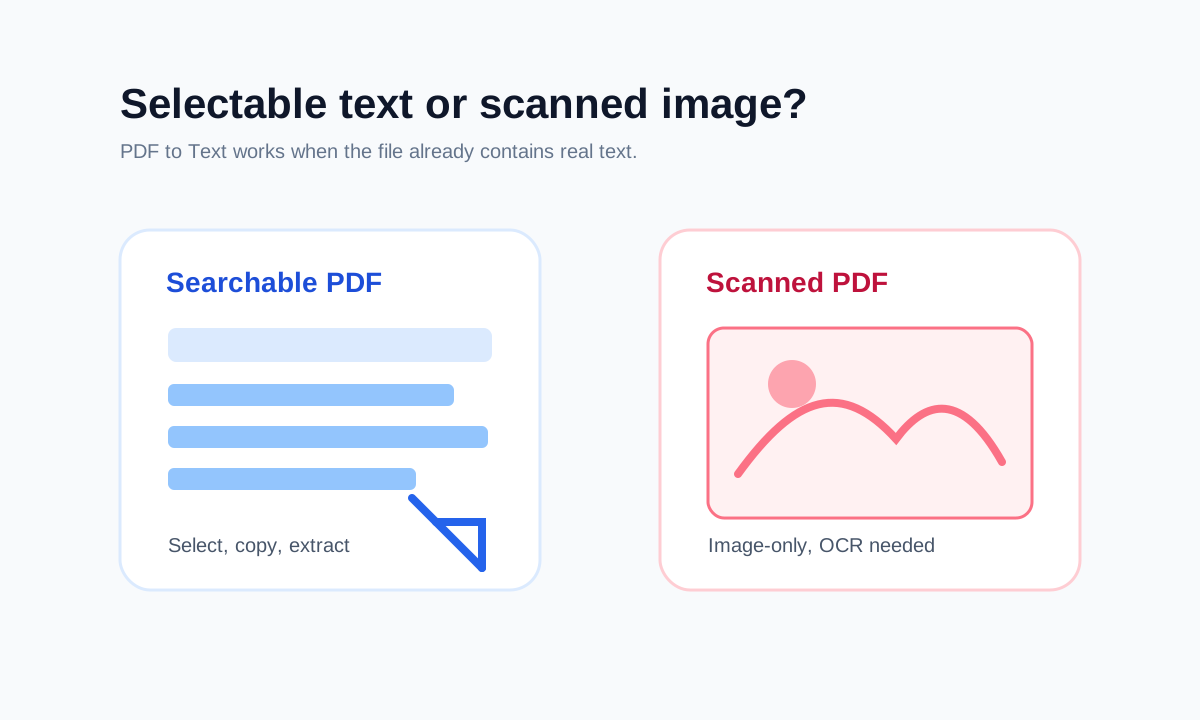
PDF to Text can extract selectable text already present in the PDF. It cannot read text from image-only scanned pages without OCR.
- 1Try selecting text in the PDF.
- 2Use PDF to Text if words are selectable.
- 3Use OCR software if the PDF is scanned.
- 4Download TXT only after reviewing the extracted text.
OCR is only needed for image text
If a PDF was exported from a digital document, it often contains real text. If it was scanned from paper, it may contain only images.
OCR is the process that recognizes text inside images. LiftPDF does not claim OCR; it extracts text that already exists.
Why this distinction matters
Honest text extraction prevents false expectations. A scanned PDF can look readable to humans while still containing no selectable text for a normal extractor.
Open conversion tools
Convert between PDF, images and text with browser-based LiftPDF tools.
Extract PDF textFAQ
Common questions
Can a scanned PDF be extracted without OCR?
Only if OCR was already applied previously and the PDF includes a text layer.
Does PDF to Text keep tables?
It extracts readable text, but it is not a table reconstruction or Word conversion tool.
Editorial note
LiftPDF Editorial Team
LiftPDF articles are written against the behavior of the public LiftPDF tools. We avoid fake expert bylines, invented claims and workflows that the product cannot actually perform.
Published Jul 17, 2026. Last updated Jul 17, 2026.