Scanned PDF vs Searchable PDF
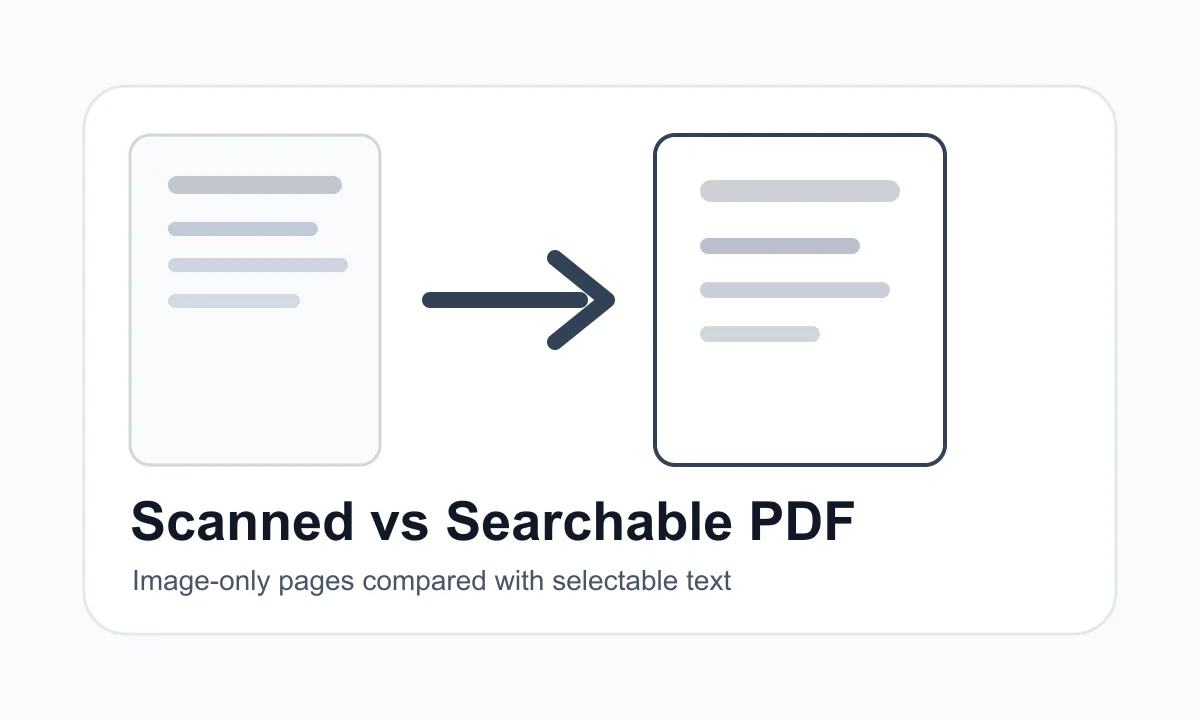
A scanned PDF is usually made of page images. A searchable PDF contains selectable text that can be copied or extracted.
Quick answer
What you need to know first
If you cannot select text with your cursor, the PDF may be scanned or image-based. OCR is required to turn scanned text into selectable text.
Scanned PDFs
A scanned PDF often looks like a document but behaves like a picture of a document. The page may contain pixels instead of real text.
Searchable PDFs
A searchable PDF contains text objects or an OCR text layer. That text can usually be selected, copied and extracted.
Why this matters for tools
PDF to Text can extract selectable text. It cannot read text from a scanned image-only page without OCR.
The quick test
Try selecting one word in the PDF. If you can highlight individual letters or copy the sentence into a text editor, the file likely contains selectable text. If selection draws a rectangle over the whole page, the PDF is probably image-only.
This distinction matters for PDF to Text. A browser extractor can read selectable text, but it cannot invent text from a photograph of a page. That requires OCR.
Choose the right PDF tool
Use the guide to understand the file, then choose the smallest LiftPDF workflow that solves the task.
Extract PDF textFAQ
Common questions
Can LiftPDF do OCR?
No. Current PDF to Text extracts text already present in the PDF and clearly says when OCR is required.
How can I tell if a PDF is scanned?
Try selecting a word. If the whole page behaves like one image, it is probably scanned or image-based.
Editorial note
LiftPDF Editorial Team
LiftPDF articles are written against the behavior of the public LiftPDF tools. We avoid fake expert bylines, invented claims and workflows that the product cannot actually perform.
Published Jul 15, 2026. Last updated Jul 16, 2026.