PDF File Size Limits Explained
PDF size limits are set by email providers, forms and portals. The best fix depends on whether the PDF is too large because of pages, scans or images.
Quick answer
What you need to know first
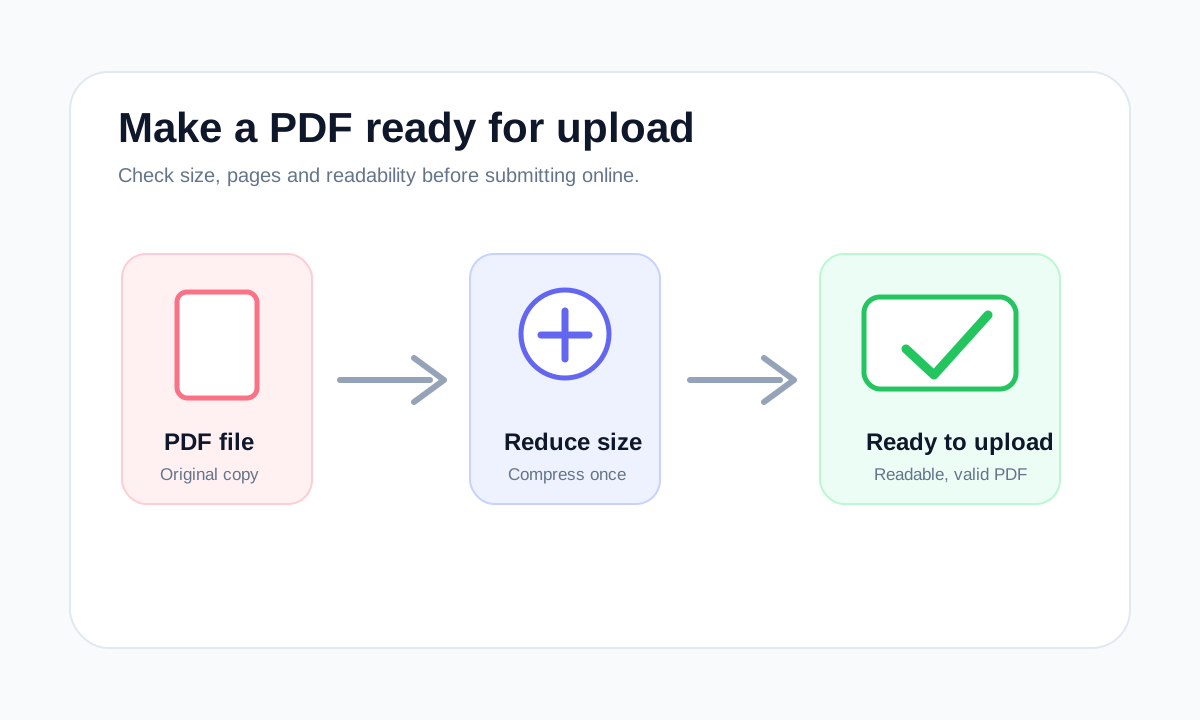
If a PDF exceeds a size limit, remove unnecessary pages first, then compress. If the file is a scan, expect quality tradeoffs and check readability.
- 1Find the exact limit stated by the recipient.
- 2Identify whether the PDF is text-heavy or scan-heavy.
- 3Remove pages that are not needed.
- 4Compress once and verify the output.
Why limits vary
Email systems, application portals and school platforms all set their own size limits. A file that works in one place can fail somewhere else.
The limit itself is not the only issue. Some portals reject encrypted PDFs, damaged PDFs or ZIP files even when the size is acceptable.
How to respond to a size error
Do not blindly convert the file to another format. If the final upload must be a PDF, keep it as a PDF and solve the actual cause.
- Use Extract Pages if only one section is required.
- Use Compress PDF for image-heavy or scan-heavy files.
- Use Merge PDF only after each source file is clean.
Choose the right PDF tool
Use the guide to understand the file, then choose the smallest LiftPDF workflow that solves the task.
Reduce PDF sizeFAQ
Common questions
Is there a universal PDF size limit?
No. Limits depend on the receiving website, email system or organization.
Can a PDF be too small?
Yes, if aggressive compression makes the content unreadable or removes useful detail.
Editorial note
LiftPDF Editorial Team
LiftPDF articles are written against the behavior of the public LiftPDF tools. We avoid fake expert bylines, invented claims and workflows that the product cannot actually perform.
Published Jul 17, 2026. Last updated Jul 17, 2026.