PDF to JPG vs PDF to PNG
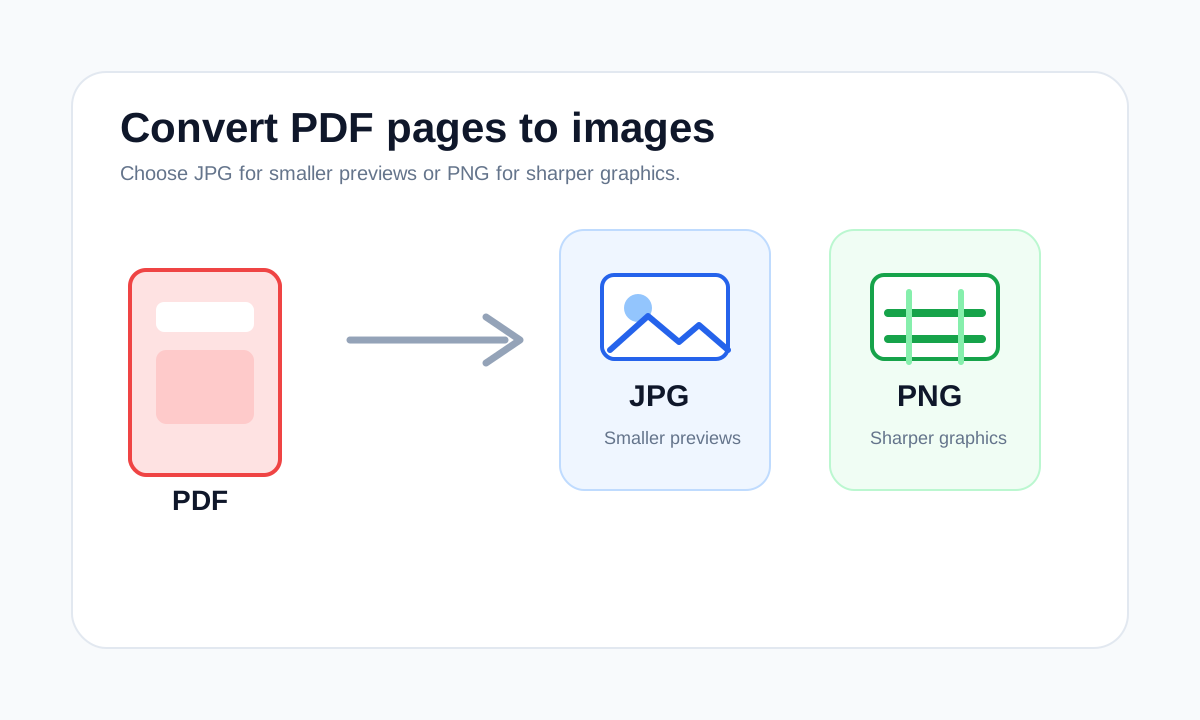
Choose JPG for smaller photo-like exports and PNG for sharper screenshots, text-heavy pages and clean graphics.
Quick answer
What you need to know first
PDF to JPG is usually better for smaller visual previews. PDF to PNG is usually better when text, diagrams or crisp edges matter.
- 1Use JPG for photos and lighter previews.
- 2Use PNG for screenshots, diagrams and small text.
- 3Use PDF extraction when you need to preserve PDF pages, not images.
The decision is about the page content
A PDF page can contain many kinds of content. If it looks like a photo or scan, JPG may be enough. If it looks like a screenshot, chart or form with small text, PNG often looks cleaner.
Both outputs are images. Neither preserves clickable links, selectable text or PDF structure.
File size expectations
JPG usually produces smaller files for photo-like content. PNG can be larger, especially for detailed pages, but it avoids visible JPG artifacts around text and flat-color graphics.
Decision table
JPG or PNG output?
| PDF page type | Best output | Why |
|---|---|---|
| Photo or scan | JPG | Usually smaller for photographic content. |
| Screenshot or diagram | PNG | Cleaner edges and less text artifacting. |
| Need selectable text | Neither | Use PDF to Text or keep the PDF. |
Compare PDF workflows
Choose the format or tool that changes the file the least.
Compare PDF image toolsFAQ
Common questions
Which is better for scanned documents?
JPG is often sufficient for photo-like scans, but PNG can be cleaner for high-contrast text scans if file size is acceptable.
Which keeps the PDF editable?
Neither. Both JPG and PNG are image exports.
Editorial note
LiftPDF Editorial Team
LiftPDF articles are written against the behavior of the public LiftPDF tools. We avoid fake expert bylines, invented claims and workflows that the product cannot actually perform.
Published Jul 17, 2026. Last updated Jul 17, 2026.