PDF BasicsFoundation
What Is PDF Compression?
PDF compression reduces file size by optimizing how document data is stored. The result depends on what the PDF contains.
5 min readRead guide
Simple document changes
Learn practical PDF edits such as rotating pages, adding page numbers, watermarking and reducing file size.
PDF editing should stay focused. LiftPDF avoids fake advanced editing and concentrates on changes that can be applied reliably in the browser.
Recommended path
PDF compression reduces file size by optimizing how document data is stored. The result depends on what the PDF contains.
Start by removing pages you do not need, then compress the PDF once and check readability before sending.
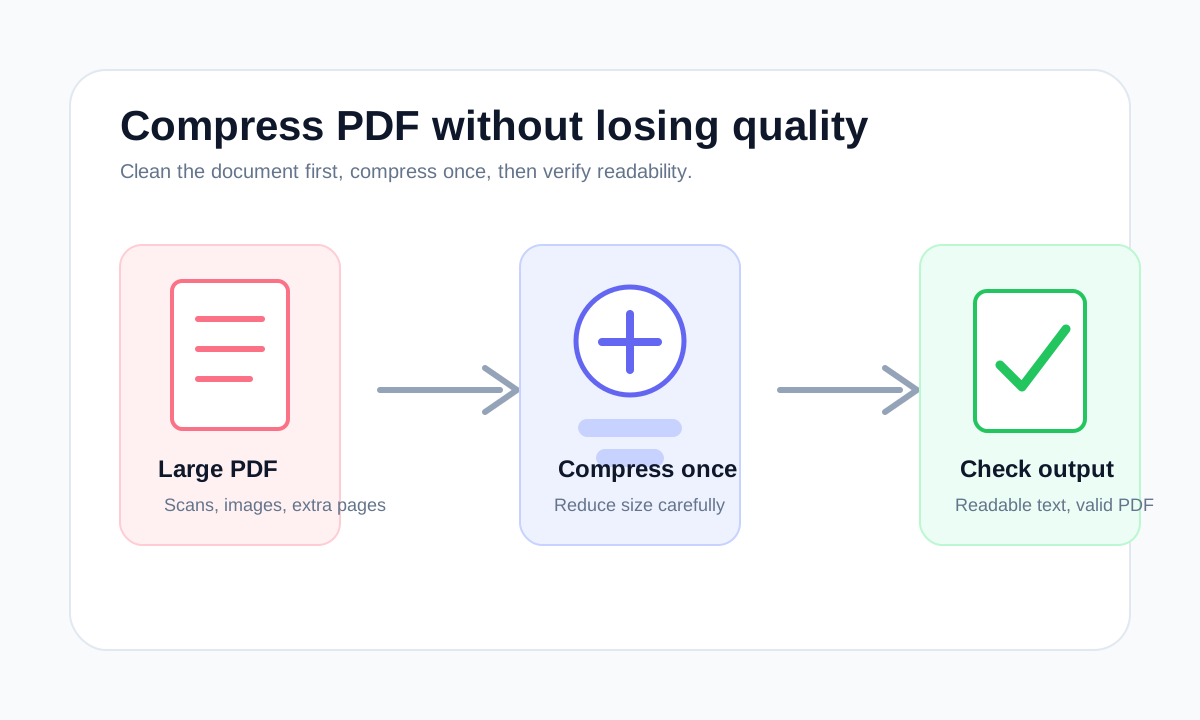
The safest compression workflow is to remove unnecessary pages first, compress once, then check readability instead of repeatedly shrinking the same file.
Email-friendly PDFs should be small enough to attach, readable enough to review and not password-protected unless the recipient expects it.
Scanned PDFs are often large because every page is stored as an image. Reduce size carefully and check whether the scan remains readable.
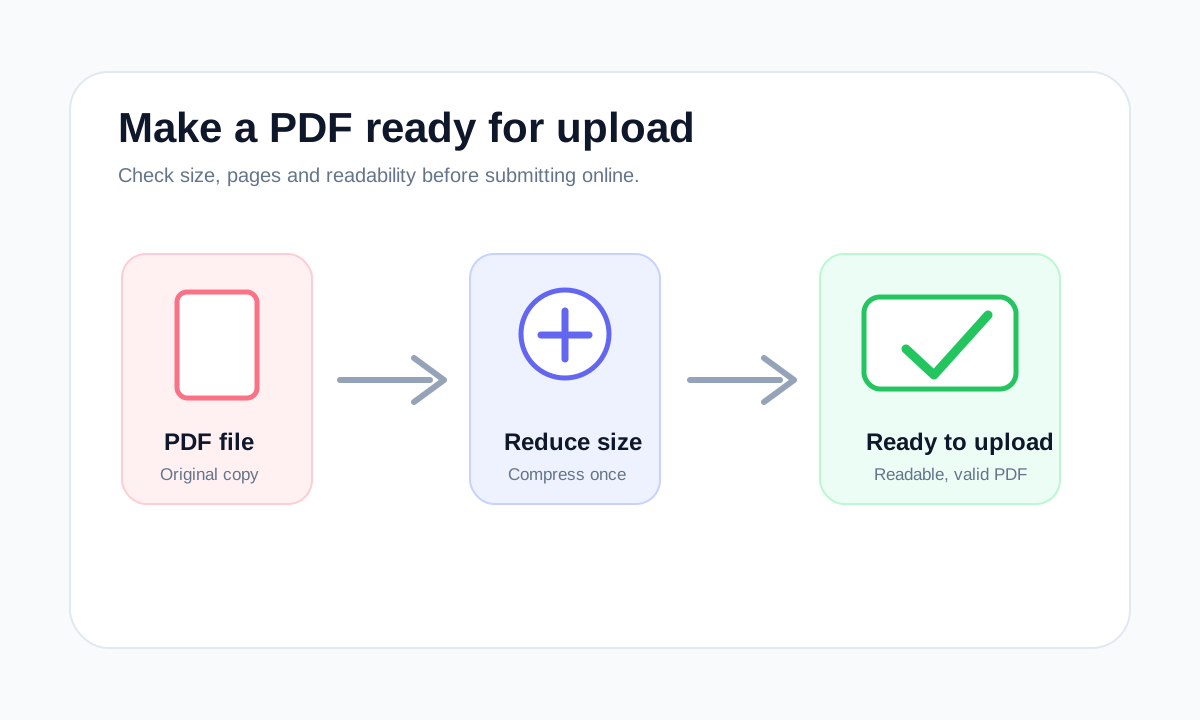
Upload portals usually reject PDFs because of size, password protection, missing pages or unreadable scans. Fix the structure first, then compress.
PDF size limits are set by email providers, forms and portals. The best fix depends on whether the PDF is too large because of pages, scans or images.
Compression reduces stored data. Optimization can also clean structure, remove waste and prepare the file for a specific use.
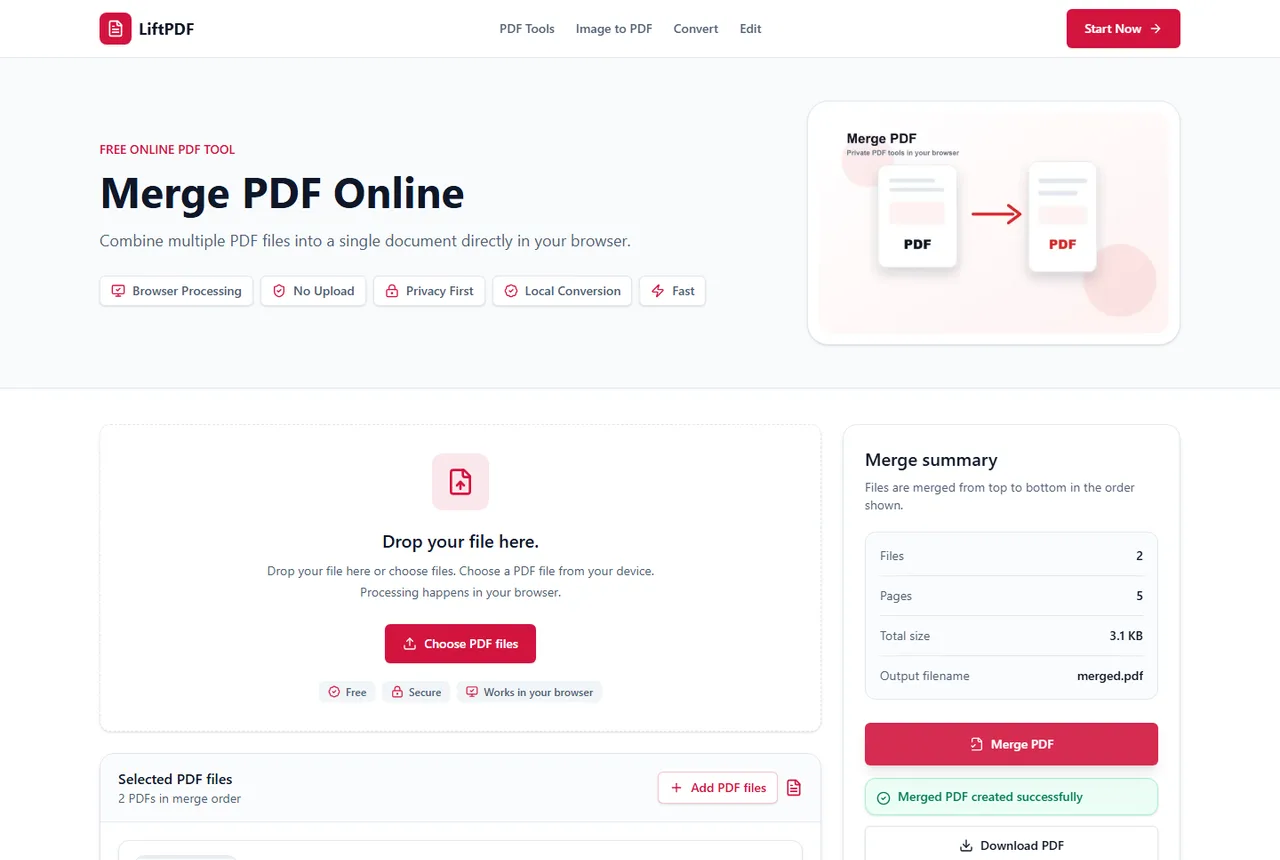
A merged PDF is usually large because the source files contain high-resolution scans, photos, embedded images, duplicate pages or already-large PDFs.
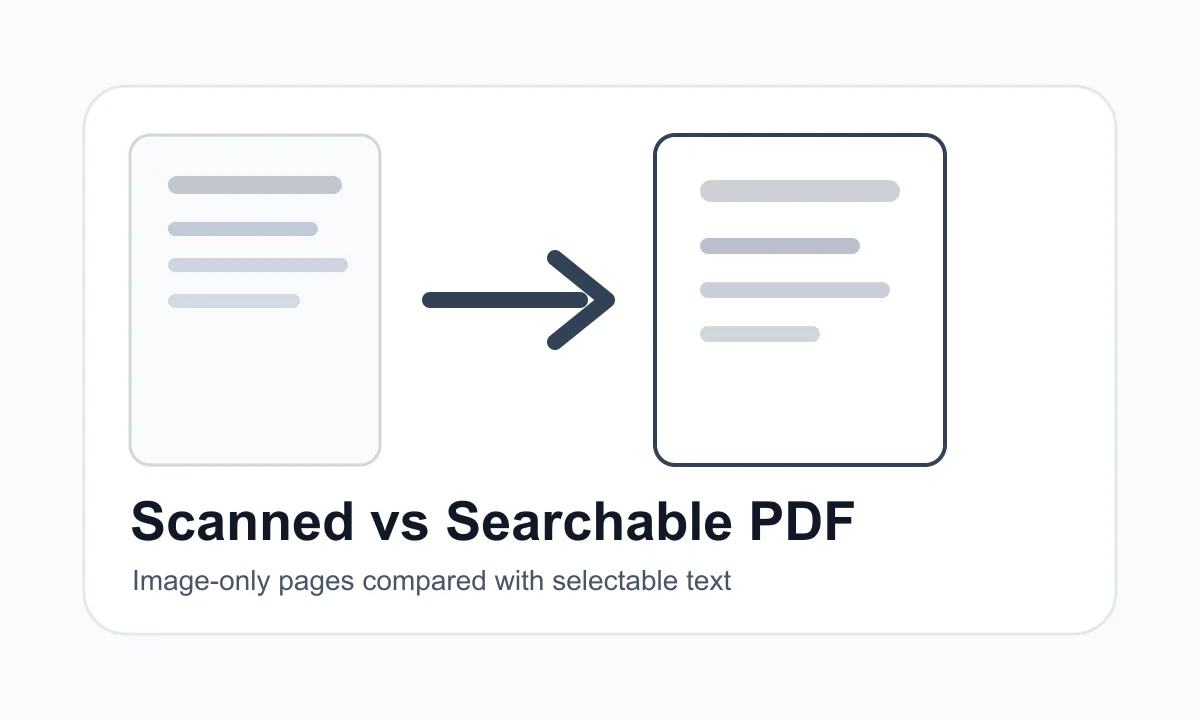
PDFs usually become large because of scans, high-resolution photos, embedded fonts, attachments or unnecessary pages.
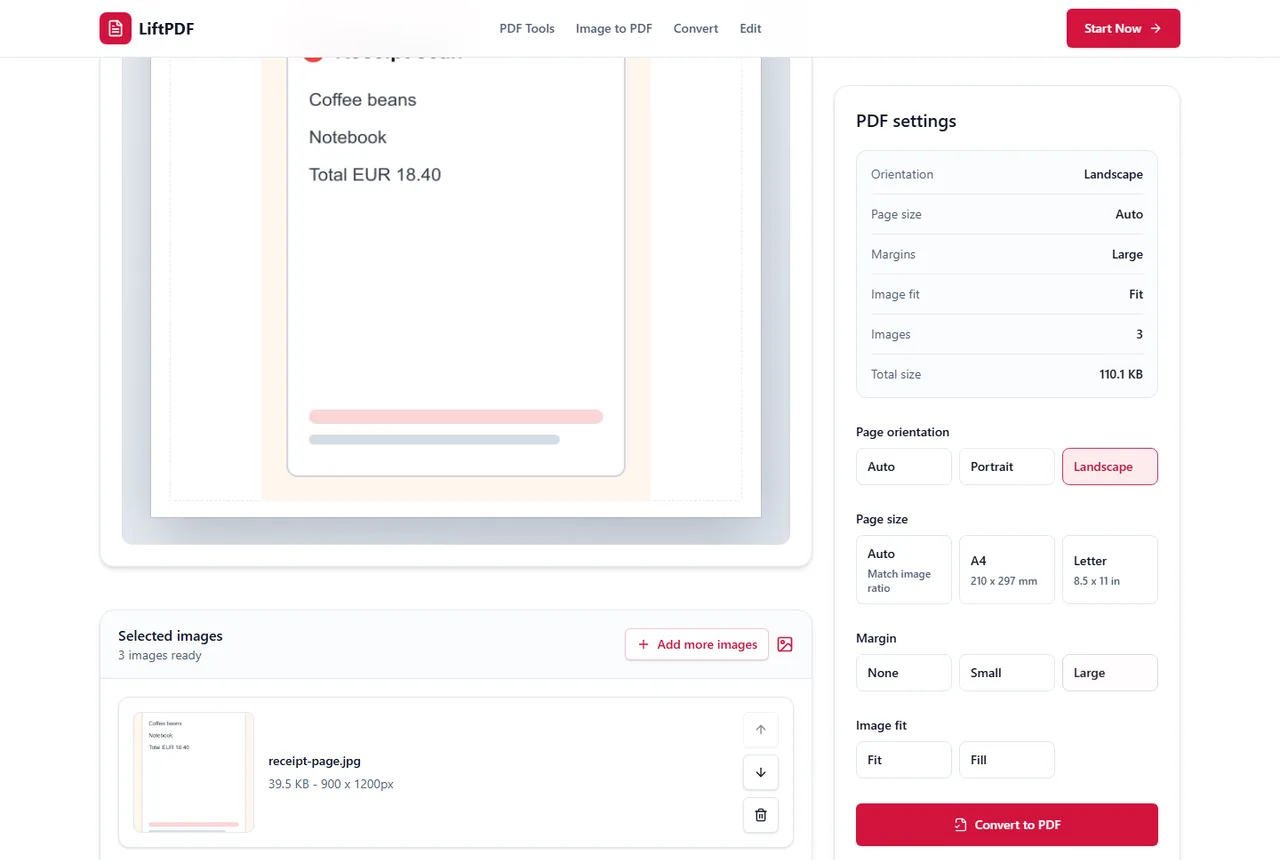
To keep original quality, avoid unnecessary resizing. Match the PDF page to the image when possible and use the cleanest source JPG.
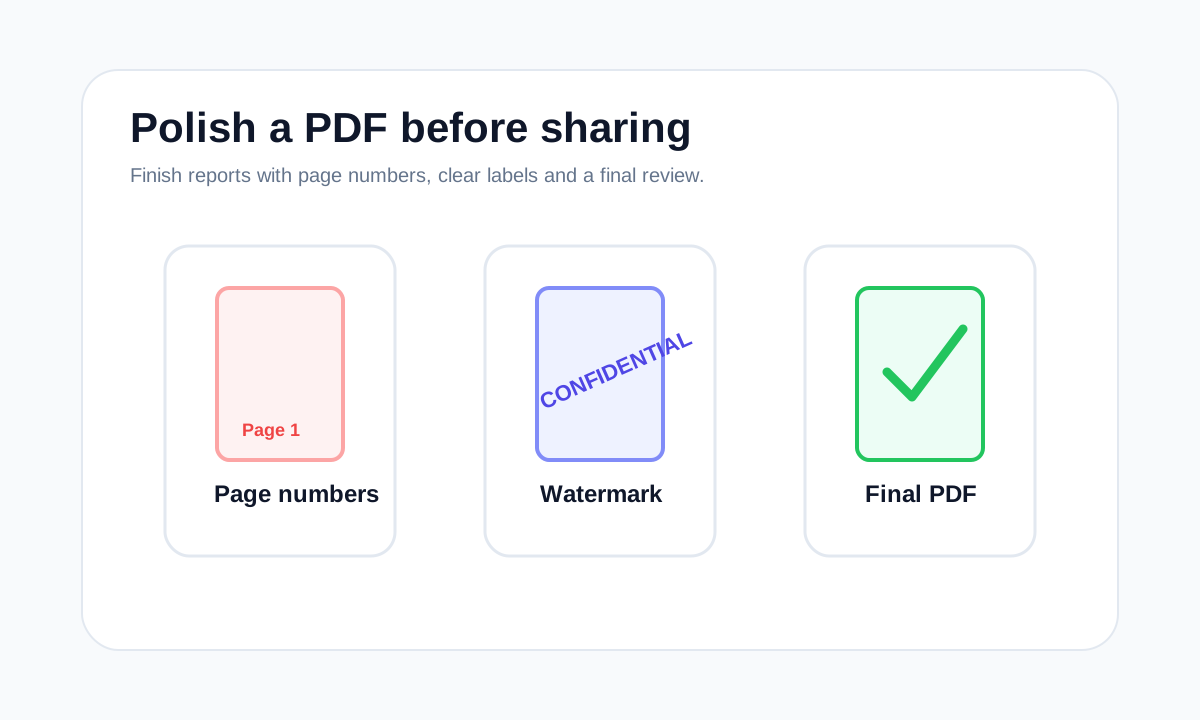
Add page numbers after merging, deleting and reordering pages so the numbering matches the final PDF.
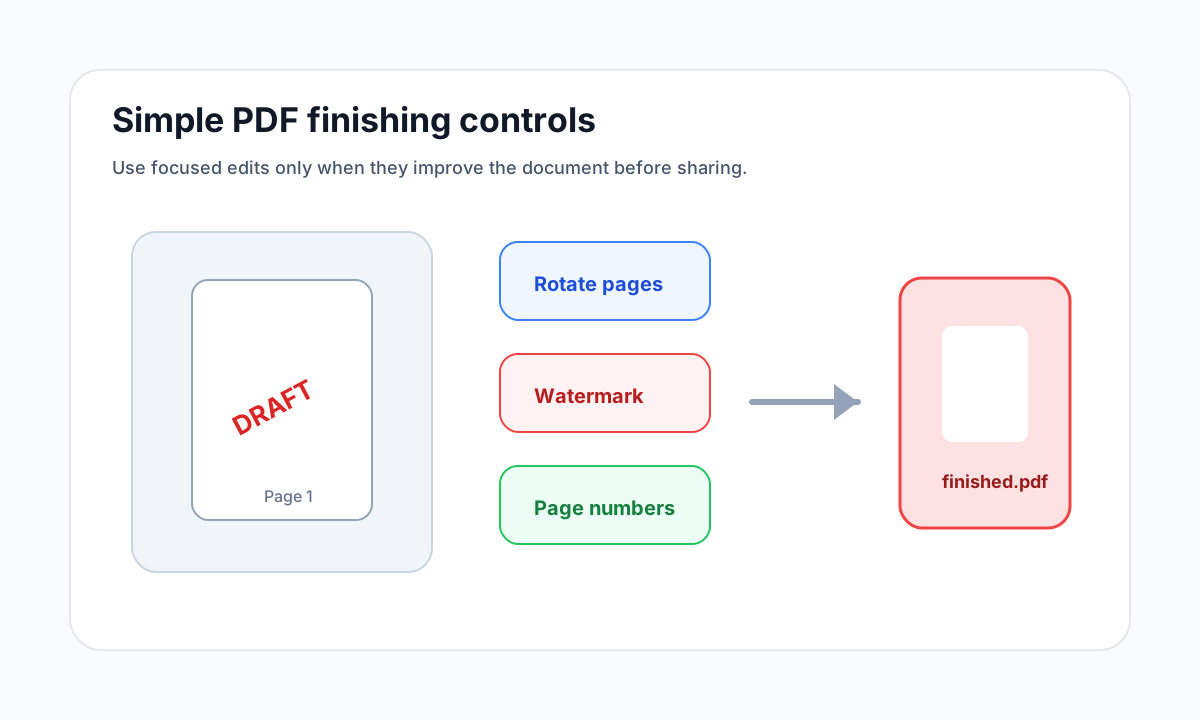
Page numbers help recipients discuss and review a PDF, especially when it contains reports, attachments or application packets.
A watermark labels a document visually. It is useful for drafts and confidential copies, but it is not the same as password protection.
Watermarks help label a PDF copy, but they do not replace password protection or secure sharing.
How to choose
Common mistakes
FAQ
LiftPDF V1 focuses on reliable browser-based operations. It does not offer full text editing inside PDF content.
Yes. Finalize page order first, then add page numbers so the numbering matches the finished document.