Watermark PDF Before Sharing
Watermarks help label a PDF copy, but they do not replace password protection or secure sharing.
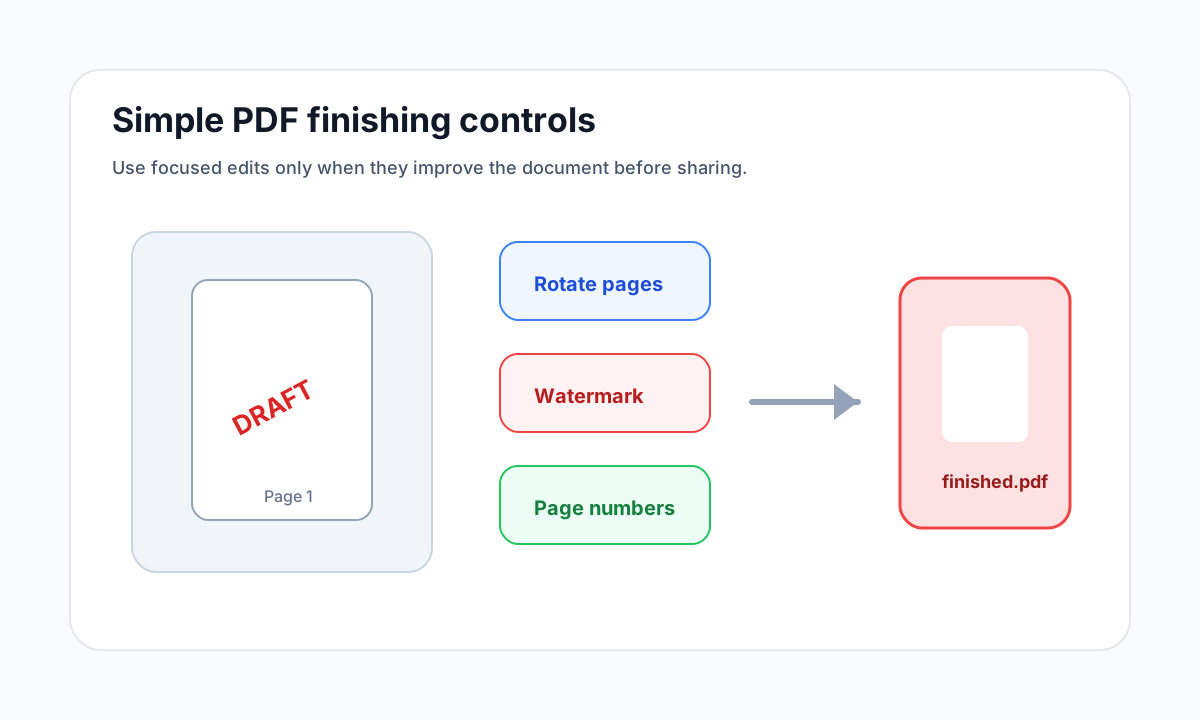
Quick answer
What you need to know first
Use Watermark PDF to add visible text such as Draft, Review or Confidential, then check that the document remains readable.
- 1Open Watermark PDF.
- 2Upload the document.
- 3Choose text, position, opacity and rotation.
- 4Download and inspect the watermarked copy.
Watermarks set expectations
A watermark can show that a file is a draft, review copy or confidential document. This is useful when the same PDF may circulate in several versions.
A watermark is visible content. It does not encrypt the PDF or prevent forwarding.
Keep the content readable
A watermark should be noticeable without blocking the document. Lower opacity and diagonal placement often work well for review copies.
Open PDF security tools
Protect PDFs with real encryption or unlock files when you know the password.
Watermark PDFFAQ
Common questions
Can a watermark protect a PDF?
It can label the file, but it does not restrict opening. Use Protect PDF for password protection.
Should I watermark before or after merging?
Usually merge and finalize the document first, then watermark the finished copy.
Editorial note
LiftPDF Editorial Team
LiftPDF articles are written against the behavior of the public LiftPDF tools. We avoid fake expert bylines, invented claims and workflows that the product cannot actually perform.
Published Jul 17, 2026. Last updated Jul 17, 2026.