How to Merge PDF Files on iPhone
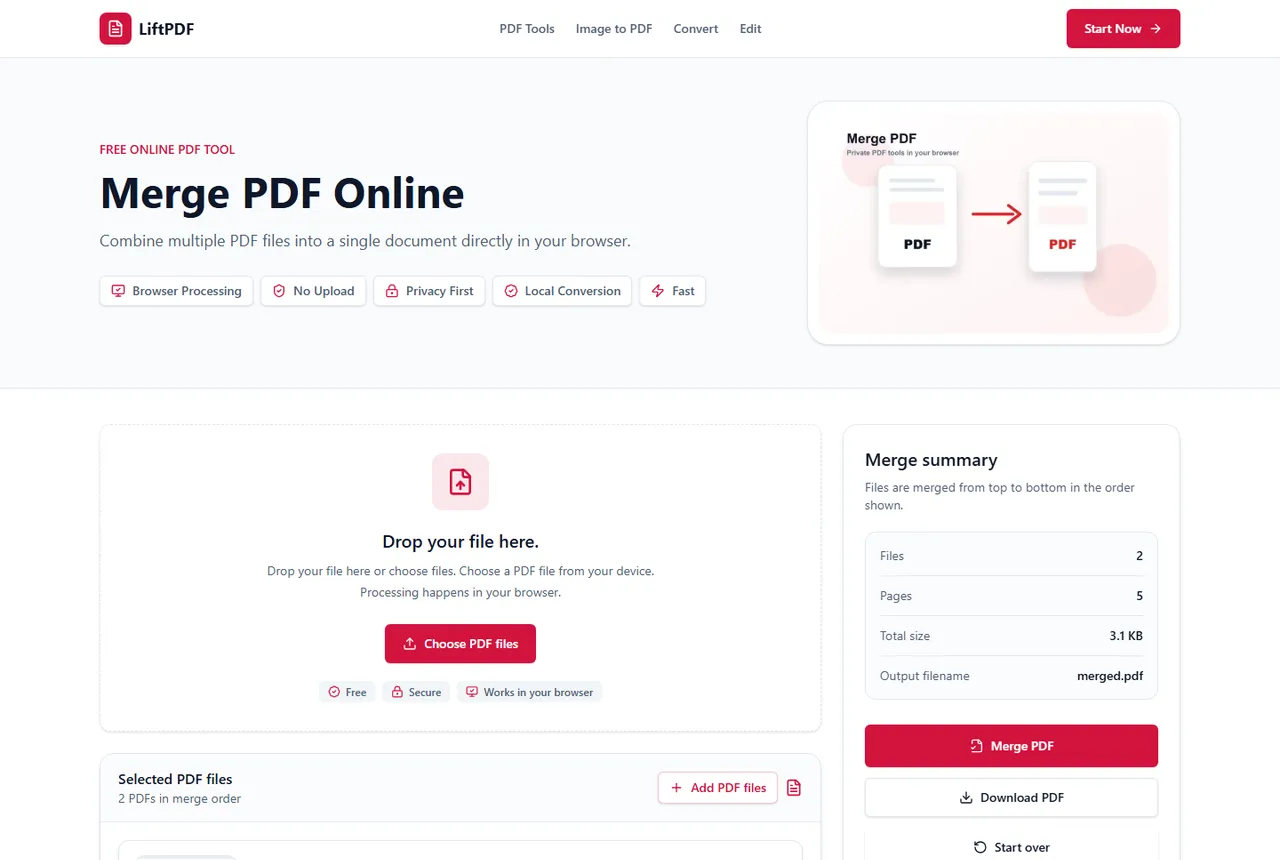
On iPhone, use Safari or another modern browser to choose PDFs from Files, arrange them and download one merged PDF.
Quick answer
How to do it
- 1Open LiftPDF on your iPhone.
- 2Tap Choose PDF files.
- 3Select PDFs from the Files app.
- 4Use the move buttons to adjust order.
- 5Merge and save the downloaded PDF.
Mobile merging is mostly about order
On smaller screens, drag and drop may be less comfortable than buttons. LiftPDF keeps move controls available so you can still put files in the correct order before merging.
Use clear file names in the Files app when possible. That makes it easier to identify the right sequence on mobile.
Where the result is saved
Your browser controls where downloads go. On iPhone, the merged PDF is typically available through the Downloads folder in Files, depending on your Safari settings.
Privacy and browser processing
LiftPDF merges PDFs in your browser for supported files. The pages are copied locally into a new document, so the workflow does not require a document upload API.
That matters for contracts, invoices, reports and personal records. You still need to use good judgment with sensitive files, but avoiding a server upload is a practical privacy advantage.
FAQ
Questions about merging PDFs
Can I merge PDF files for free?
Yes. LiftPDF lets you merge PDF files for free in your browser.
Are my PDFs uploaded to a server?
For supported files, the merge runs locally in your browser. LiftPDF does not need a backend upload API to combine the pages.
Will PDF quality change after merging?
No. LiftPDF copies the original PDF pages into a new document instead of converting them into images.
Can I change the order before merging?
Yes. Reorder the PDF files in the list before exporting. The final PDF follows that order.
Can I merge PDFs from the iPhone Files app?
Yes. Tap the upload button and choose files from the Files app.
Can I reorder files on iPhone?
Yes. Use the move buttons in the file list before merging.