Merge PDF FAQ
This FAQ answers the questions users usually have before combining PDF files: order, quality, privacy, protected files, file size and mobile support.
Quick answer
What you need to know first
This FAQ answers the questions users usually have before combining PDF files: order, quality, privacy, protected files, file size and mobile support.
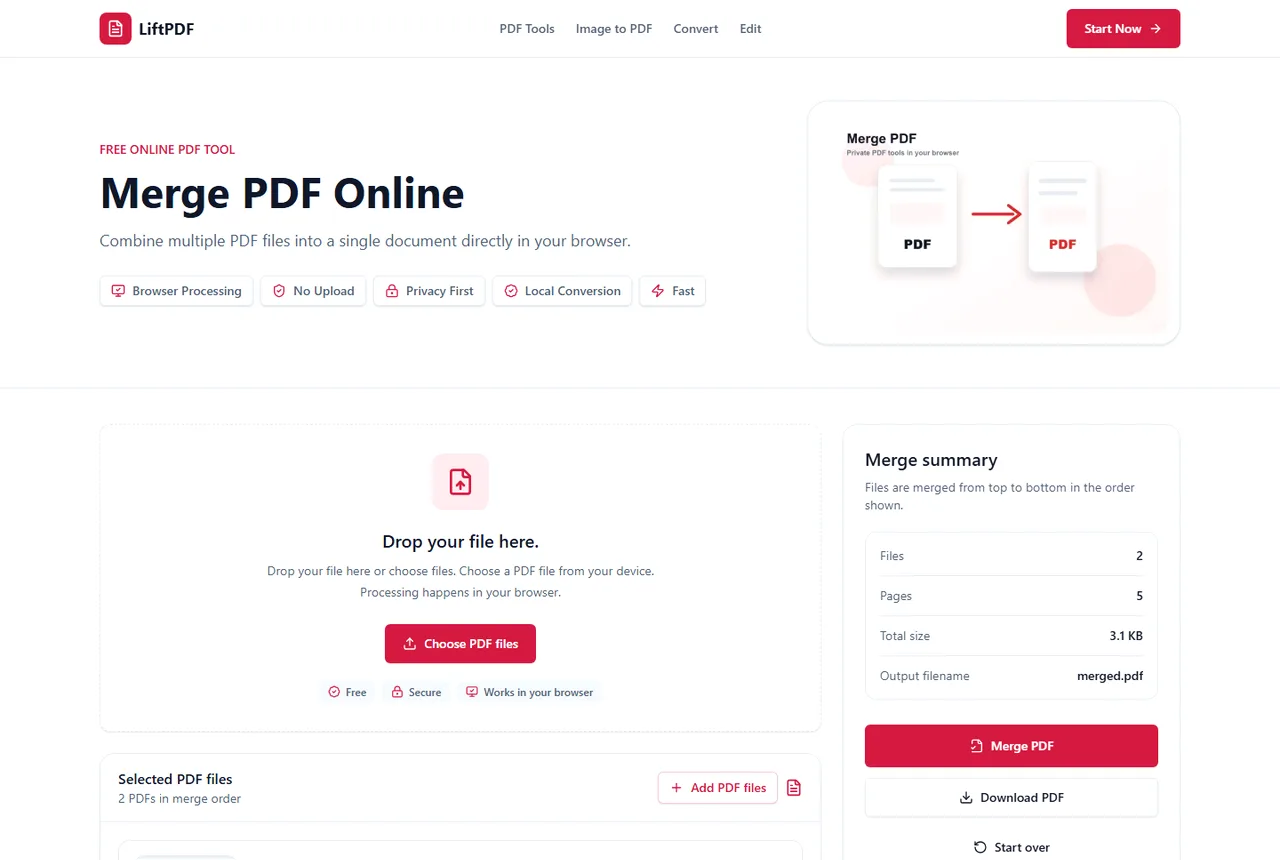
- 1Open Merge PDF.
- 2Add the files you want to combine.
- 3Check order, page counts and file names.
- 4Merge the files.
- 5Download and review the final PDF.
The short answer
Merge PDF creates one document from multiple PDF files. The final order follows the order shown in the file list.
For supported files, LiftPDF performs the merge locally in your browser and downloads the result to your device.
Before you merge
Remove pages that do not belong, unlock protected PDFs if you know the password, and rename confusing files before upload.
If the merged PDF needs page numbers or a watermark, merge first and add those finishing touches after the document is in its final order.
After you merge
Open the merged PDF before sending it. Confirm that the order, page count and content are correct. Use Compress PDF if the combined file is too large.
Privacy and browser processing
LiftPDF merges PDFs in your browser for supported files. The pages are copied locally into a new document, so the workflow does not require a document upload API.
That matters for contracts, invoices, reports and personal records. You still need to use good judgment with sensitive files, but avoiding a server upload is a practical privacy advantage.
FAQ
Questions about merging PDFs
Can I merge PDF files for free?
Yes. LiftPDF lets you merge PDF files for free in your browser.
Are my PDFs uploaded to a server?
For supported files, the merge runs locally in your browser. LiftPDF does not need a backend upload API to combine the pages.
Will PDF quality change after merging?
No. LiftPDF copies the original PDF pages into a new document instead of converting them into images.
Can I change the order before merging?
Yes. Reorder the PDF files in the list before exporting. The final PDF follows that order.
Can I merge PDFs on a phone?
Yes. On mobile, use the move buttons to adjust file order before merging.
Can I merge scanned PDFs?
Yes, if they are valid readable PDFs. Image-heavy scans may create a larger final file.
Can I merge PDFs and images together?
Merge PDF accepts PDF files. Convert images with Images to PDF first, then merge the resulting PDF if needed.
Why is the merged PDF large?
The final file contains the pages from every source PDF. Scans and photos often make the merged file larger.
Can I add page numbers after merging?
Yes. Merge first, then use Add Page Numbers on the final document.
Can I protect the merged PDF?
Yes. Use Protect PDF after merging if the final document should require a password.
Editorial note
LiftPDF Editorial Team
LiftPDF articles are written against the behavior of the public LiftPDF tools. We avoid fake expert bylines, invented claims and workflows that the product cannot actually perform.
Published Jul 15, 2026. Last updated Jul 16, 2026.