Merge PDF: LiftPDF vs Adobe Acrobat
Adobe Acrobat is a powerful PDF platform. LiftPDF is a focused browser tool for quick PDF merging without account friction or unnecessary upload workflows.
Quick answer
What you need to know first
Adobe Acrobat is a powerful PDF platform. LiftPDF is a focused browser tool for quick PDF merging without account friction or unnecessary upload workflows.
- 1Use Adobe when you need a full professional PDF suite.
- 2Use LiftPDF when you need a quick browser merge.
- 3Upload files to LiftPDF only through the local browser picker.
- 4Check order and page counts.
- 5Download one merged PDF.
Where Adobe is stronger
Adobe has deep PDF authority, desktop tools and enterprise workflows. It is the stronger choice for advanced editing, redaction, form work, signatures and complex document management.
If your organization already uses Adobe Acrobat, it may be the natural place to manage heavy PDF workflows.
Where LiftPDF is simpler
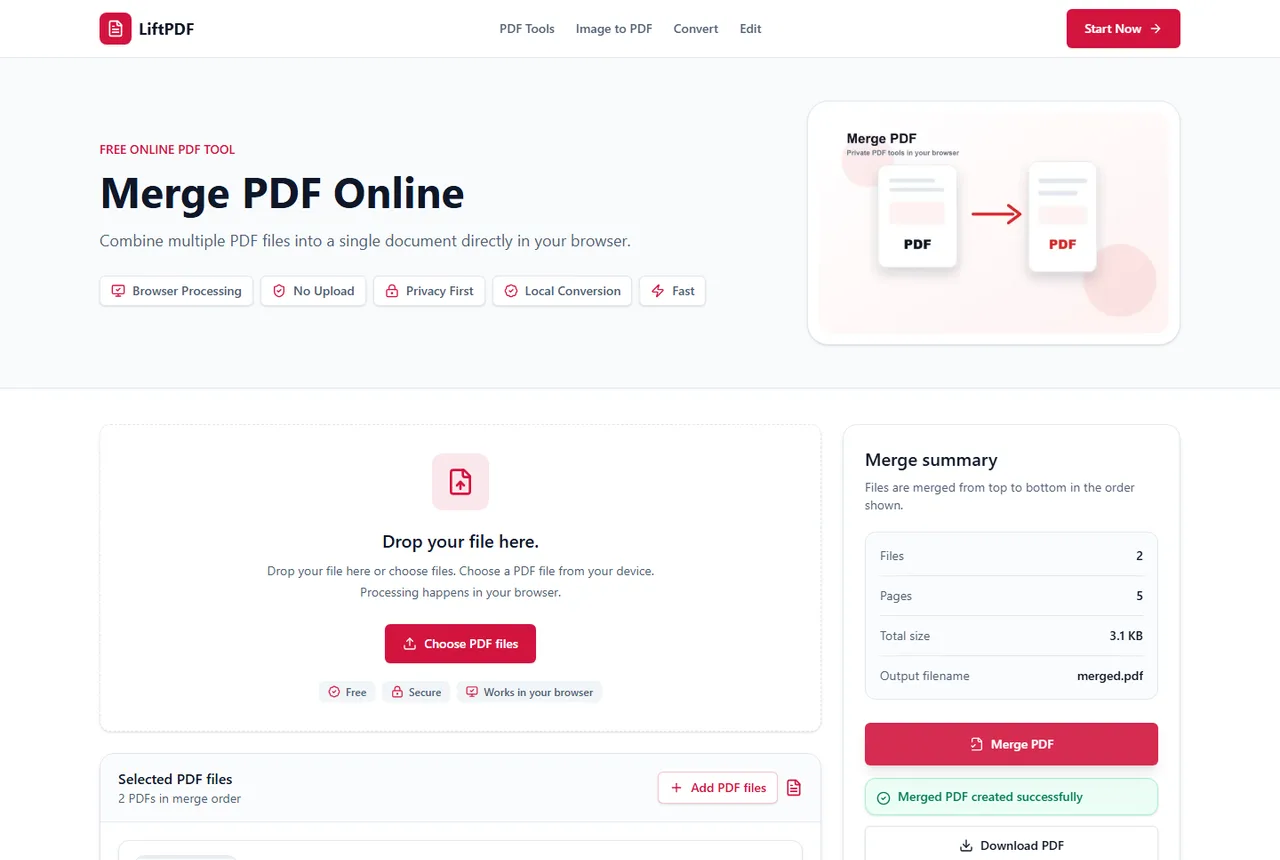
LiftPDF is built for common browser tasks. For merging PDFs, the workflow is direct: add files, order them and download one result.
The main advantage is privacy-oriented browser processing for supported files. You do not need a desktop app just to combine everyday PDFs.
Which one should you use?
Choose Adobe for enterprise-grade PDF editing and broader document control. Choose LiftPDF when the job is simply to merge PDFs quickly, privately and without extra product surface.
Privacy and browser processing
LiftPDF merges PDFs in your browser for supported files. The pages are copied locally into a new document, so the workflow does not require a document upload API.
That matters for contracts, invoices, reports and personal records. You still need to use good judgment with sensitive files, but avoiding a server upload is a practical privacy advantage.
FAQ
Questions about merging PDFs
Is LiftPDF better than Adobe?
Not for every PDF task. Adobe is broader. LiftPDF is simpler for quick browser-side merging.
Can LiftPDF replace Acrobat for merging?
For basic merging, yes. For advanced PDF editing, Acrobat may still be the better tool.
Does LiftPDF require installation?
No. Merge PDF runs in a modern browser.
Are my PDFs uploaded to a server?
For supported files, the merge runs locally in your browser. LiftPDF does not need a backend upload API to combine the pages.
Will PDF quality change after merging?
No. LiftPDF copies the original PDF pages into a new document instead of converting them into images.
Editorial note
LiftPDF Editorial Team
LiftPDF articles are written against the behavior of the public LiftPDF tools. We avoid fake expert bylines, invented claims and workflows that the product cannot actually perform.
Published Jul 15, 2026. Last updated Jul 16, 2026.